How Can I Fix A QuickTime Codec Error?
The basic work flow is to determine which codecs were used to create the non-playing file and then check to see if these formats are supported by your current system codec component configuration.
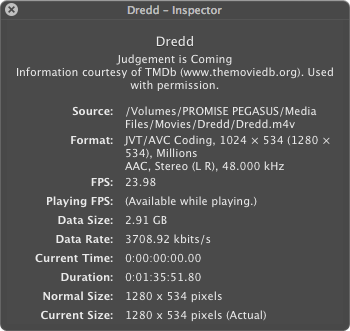
If the files will open in one of the QT player app, the open the inspector window to see which codecs were used to create the original file as seen here...

or here in the "Format" entry...
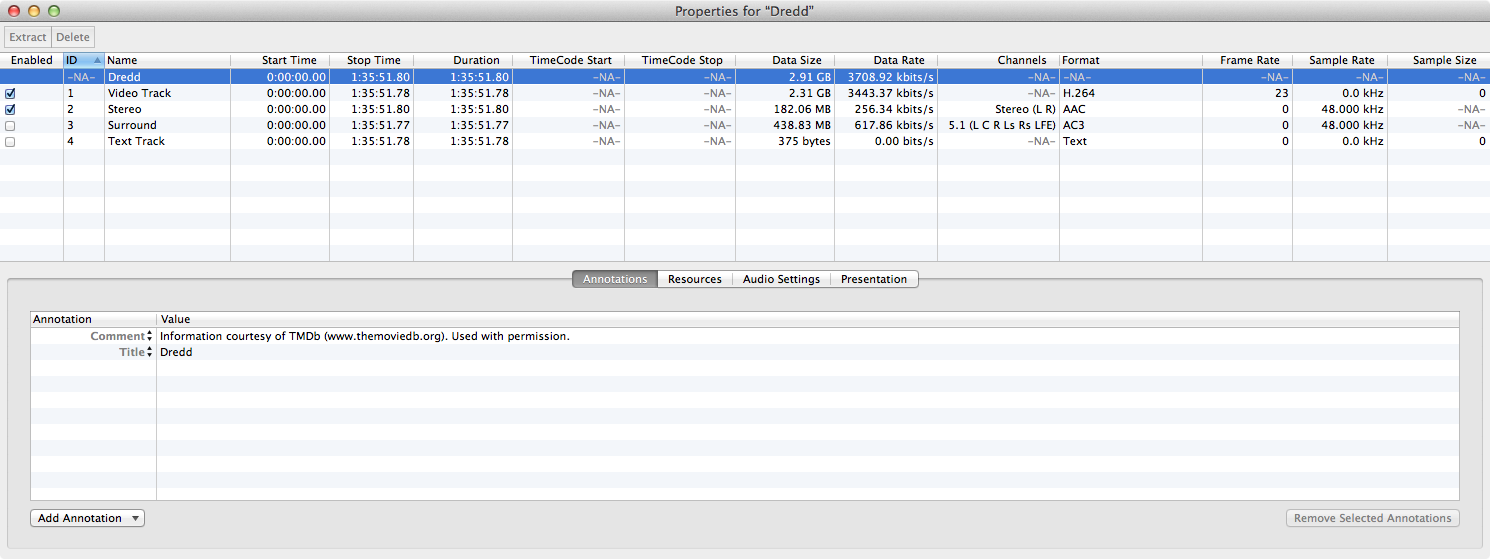
Or, if you have QT 7 keyed for "Pro" use, you can open the "Properties" window to gain even more information as demonstrated here...
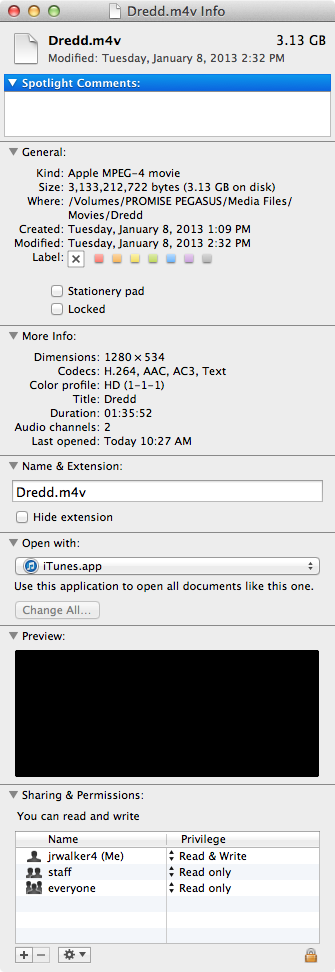
if you file will not open in either of the QT Player apps, then you can try opening the Finder "Get Info" window for the file,
use a third-party media player that will open the file, or

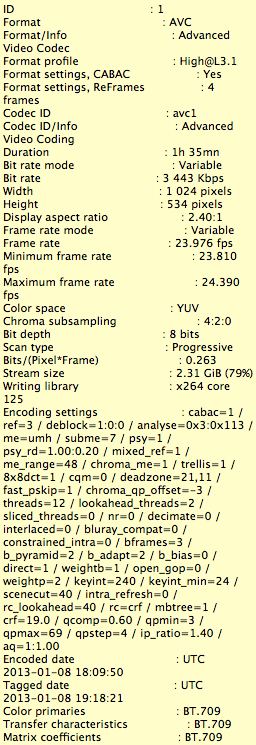
use a dedicated media information utility to learn this information....
Once you know what codecs were used to create the file, post back with this information so we can deterine if the file should be natively supported by your Mac OS X install, requires an Apple Pro editing codec normally installed by the editor app, or requires a third-party codec which the user must supply.
These movies ran in QuickTime just fine until about a month ago.
All the folders in which these movies were stored in 4 folders in 2 folders in one folder. All folders at each level were encrypted with Stuffit Deluxe a version circa 2008 and decrypted with a newer Stuffit Deluxe 10.x. Other movies that are NOT .mov and in with the .mov movies still run.
Your information does not indicate whether or not the files actually played on the current system or were transferred from a different system which was properly configured for playbac, whether or not you recently upgraded your operating system/modified your codec component configuration by adding or deleting any codecs, whether your compound "Stuffing" of the files created corruption, etc.
As to MOV files the selves, this extension just implies the data was placed in the QT generic file container and the actually data could be of any compression format thathat was compatible with the codec component configuration for the system on which the files were created and could include natively supported system codecs, pro editing codecs, and/or third-party proprietary or hybrid codecs. (I.e., this is why we may need more information regarding the individual non-playing files.)
If I click on the Thumbnail Preview "It" runs.
f you are referring to QuickLook (QL) then the technology is different than QuickTime (QT). In the former case, the system is playing representative data but not actually opening the file as QT does. Thus, there is always the possibility that the problem is in the file structure (atom) information. For instance, suppose someone merely changed the MOV file extension in the Finder rather than actually copying data to a real MOV file container. Then it is possible that the QT player app may be searching for a codec that is not supposed or expected to be supported in the MOV file container and, not finding it, issues the erroneous codec error message—especially since you did not inticate the source of the file you are trying to play or, in some cases, which QT player is now not playing the file.
In short, there are several possibilities here and not enough specific information.



