Mavericks, Windows 8.1 and iMac Bluetooth Keyboard Issue
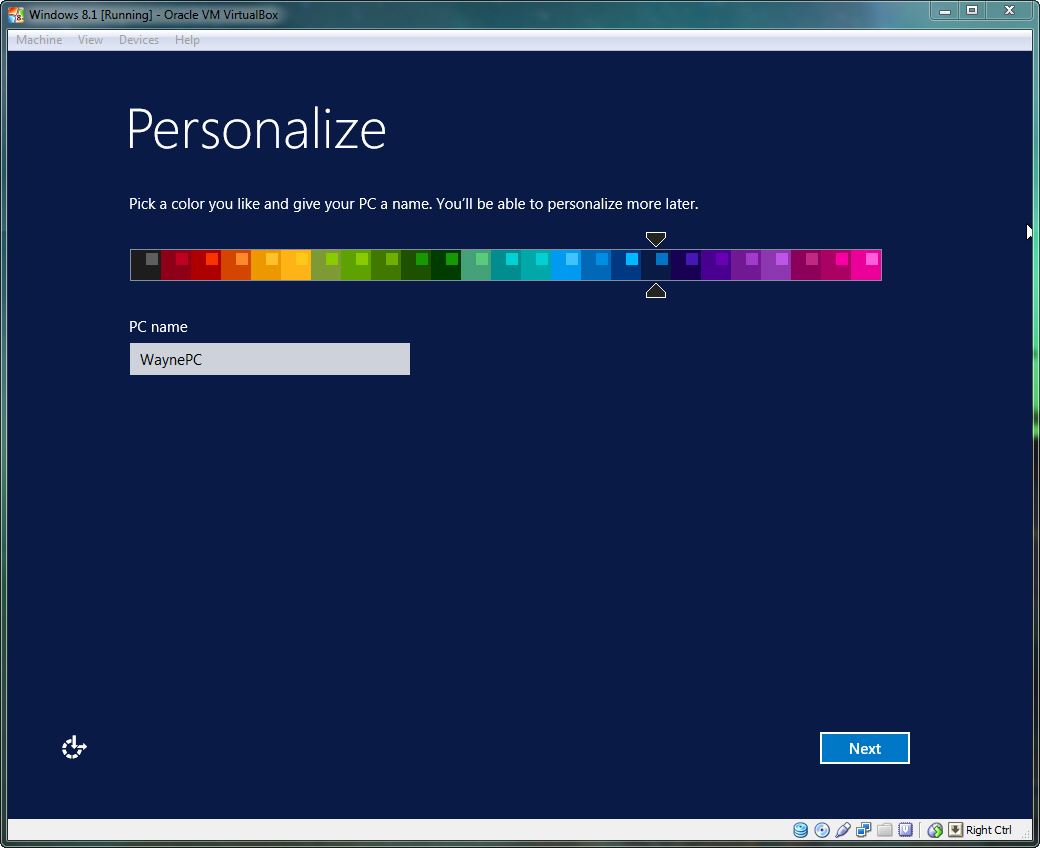
Just upgraded my iMac (Late 2012) to OS X 10.9 (13A603). I downloaded the Windows 8.1 ISO from Microsoft's DreamSpark program and I attempted to use Bootcamp to do a fresh install. Everything goes smoothly up to the point where the Windows 8.1 installer has restarted the computer and its ready to be "personalized" (see this image for the screen I'm talking about). Once I get to this screen, my Apple Bluetooth Keyboard and/or Magic Mouse is no longer recognized by the installer and I can't proceed.
Keep in mind that on the first reboot into the Windows 8.1 installer, my keyboard and mouse work perfectly (this is how I selected the language settings, entered the 8.1 serial, formatted the Bootcamp partition, etc). Anyone have any idea on how I can go about fixing this issue?
iMac (27-inch, Late 2012), OS X Mavericks (10.9)