Hi J.grazier,
Thanks for contributing to the Apple Support Communities.
It appears that you are trying to view Flash content on the web, but you're being asked to update your plugin. Be sure to follow the steps from this article when updating.
Adobe Flash Player updates available for OS X on December 12, 2014 - Apple Support
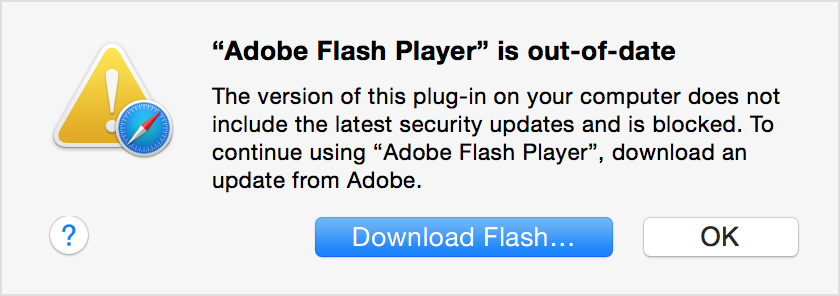
To continue viewing Flash content, update to a later version of Adobe Flash Player:
- Click the Download Flash button. Safari opens the Adobe Flash Player page on the Adobe website.
- Follow the instructions on the Adobe website to download and install the latest version of the plug-in.
If you need to use an older version of Flash Player, you can use Internet plug-in management in Safari to run the plug-in in unsafe mode for websites that you trust.
Contact Adobe if you need help downloading, installing, or using Adobe Flash Player.
Best Regards,
Jeremy


