It looks like you initiated an erase.


The erase is pending because the phone is offline. Once the phone is turned on and connected to a data network it will be erased. At that point you should receive a confirmation Email.
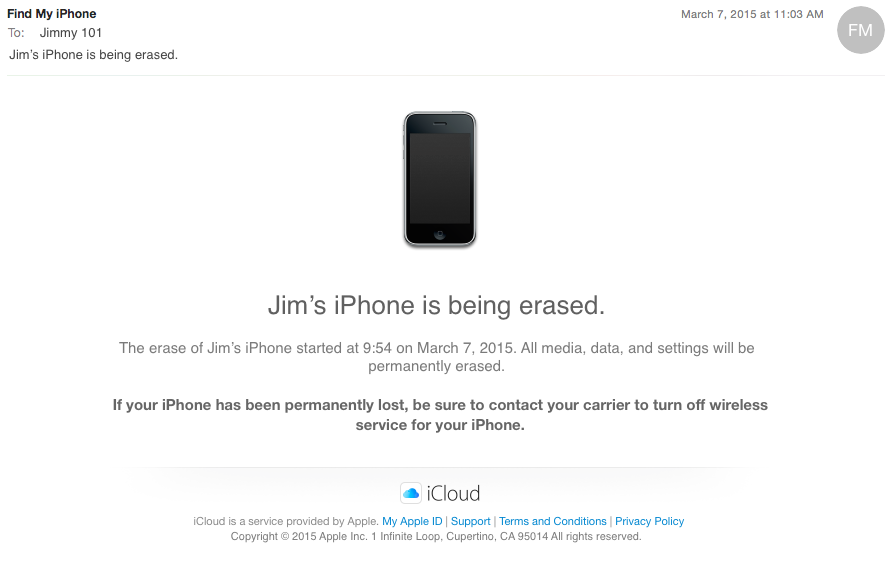
You can no longer change the lock screen message or use Find My iPhone to try to locate it or play a sound on it. Once the phone is erased, your custom message will continue to display. Your password will be required before anyone can turn off Find My iPhone on your device, or reactivate and use your phone. As long as you don't remove your phone from your account, it remains on your Find My iPhone Devices list, and Activation Lock will continue to be active. You know your phone is online when a green dot appears beside your phone in the My Devices list. You can verify the Activation Lock status of your phone from the Check Activation Lock Status webpage.
Steps to take:
1. Change your Apple ID password.
2. Change the passwords for your other internet accounts.
3. If you think your phone is permanently lost, contact your carrier to turn off wireless service for your phone.
4. Contact local law enforcement and report your phone as lost. In the event they require the serial number, you can find it by visiting the My Support Profile webpage. It will also be printed on the barcode label of your phone's original packaging.
If your iPhone, iPad, or iPod touch is lost or stolen - Apple Support
Find My iPhone Activation Lock - Apple Support
iCloud: Use Lost Mode
iCloud: Erase your device
<Image Edited by Host to Remove Personal Information>

