How do you view the original photo when making edits?

In iPhoto, if you pressed Shift when you were making edits to a photo, it would show you the original photo without reverting back to it. Is there a way to do this in the new Photos program? I've tried Shift but it doesn't work. I also tried Command, Option, Control, Function...none of these work. Any ideas?

MacBook Pro with Retina display, OS X Mavericks (10.9)

Posted on Jul 28, 2015 7:24 PM

Reply
3 replies

Jul 28, 2015 8:49 PM in response to bosley60

the Help menu is a great resource - while in edit mode press and hold the "M" key to see the original image


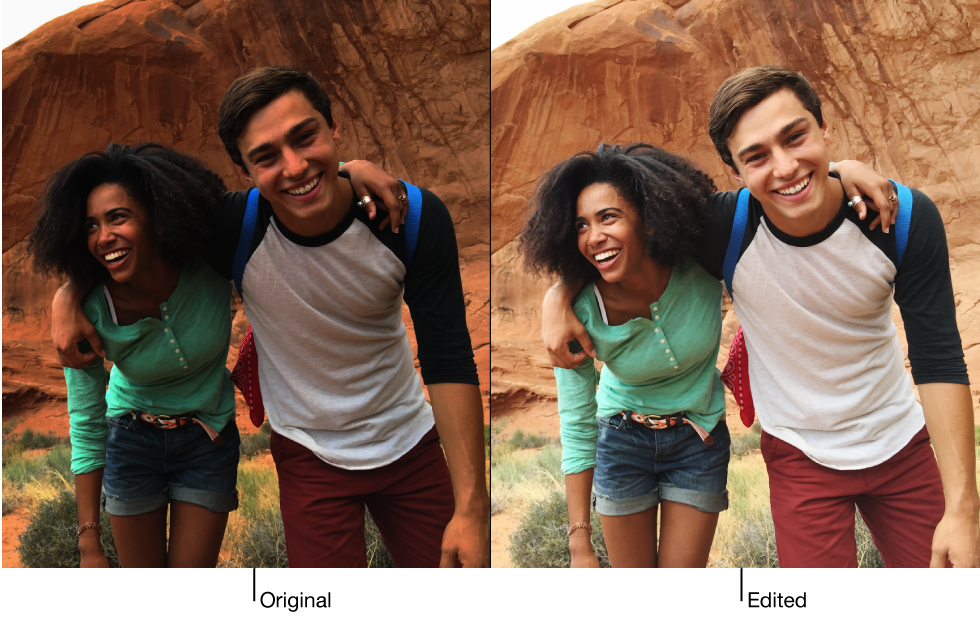
Compare photos before and after editing

While editing a photo, you can compare the edited version with the original.

User uploaded file

  1. Double-click a photo to open it, then click Edit in the toolbar.
  2. Hold down the M key to see the original photo. Release the M key to see the photo with edits.


LN

This thread has been closed by the system or the community team. You may vote for any posts you find helpful, or search the Community for additional answers.

How do you view the original photo when making edits?

Welcome to Apple Support Community
A forum where Apple customers help each other with their products. Get started with your Apple Account.