my phone screen is not working now. how can i check miss call and message from my phone?
my phone screen is not working now. how can i check miss call and message from my phone?
iPhone 5, iOS 7.0.4
my phone screen is not working now. how can i check miss call and message from my phone?
iPhone 5, iOS 7.0.4
Hello there, kyitha.
It sounds like the touchscreen on your iOS device is not functioning or may not be powering on. The following Knowledge Base article offers up some great recommendation if your issue is related to the touchscreen:
If the screen on your iPhone, iPad, or iPod touch doesn't respond to touch - Apple Support
Fix your touchscreen
Make sure your hands are clean and dry, then try these steps:
- If you have a case or screen protector on your device, try removing it.
- Clean the screen with a soft, slightly damp, lint-free cloth.
- Unplug your device.
- Restart your device. If you can't restart, force your device to restart.
If your touchscreen still doesn't respond like it should, contact Apple Support or take your device to an Apple Retail Store or Apple Authorized Service Provider.
If your issue is related to the iPhone not powering on, then this alternate article may be of more assistance:
If your iPhone, iPad, or iPod touch doesn't respond or doesn't turn on - Apple Support
If your screen is black or frozen
First, try to force your device to restart.
- Forcing your device to restart won't erase the content currently on your device.
- You can force your device to restart even if your screen is black or your buttons aren't responding.
Press and hold the Sleep/Wake and Home buttons at the same time for at least 10 seconds until you see the Apple logo.
If your device still won't turn on or start up
Plug in your device and let it charge for at least 1 hour.
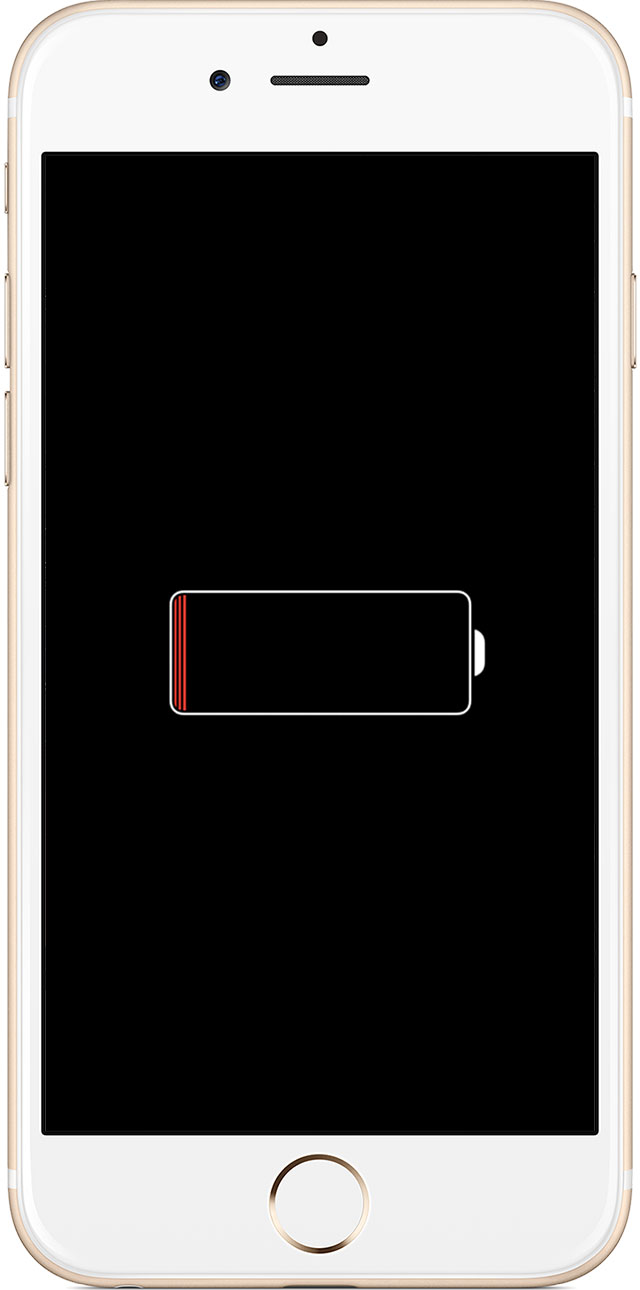
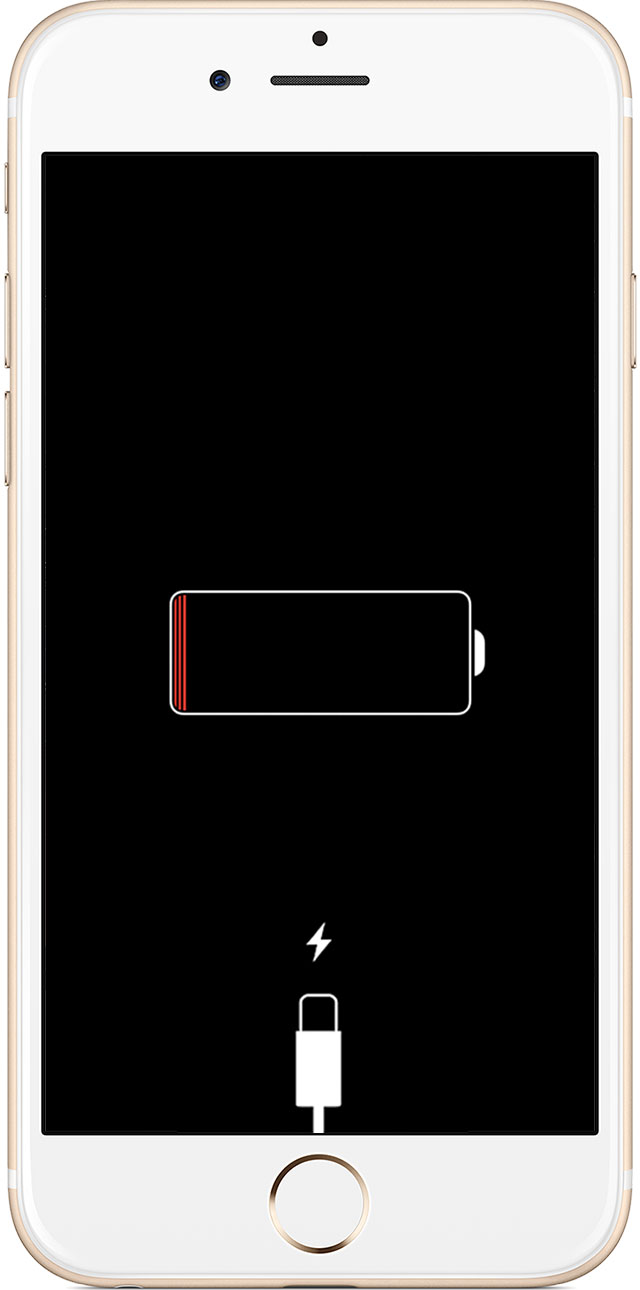
After a few minutes, you should see the charging screen.
If you don't see the charging screen within an hour, or you see the connect to power screen, check your connector, USB cable, and power adapter. Make sure that everything is plugged in firmly, free of debris, and not damaged. You might want to try a different USB cable or power adapter.
If your device still won't turn on, see what to do next.
Thanks for reaching out to Apple Support Communities.
Kind Regards.
RECOVERY MODE
I'm literally going through Recovery Mode right now.
My iPhone 6 iOS8 was not responding to my touch (screen).
It started doing this yesterday... then from time to time, the screen randomly responded to my touch. VERY frustrating.
Cross fingers this works.
my phone screen is not working now. how can i check miss call and message from my phone?