deny access from laptop
Hi all,
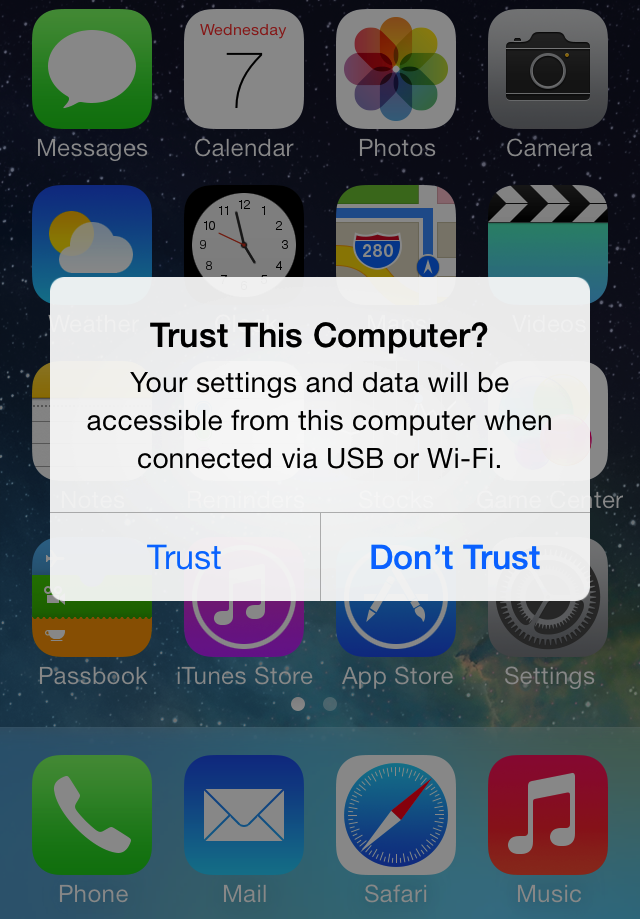
I'm trying to charge my iPhone via a public computer. Therefore I would like to deny access to my pictures and video's (or any access for that matter) on my iPhone. On the laptop I have selected the option to take no action when the iPhone is connected.
However the phone keeps vibrating and asking for permission.
What can I do, except allowing access...?