How can I purchase items on My Wish List?
How can I purchase items on My Wish List?
Windows 7, PC
How can I purchase items on My Wish List?
Windows 7, PC
Greetings showtime sheriff,
Thank you for using Apple Support Communities. It seems like you want to purchase items on the Wish list. I would recommend you read this article, it may be able to help troubleshoot the issue.
Use Wish List and Preview History in the iTunes Store - Apple Support
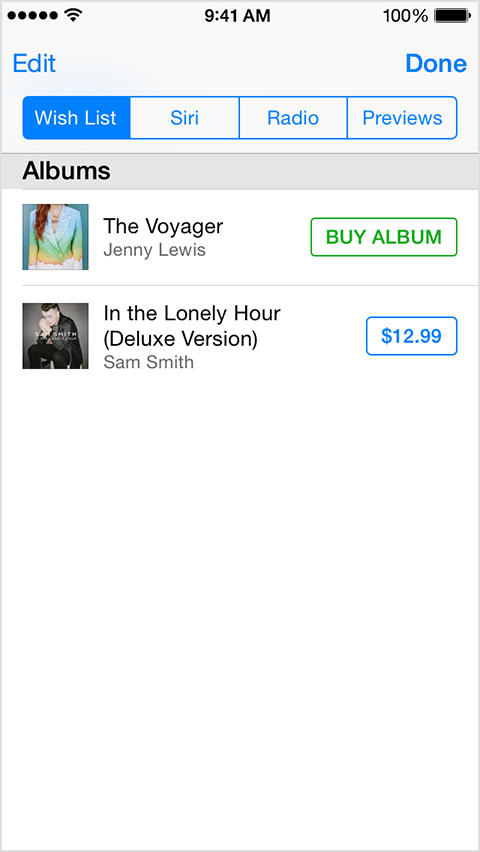
Buy items from your Wish List, Preview History, iTunes Radio History, and history of songs identified by Siri
iPhone, iPad, and iPod touch
- In the App Store or iTunes Store, tap the Preview History icon.
- Tap Wish List and tap the price next to the item you want to buy.
- Tap the Buy button.
- When prompted, type your Apple ID password.
Mac and PC
- Open iTunes and go to the iTunes Store.
- Sign in with your Apple ID, if you aren't signed in already.
- Click on your account name.
- Select Wish List.
- Click the desired content type within Wish List.
- Click the price under the item you want to buy.
- Type your Apple ID password, if prompted.
- Click Buy.
Take care
How can I purchase items on My Wish List?