
How do I add a photo to an existing playlist?
I have tried dragging a .jpg to the playlist cover, but nothing happens. I am sure this is easy, but I seem to be doing it incorrectly. Any advice?
iMac, Mac OS X (10.7.5)
I have tried dragging a .jpg to the playlist cover, but nothing happens. I am sure this is easy, but I seem to be doing it incorrectly. Any advice?
iMac, Mac OS X (10.7.5)
Howdy Paddy B.,
Thanks for using the Apple Support Communities.
I understand you'd like to add your own custom photo to an iTunes playlist that you've created. In order to get your own photo to be associated with the playlist, you will need to follow through the steps below.
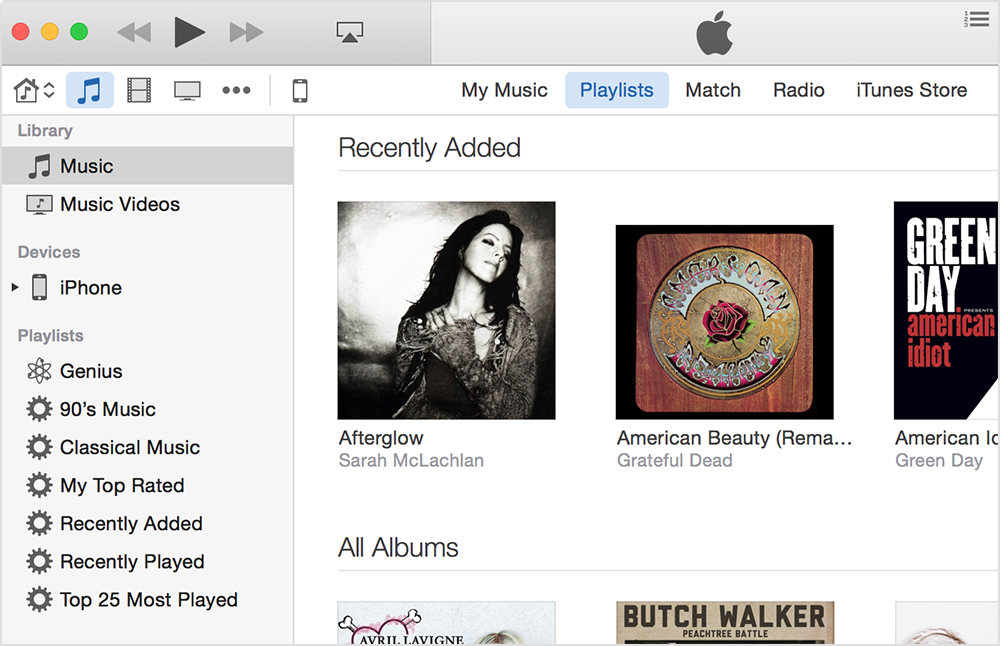
You will now see your image as the main playlist artwork.
Take care.
Thank you for your response - when I click on the current image (which in this case is the gray question mark), what appears is a box entitled "Recent Pictures", 16 mini gray boxes, "Edit Picture…" and "Clear Recent Pictures." No matter what I click, the box disappears and nothing happens. Any thoughts?
How do I add a photo to an existing playlist?

