How do I save the itunes card number in my iphone 6
How do I save the itunes card number in my iphone 6?
iPhone 6, iOS 9.2
How do I save the itunes card number in my iphone 6?
iPhone 6, iOS 9.2
Hello there, vbkennison.
It sounds like you want to know how to redeem your iTunes Gift Card. The following Knowledge Base article offers up the steps on how to do that from your iPhone:
Redeem iTunes Gift Cards and codes
On your iPhone, iPad, or iPod touch
- On your device, tap iTunes Store, App Store, or iBooks Store. iTunes Store Gift Card amounts are credited to your Apple ID, so you can use them in any store as long as you sign in to each store with the same Apple ID.
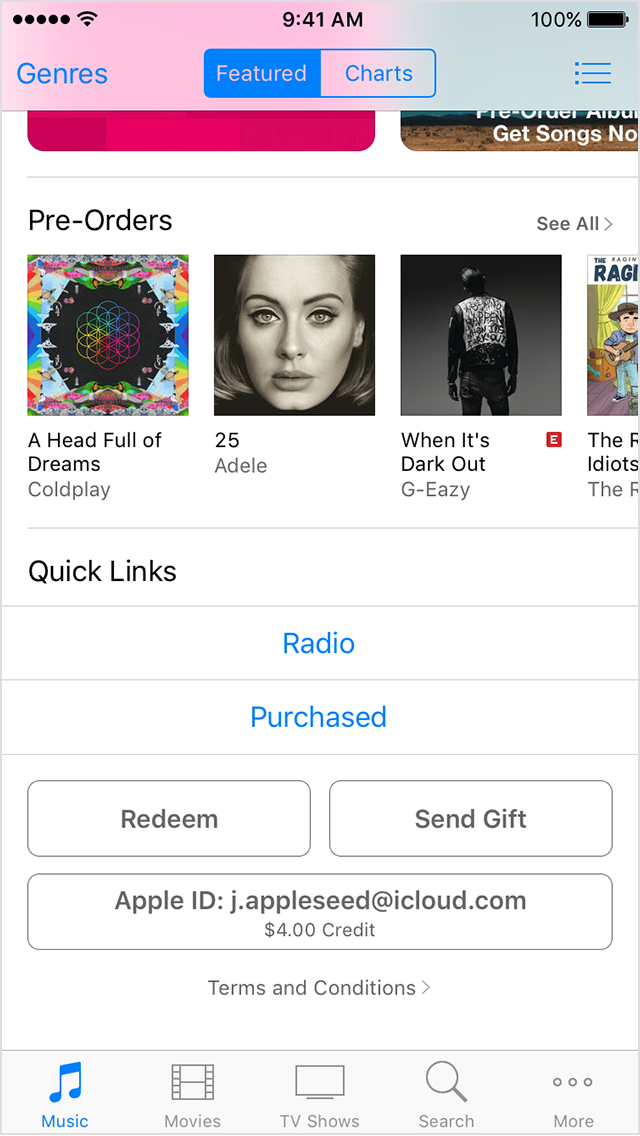
- Scroll to the bottom of the Featured section and tap Redeem.
- Sign in with your Apple ID. Learn what to do if you forgot your Apple ID.
- Tap "You can also enter your code manually." In some countries, you can redeem gift cards using your built-in camera.
- If you have an iTunes Store Gift Card, enter the 16-digit code, which starts with X, from the back of the card.
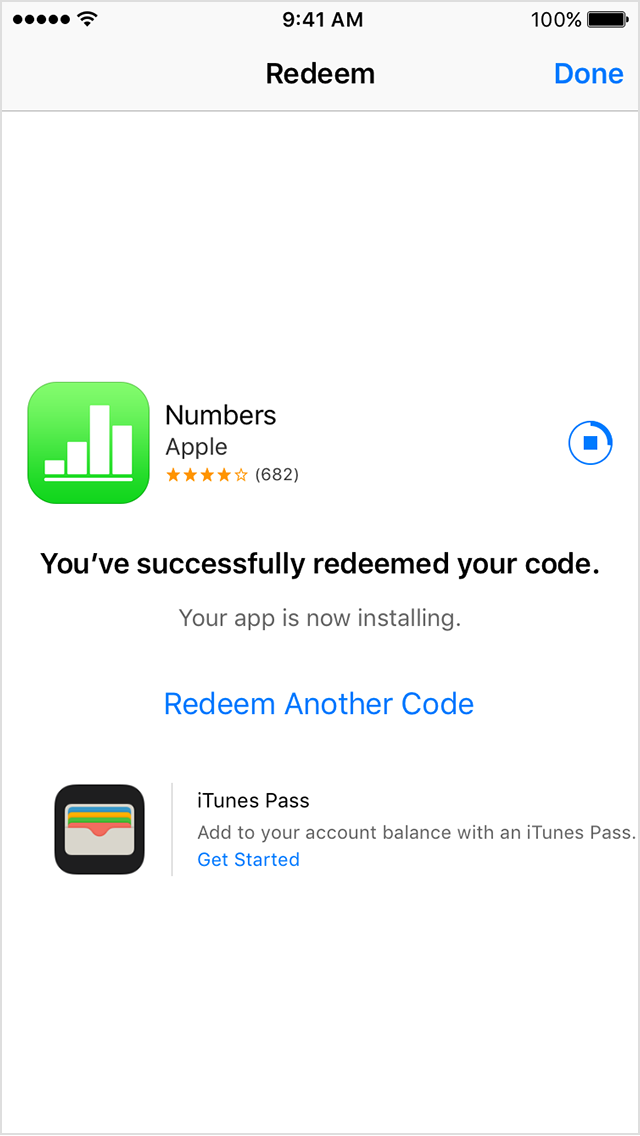
If you have a promo or content code, enter the code from the back of the card.- Tap Redeem. Learn what to do if you see an alert message or can't redeem your iTunes Store Gift Card or content code.
After you redeem an iTunes Store Gift Card card code, your iTunes account balance automatically updates.
After you redeem a content or promo code, the item associated with the code automatically downloads.
The amount on an iTunes Store Gift Card credits to the iTunes Store, App Store, and iBooks Store accounts that are connected to your Apple ID. Your credit is used for each purchase you make in any of the stores until it's gone. Learn how to check your credit balance.
Thanks for reaching out to Apple Support Communities.
Kind Regards.
How do I save the itunes card number in my iphone 6