Receiving and sending text messages
Why don't text from non Apple devices I get on my iPhone show up on my iPad ??
iPad Air, iOS 9.2
Why don't text from non Apple devices I get on my iPhone show up on my iPad ??
iPad Air, iOS 9.2
Hi GradyI62,
Thank you for using Apple Support Communities. Based on what you stated, it seems you want to receive iMessage and SMS messages on the iPad. I would recommend you read this article, it may be able to help troubleshoot the issue.
Use Continuity to connect your iPhone, iPad, iPod touch, and Mac - Apple Support
SMS
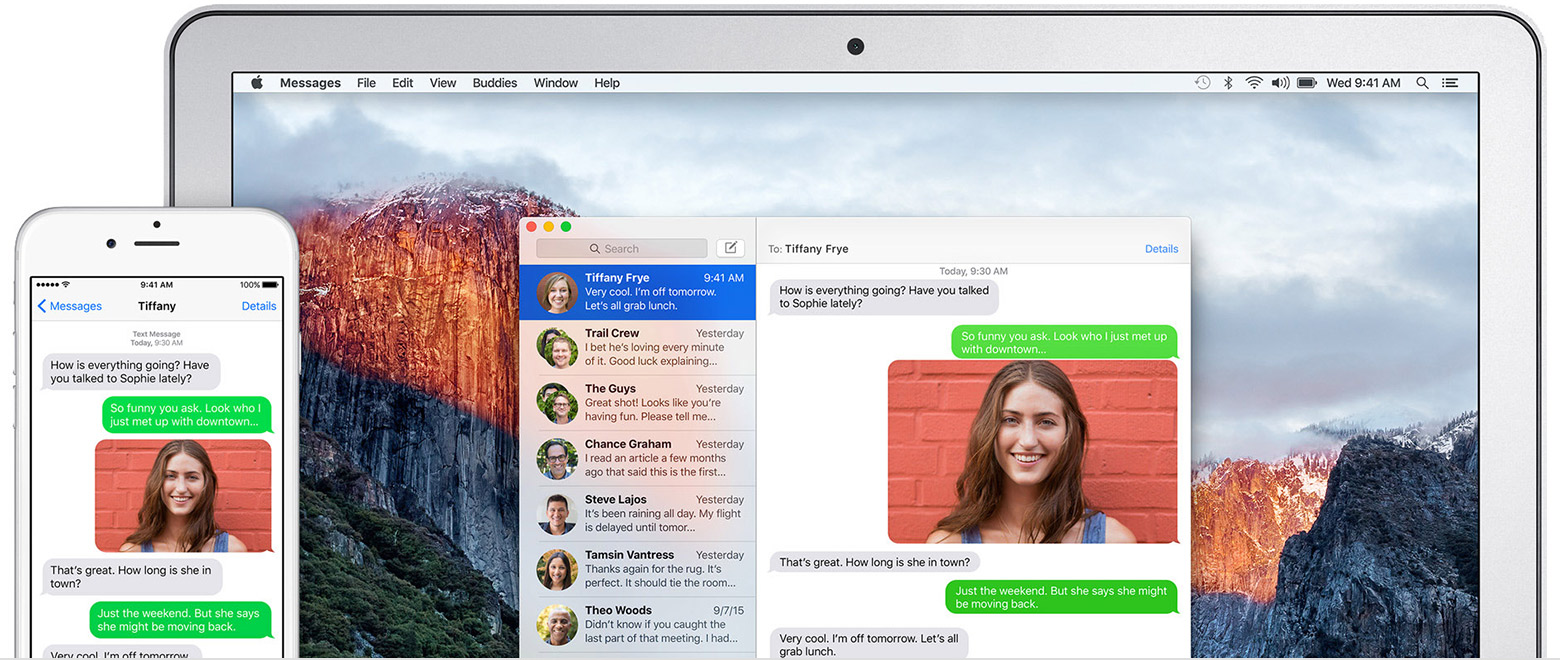
With Continuity, all the SMS and MMS text messages that you send and receive on your iPhone can also appear on your Mac, iPad, and iPod touch. You can also reply to your contacts from whichever device is closest to you, including your iPad or Mac.
You can start a conversation in the Messages app or click a phone number in Safari, Contacts, or Calendar.
Set up SMS and MMS with Continuity
- You need iOS 8 or later on your iOS devices and OS X Yosemite or later on your Mac.
- Sign in to iMessage with the same Apple ID on your iPhone, your other iOS devices, and your Mac.
- On your iPhone, go to Settings > Messages > Send & Receive. Add a check to both your phone number and email address. Then go to Settings > Messages > Text Message Forwarding and enable the device or devices that you want to forward messages to.
- Look for a code on the Mac, iPad, or iPod touch that you enabled. Then enter this verification code on your iPhone.
Cheers
Receiving and sending text messages