HT204414: Designate a System Photo Library in Photos

Learn about Designate a System Photo Library in Photos
William Hooper

Q: Two Photos libraries

I am running out of space on my flash hard drive (500 GB) in part due to my Photo's library. I was thinking about moving it to an external drive and creating a new Photos library for 2016. If I do that and designate the new library as my system library, will my iCloud photos "disappear"?  Of will they be there in the Cloud and on my other devices?  Or will they reimport back into the new Photo's library as thumb prints or the same size downloaded leaving me back at square one?

Photos, OS X El Capitan (10.11.2)

Posted on Jan 2, 2016 8:17 PM

Close

Q: Two Photos libraries

  • All replies
  • Helpful answers

  • by Brett L,

    Brett L Brett L Jan 4, 2016 7:34 AM in response to William Hooper
    Community Specialists
    Jan 4, 2016 7:34 AM in response to William Hooper

    Howdy William,


    I understand you have a question about what happens to your iCloud Photo Library if you designate a new Photos library as your System Photo Library. The following article addresses that issue - Designate a System Photo Library in Photos.


    Specifically -

    iCloud and the System Photo Library

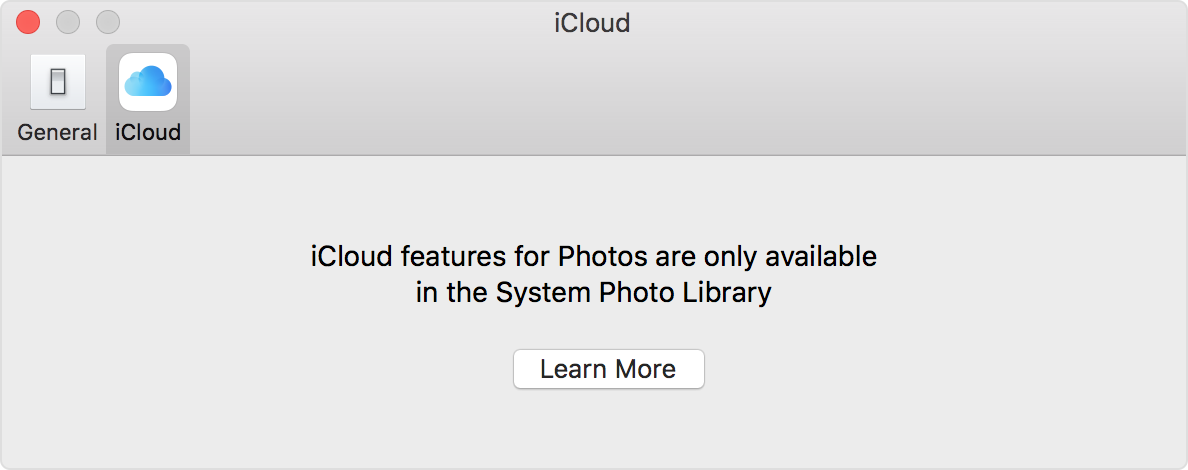
    You can use iCloud Photo Library, iCloud Photo Sharing, and My Photo Stream only with the System Photo Library. If you choose a different library in Photos without designating it as the System Photo Library, the iCloud tab in Photos preferences is disabled: 

    Photos iCloud preferences

    If you designate a new library as the System Photo Library and then turn on iCloud Photo Library, the photos and videos in the new library will merge with those already in your iCloud Photo Library. If you want to keep the contents of your photo libraries separate, don’t turn on iCloud Photo Library for more than one library in Photos.

    Thanks for using Apple Support Communities.


    Best to you.