Lost partition
my system: 13" MBP 2014 250GB
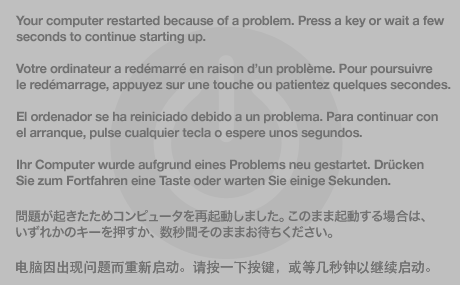
I had about 90 GB free space and tried to create a 50GB windows partition. during the process the entire system crashed, it rebooted with a screen like this https://support.apple.com/library/content/dam/edam/applecare/images/en_US/osx/pa nic.png
After the reboot I opened bootcamp and it said I have not enough free space to create a partition (min 50GB), so I check "about this mac" and it says my drive is 200 GB and have 45 GB free. In disk utility I see only the OSX partition and nothing else.
I rebooted holding the alt key, and I found my USB drive, I selected it, but it said no bootable something something
what do I do?
MacBook Pro (Retina, 13-inch, Mid 2014), OS X El Capitan (10.11.3), null