if you have not done so already
RMB on the icon and go to
OPEN WITH... in the contextual menu
you'll get possible file associations with that file type
if PtxView is an app in your applications folder you can select it as a default.
otherwise click OTHER
and navigate to the application (provided it's in the applications folder)
Highlight the preferred application and select "Always Open With"
then click Open
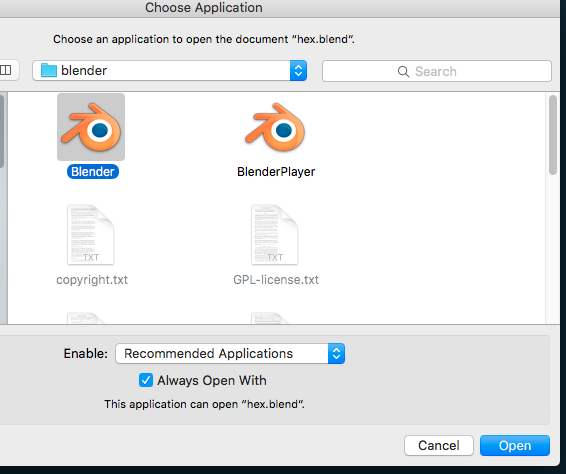
all subsequent times you have a filetype of this kind it should associate with this app, provided it's not a terminal driven thing.
If it is a call from the terminal it might be doable in a script or if you open in the render man app does it know to send the file out to the other app for viewing? I'm assuming this is a viewer for render man mods.
The script thing is probably easy if it comes down to it and someone can post that if that the case, but again only if the process is not an app in a physical location like the screen shot above.


