João Sevilhano

Q: Notes App as (very) slow behavior

Hi,


To take advantage of the new functionalities of the Notes App, I migrated my Evernote notes to the OS X native app. I have roughly 1200 notes with all kinds of information and attachments.


After this procedure, I notice a big decrease in speed and, thus, functionality. This behavior also is noticed on iOS turning almost impossible, to take written notes on an iPad, for instance. This happens on all my devices (MacBook Pro [Retina Mid 2012; 2,3 GHz Intel Core i7; 16 GB 1600 MHz DDR3], iPhone 6 and iPad Air 2)


Anyone has noticed this and have a solution?


Thanks in advance for your help.

Posted on Apr 12, 2016 6:19 AM

Close

Q: Notes App as (very) slow behavior

  • All replies
  • Helpful answers

Page 1 Next
  • by judysings,

    judysings judysings Apr 13, 2016 2:24 PM in response to João Sevilhano
    Community Specialists
    Apr 13, 2016 2:24 PM in response to João Sevilhano

    Hi Joao Sevilhano,

    I understand you are having issues with the Notes app after migrating your Evernote data to your Mac.  How did you migrate your Evernote data?  Did you restart your Mac and your iPhone after doing this?  The resource below provides some information regarding the process.


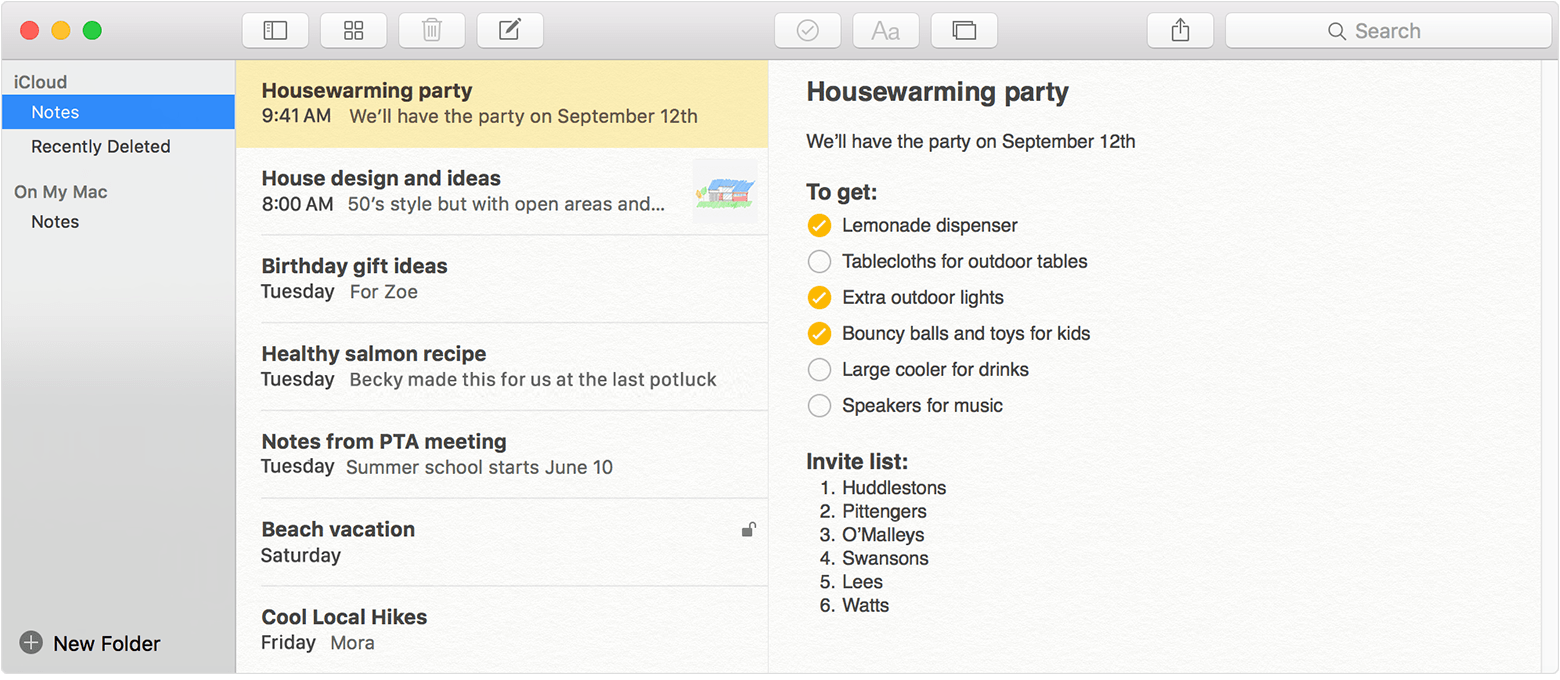
    Import your notes and files to the Notes app

    Before you begin

    Update your iPhone, iPad, or iPod touch to iOS 9.3 or later, and your Mac to OS X 10.11.4 or later.

    File formats that you can import

    On your iPhone, iPad, or iPod touch, you can import Evernote Export export files (.enex files).

    On your Mac, you can import these note formats from anywhere on your computer:

    • .txt
    • .rtf
    • .rtfd
    • .html
    • .enex (Evernote XML export)

    Your notes might look different after you import them. If you have an attachment or feature in your notes that the Notes app doesn't support, it's removed during the import.

    Import notes on your Mac

    When you import notes, you can add them to your iCloud notes account or your On My Mac account. If you store them in iCloud, you can automatically see all your notes on any device where you’re signed in with your Apple ID.

    1. Open your Notes app.
    2. Choose to store your notes in iCloud or On My Mac. Just click on a folder in the account that you want to use.


    3. In the menu bar, click File > Import.
    4. Select the file or folder that you want to import. If the notes that you're importing are organized in folders, click Options in the lower-left corner to keep them organized.
    5. Click Import. When you see a confirmation message, click Import again.

    After your notes import, you'll see a new folder in the Notes app called Imported Notes. Then you can organize them into any Notes folder that you want. 


    Take care,

  • by heronlen,

    heronlen heronlen Apr 17, 2016 11:29 PM in response to João Sevilhano
    Level 1 (4 points)
    Apr 17, 2016 11:29 PM in response to João Sevilhano

    I have this issue too. I gave spent hours trying to delete some notes, reducing the size of the whole iOS Notes FB but to no avail.

    I am surprised this isn't a bigger issue.

  • by Kram175,

    Kram175 Kram175 Apr 25, 2016 6:53 AM in response to João Sevilhano
    Level 1 (4 points)
    Apr 25, 2016 6:53 AM in response to João Sevilhano

    I have the same problem after importing (I followed the procedure copied above) many notes with photo attachments from Evernote. It also affects all my iCloud-connected devices (MacBook, iPhone 6, iPad Air 2, and iPad Pro 12.9"). Is the only solution to delete all those imported notes and go back to Evernote?

  • by heronlen,

    heronlen heronlen Apr 25, 2016 7:26 AM in response to Kram175
    Level 1 (4 points)
    Apr 25, 2016 7:26 AM in response to Kram175

    I am using Google Keep, which is nice but only supports image attachments.  Notes isn't usable at all. Can't believe Apple aren't issuing advice re using it.  I downloaded the latest beta onto my iPad, hoping the problem is solved but no.  Wasted so much time with this.  Evernote, all is forgiven!

  • by Adiel_G,

    Adiel_G Adiel_G Jun 4, 2016 7:13 AM in response to João Sevilhano
    Level 1 (14 points)
    Jun 4, 2016 7:13 AM in response to João Sevilhano

    I managed to fix the problem. If you go and manage your iCloud storage - either through iOS or OS X - you'll find a Notes folder containing all your notes. Make sure you back up your notes and then continue to delete to the folder.


    Turn off Notes in iCloud on all devices, wait  a few minutes and turn it back on. Everything, including the Notes webapp should be running without issue now.


    Note: on iOS you either have to restore to flush old data or leave Notes app open by preventing the device from going to sleep.

  • by davidfromholladay,

    davidfromholladay davidfromholladay Jun 19, 2016 2:29 PM in response to João Sevilhano
    Level 1 (4 points)
    Jun 19, 2016 2:29 PM in response to João Sevilhano

    I am also experiencing slow, laggy, and erratic behavior with my iPhone 6 Plus's Notes app. I have been using the Notes App to create a "script" of sorts—an outline for presentations. I create language for the presenter and add photos which I will later use to create a Keynote Presentation. I keep the photos in the note in the Notes App so I know what slide is next in my presentation. And, no, I don't want to use Keynote for this purpose since I am also using deep links in my note to jump into a third-party app while delivering the presentation (I have an iPad I use to run the Keynote presentation). The problem is that my note in the Notes App can become a bit erratic as I continue creating the presentation and adding photos. It becomes very laggy and when returning to the Notes App from a third-party app, I will find that the screen has scrolled away from the point where I was when I left the Notes App. The Notes App is become unpredictable enough that I'm thinking I may have to move to a third-party notes app like Evernote, etc. Anyone else experiencing similar problems?

  • by Ldmartin68,

    Ldmartin68 Ldmartin68 Jul 11, 2016 4:59 AM in response to Adiel_G
    Level 1 (4 points)
    Jul 11, 2016 4:59 AM in response to Adiel_G

    This worked for me. I only had a couple of small notes and the Notes app was crazy slow. Deleted the file in iCloud storage (which was 1.7gb for only two small notes) and now its fast as can be. Thanks much!

  • by davidfromholladay,

    davidfromholladay davidfromholladay Jul 11, 2016 5:39 AM in response to Ldmartin68
    Level 1 (4 points)
    Jul 11, 2016 5:39 AM in response to Ldmartin68

    I don't understand your comment, "Deleted the file in iCloud storage (which was 1.7gb for only two small notes) ..." How did you know what size the file was and how did you "[delete] the file in iCloud storage?" And what file are you referring to? Do you mean you deleted your notes and started over or do you mean you deleted it somehow in the "Library" section on your Mac?

  • by Adiel_G,

    Adiel_G Adiel_G Jul 11, 2016 6:32 AM in response to davidfromholladay
    Level 1 (14 points)
    Jul 11, 2016 6:32 AM in response to davidfromholladay

    Did you read my previous post? I think it would be helpful.

  • by Ldmartin68,

    Ldmartin68 Ldmartin68 Jul 11, 2016 6:36 AM in response to davidfromholladay
    Level 1 (4 points)
    Jul 11, 2016 6:36 AM in response to davidfromholladay

    Adiel_G post:

    I managed to fix the problem. If you go and manage your iCloud storage - either through iOS or OS X - you'll find a Notes folder containing all your notes. Make sure you back up your notes and then continue to delete to the folder.


    Turn off Notes in iCloud on all devices, wait  a few minutes and turn it back on. Everything, including the Notes webapp should be running without issue now.


    Note: on iOS you either have to restore to flush old data or leave Notes app open by preventing the device from going to sleep.

  • by walk0080,

    walk0080 walk0080 Jul 15, 2016 7:10 AM in response to Ldmartin68
    Level 1 (29 points)
    Desktops
    Jul 15, 2016 7:10 AM in response to Ldmartin68

    Tried something similar and worked for about a week. Then back to slow. It was a tedious and laborious process for naught.


    I have about 1,500 notes or 1GB in total mostly imported from Evernote.


    Definitely contact Apple support. I suspect an iCloud issue. [Accessing the same 1,500 notes when stored locally on my iMac (not iCloud) is fast and smooth.]


    I sent a complaint to their "feature request" area of their support site as well.

  • by Adiel_G,

    Adiel_G Adiel_G Jul 15, 2016 7:14 AM in response to walk0080
    Level 1 (14 points)
    Jul 15, 2016 7:14 AM in response to walk0080

    Something similar? How exactly? The only method is deleting it through iCloud. You should after that not be importing from Evernote again. That would re-bloat the database.

  • by walk0080,

    walk0080 walk0080 Jul 15, 2016 7:44 AM in response to Adiel_G
    Level 1 (29 points)
    Desktops
    Jul 15, 2016 7:44 AM in response to Adiel_G

    I did not re-import from Evernote.


    My steps can be found here:

    Re: Notes slow


    You are kind of suggesting delete from iCloud and all will be good. But we all want our data back. Either restore or re-import from Evernote. There seems to be an issue with iCloud and the Notes app unable to handle large numbers of notes. Using all the notes locally on my imac was fine - only when moving to iCloud does it slow down again after about 300 notes.


    ______


    I chatted with Apple Support today.


    The agent said this seems to be an issue with large number of Notes and iCloud sync. He didn't have me fiddle with settings or anything based on the info I gave him. He was going to "forward my concern to his supervisor to provide feedback" to the iCloud team. Maybe if enough people complain to support it will be included in a future version (or maybe they are already working on it - one can only hope).


    In the meantime I'll stick with a laggy Notes app. I don't really want to switch back to Evernote again.

  • by RM Emmons,

    RM Emmons RM Emmons Jul 17, 2016 1:38 PM in response to João Sevilhano
    Level 1 (9 points)
    Mac OS X
    Jul 17, 2016 1:38 PM in response to João Sevilhano

    I too am a former Evernote user who has converted to Apple Notes.  My total note count is 1,296.  When connected to the Internet, Apple Notes' laggy behavior makes it unusable.  When not connected to the Internet, Apple Notes runs perfectly (which means the iCloud team needs to either refactor or rewrite the sync service). I too submitted my app experience via Apple's Feedback page.  Here's to hoping iOS 10 and macOS Sierra deliver performance improvements.

Page 1 Next