Howdy futurenets,
Thanks for using the Apple Support Communities.
For help with restoring an iTunes library that you backed up, please follow through the steps outlined below.
If you want to restore your iTunes library or iTunes Media folder from your external drive to your computer:
- Quit iTunes.
- Locate your external drive.
Mac: On the Desktop or Finder sidebar.
Windows: In My Computer.
- Drag the iTunes folder (that you backed up earlier) from your external drive to where you want it on your internal drive. We recommend that you put the iTunes folder back into its default location.
- Hold down the Option key (Mac) or Shift key (Windows) while opening iTunes.
- When you see a message that asks you to Choose iTunes Library, click Choose Library.
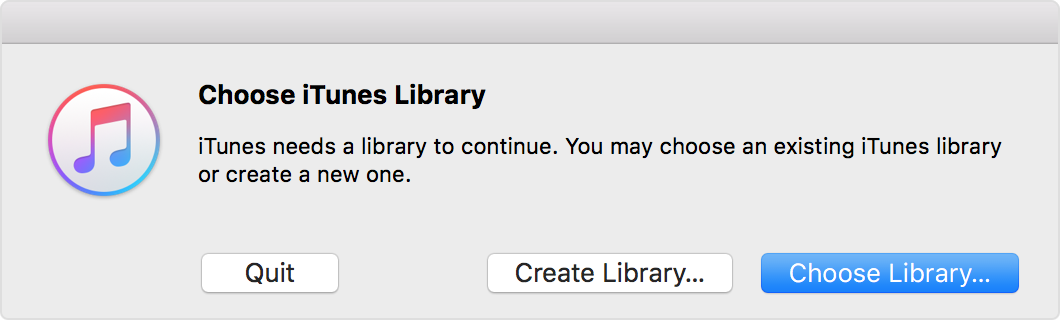
- Choose the iTunes folder (that you dragged in step 3) from your internal drive.
- Mac: Click Choose.
Windows: Click Open.
- Choose the iTunes Library.itl file inside.
Manage and back up your iTunes media library
Cheers.


