Pandora on ipad2 closes immediately after launch. Can not keep Pandora open so cannot play music
Pandora App closes immediately upon launch on ipad2. Thus began happening approx 2 weeks ago.
iPad 2, iOS 9.2
Pandora App closes immediately upon launch on ipad2. Thus began happening approx 2 weeks ago.
iPad 2, iOS 9.2
Hi Ree278,
For troubleshooting steps for the Pandora app on your iPad 2, take a look at the resource below. I've highlighted some key information here. Click on the link for complete details.
If an app you installed unexpectedly quits, stops responding, or won’t open
Restart the app
Close the app and open it again.
Restart your device
Turn your device off and back on.
Check for iOS and app updates
- Make sure that you're using latest version of iOS.
- Open the App Store and tap Updates.
- If updates are available, tap Update All.
- If asked, enter your Apple ID password.
You might need a Wi-Fi connection to update some apps.
Delete and reinstall the app
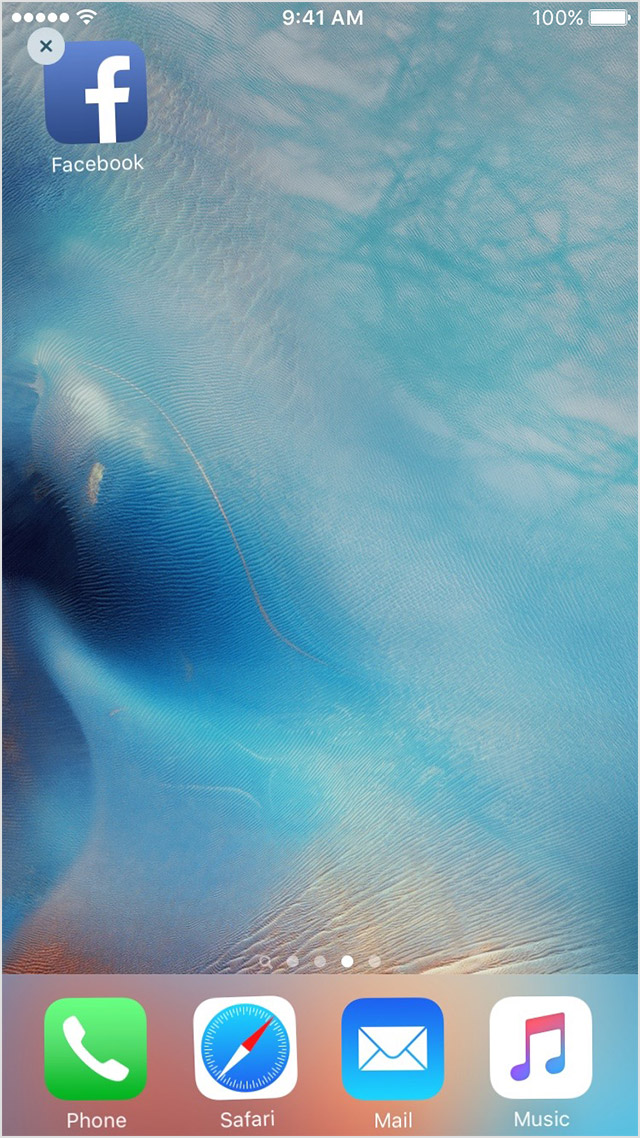
- Tap and hold the app until it jiggles.
- Tap the
on the app.
- Press the Home button.
- Go to the App Store and download the app again.
- Wait for the app to download, then open it from the Home screen.
Contact the app developer
If you see this issue again, contact the app developer for help:
- Find the app in the App Store.
- Tap the app, then tap Reviews.
- Underneath App Store Customer Reviews, tap App Support.
Take care,
Pandora on ipad2 closes immediately after launch. Can not keep Pandora open so cannot play music