
Software update 9.3.3
I have done my software update and phone screen is showng iTunes symbol and charger symbol presumably asking me to connect to iTunes, I have done this but nothing is happening?? Please help
iPhone 6, iOS 9.3.3
I have done my software update and phone screen is showng iTunes symbol and charger symbol presumably asking me to connect to iTunes, I have done this but nothing is happening?? Please help
iPhone 6, iOS 9.3.3
Your phone has gone into recovery mode and must be restored. Take a look at the instructions here.
If you can't update or restore your iPhone, iPad, or iPod touch - Apple Support
Apple suggests these steps
Update your device using iTunes
If you can’t update wirelessly, you can update with iTunes. If your computer uses the Personal Hotspot on the iOS device that you’re updating, connect your computer to a different network.
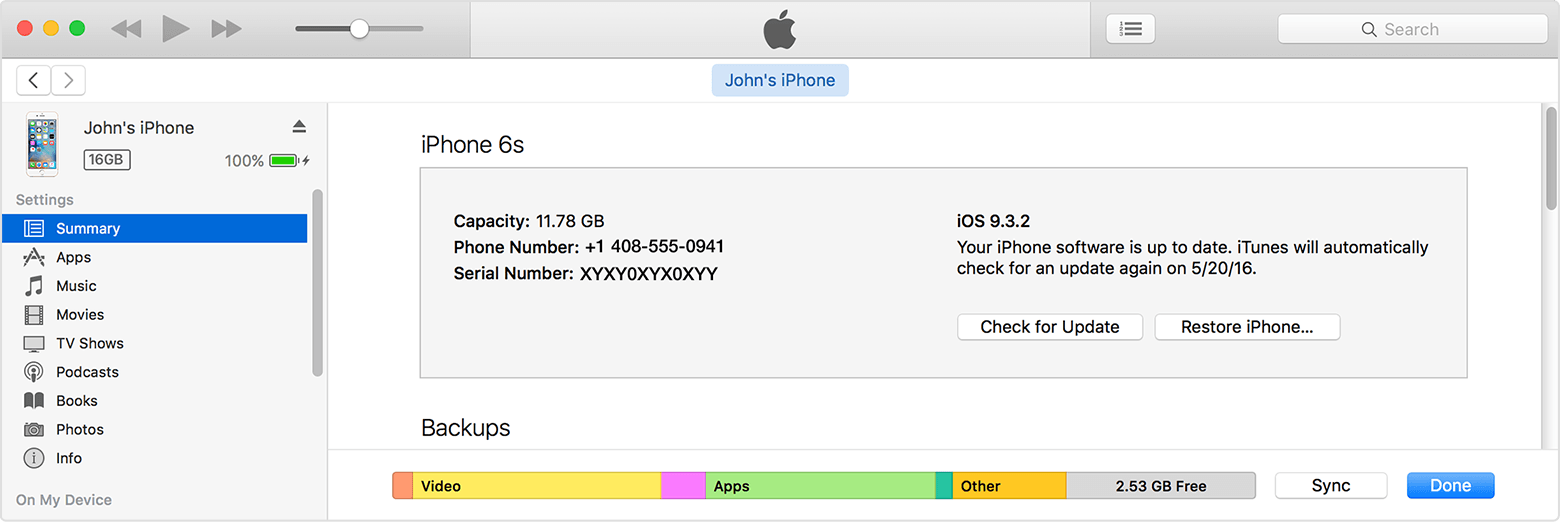
See more information here Update the iOS software on your iPhone, iPad, or iPod touch - Apple Support
Software update 9.3.3

