Hi my new user,
I understand that you would like to change the language for a movie you've bought from iTunes. I know it's important to understand the content you're watching, so I'm happy to provide some direction to help with this.
Check out this article which outlines how to do exactly this:
Change language settings for iTunes Store videos - Apple Support
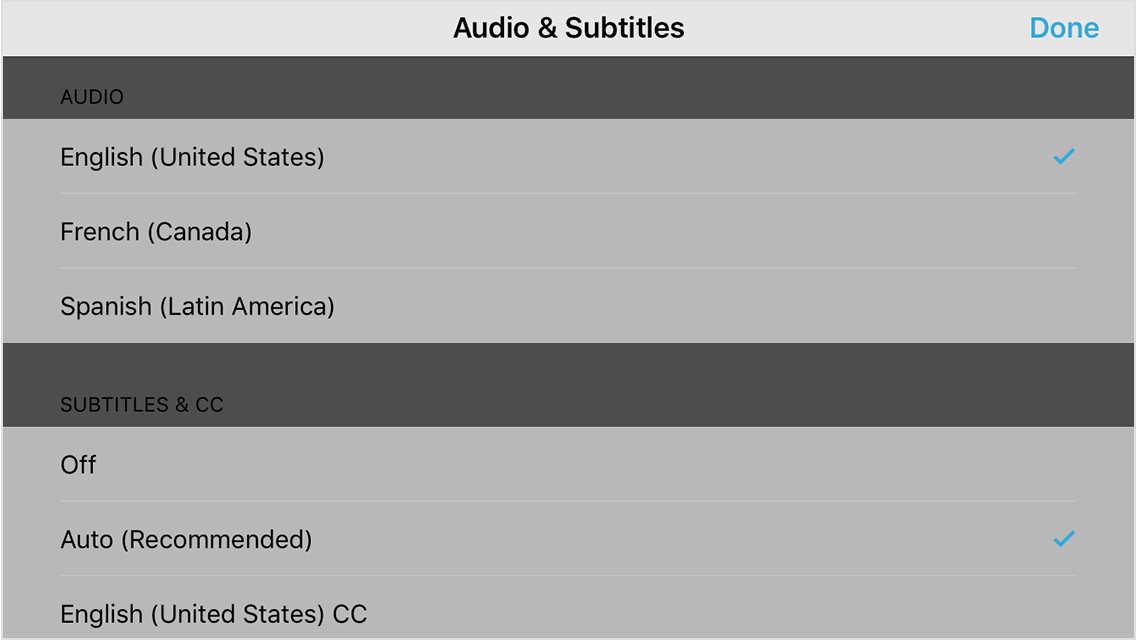
- While watching a video in the Videos app, tap the screen to reveal playback controls.
- Tap the speech bubble icon
 to open the Audio & Subtitles menu.
- Select your preferred language, then tap Done.
If you're using your iPhone or iPod touch with AirPlay to stream your movie to Apple TV, you can change the audio or subtitle language from your device as you watch.
Thanks for using the Apple Support Communities, cheers!