Game Center
my profile pic keeps disappearing on my iphone 6. Logs in fine though.
OS X Mavericks (10.9)
my profile pic keeps disappearing on my iphone 6. Logs in fine though.
OS X Mavericks (10.9)
Hello Lone Survivor,
Thanks for using Apple Support Communities.
I understand that your Game Center profile pic keeps disappearing. You are able to log in fine though. I can imagine wanting to make sure that you have ann active profile pic when using the Game Center app. I'm happy to assist you in finding a resolution to this issue.
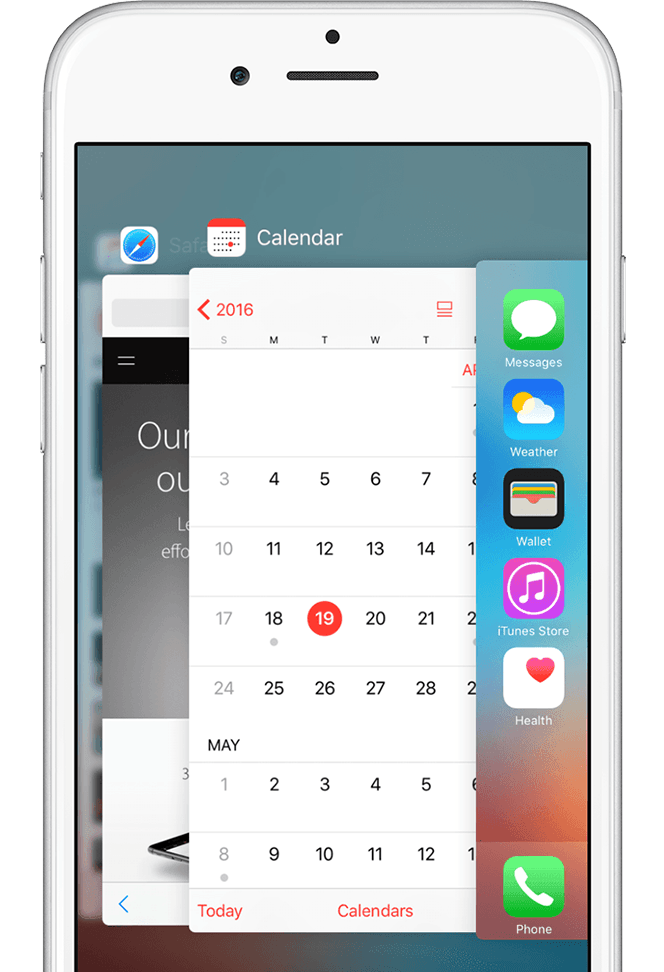
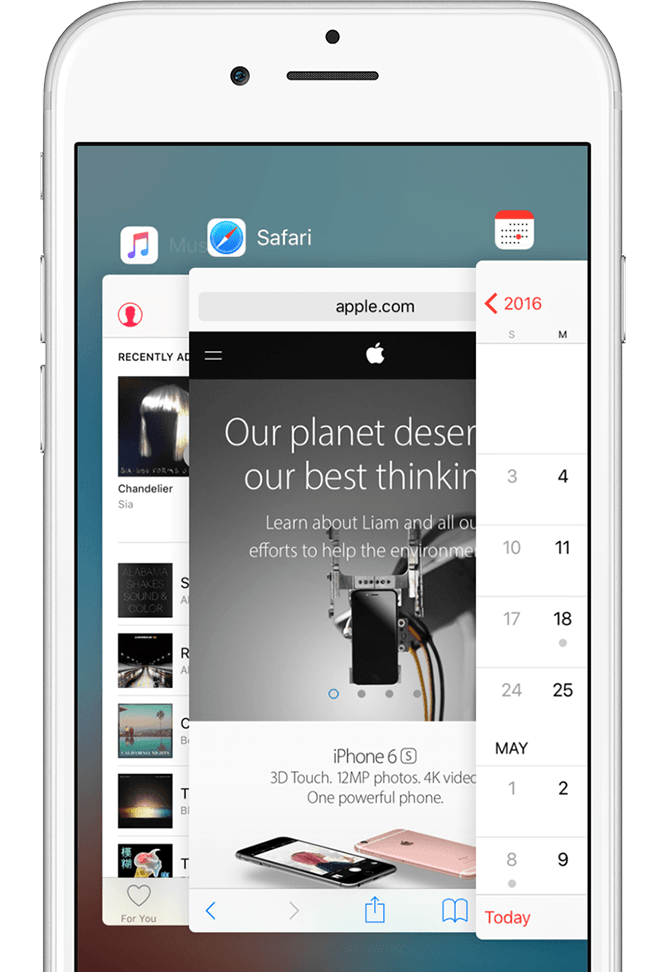
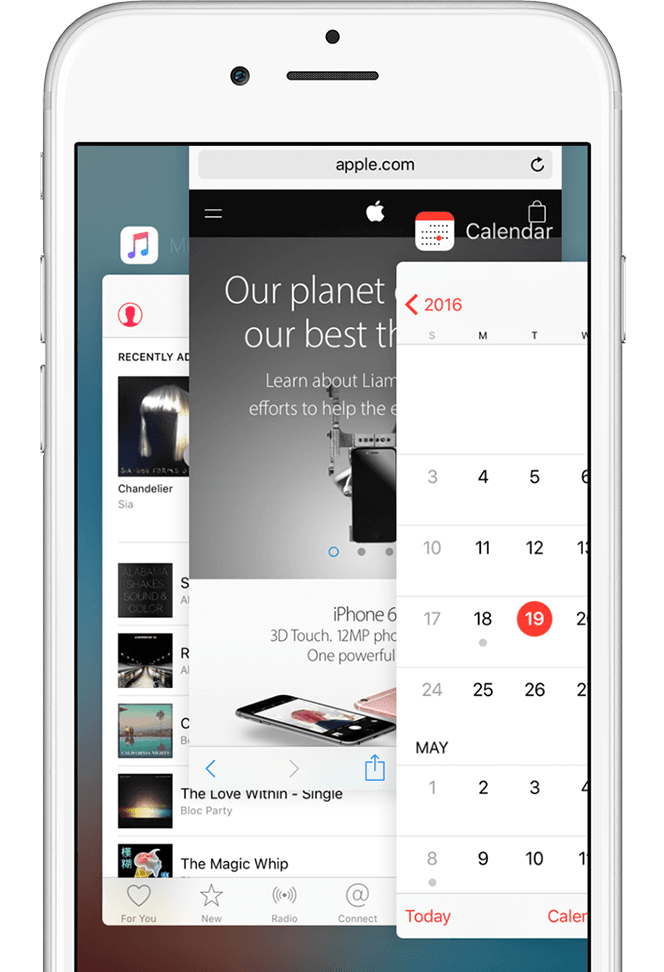
First, please force close the Game Center app and reopen. Use Force an app to close on your iPhone, iPad, or iPod touch, specifically, this section:
View your open apps
Double-click the Home button to see your most recently used apps.
Find the app to close
Swipe right or left to find the app that you want to close.
Swipe up to close
Swipe up on the app's preview to close the app.
Then, use the following article to restart your iPhone:
Restart your iPhone, iPad, or iPod touch
Once you've restarted, please see if you are able to keep your profile pic in Game Center.
Best Regards.
Hey norm. Thanks for the reply but that didn't seem to work. Even tried a reset. Works initially then after awhile drops again.
Greetings Lone Survivor,
Thank you for trying those steps. We have a couple other things that we would like you to try.
First, please use the following article to make sure that you have the latest iOS software installed on your iPhone:
Update the iOS software on your iPhone, iPad, or iPod touch
Then, check and see if this issue is isolated to just the profile pic that you are trying to use. Please try multiple pics and see if you get the same result with each.
Cheers.
Game Center