-
All replies
-
Helpful answers
-
Sep 15, 2016 4:24 PM in response to hbm2679by sterling r,Greetings hbm2679,
Thanks for using Apple Support Communities.
I understand that you just upgraded your iPhone 5s to iOS 10. When using iMessage, you don't see the balloons or confetti when you type happy birthday or congrats. I have been using these full-screen effects on my iPhone, and I really like them. Let's see how I can help with this.
These full-screen effects animate the screen when you send a message. These don't appear when you type happy birthday or congrats. You must add the full-screen effect when you are sending an iMessage. Plus see the article Use message effects with iMessage on your iPhone, iPad, and iPod touch, specifically, this section:
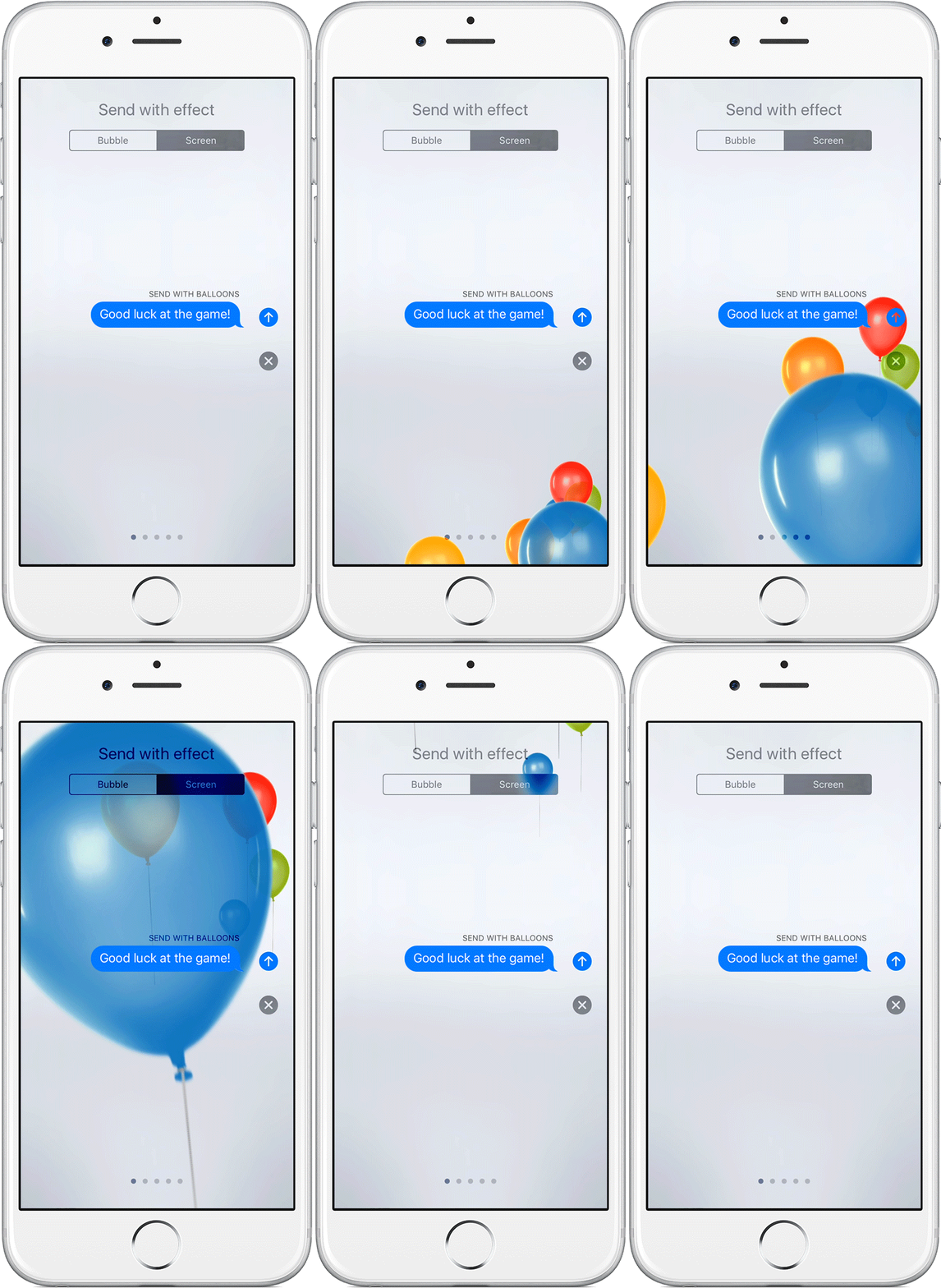
Add a full-screen effect
With full-screen effects, you can animate your screen with balloons, confetti, and more. To send a full-screen effect, follow these steps:
- Open Messages.
- Tap
and enter a contact or go to an existing conversation. - Enter your message.
- Touch and hold
, then tap Screen. - Swipe to the left to see full-screen effects, like balloons, confetti, and fireworks.
- Tap
to send.
If you can't send or receive full-screen effects, make sure you don't have Reduce Motion turned on.
Cheers.