Split-Screen Ratios Frustration

I'm a student who uses split-screen mode on the 12.9 iPad Pro w/ pencil to solve math and chemistry problems. Typically, I put the problem set, book, web-page, etc., in the left window and a note-taking app in the right. I'd really like to be able to make the left panel 1/4 width (specifically in landscape) and give myself 3/4 width for my writing, so it's not needlessly cramped. Nevertheless, this ratio is prohibited and I just cannot figure out why. Any thoughts? I submitted this as feedback already. My hope is that Apple releases an update for iOS integration on the iPad Pros because there are a few glaring inneficiencies and needless annoyances -- this included -- that are apparent to myself and I imagine anyone else who has tried in earnest to use the iPad as a laptop replacement. They're simple issues, too, so I am hopeful but also a bit flumoxed that the brains and relentless testing at Apple haven't found anything besides adding two Safari panels and infinite tabs worth adding to iOS 10.

iPad, iOS 10, null

Posted on Sep 18, 2016 7:56 AM

Reply
1 reply

Sep 19, 2016 8:48 AM in response to ngerst

Hi ngerst,

I understand you want to adjust the size of your apps in Split View on your iPad Pro. I know it's nice to have the right amount of space to work with, so I'm happy to help.

Check out this article that goes into detail on Multitasking in iOS:

About Multitasking on your iPhone, iPad, and iPod touch - Apple Support


Use Split View

User uploaded file

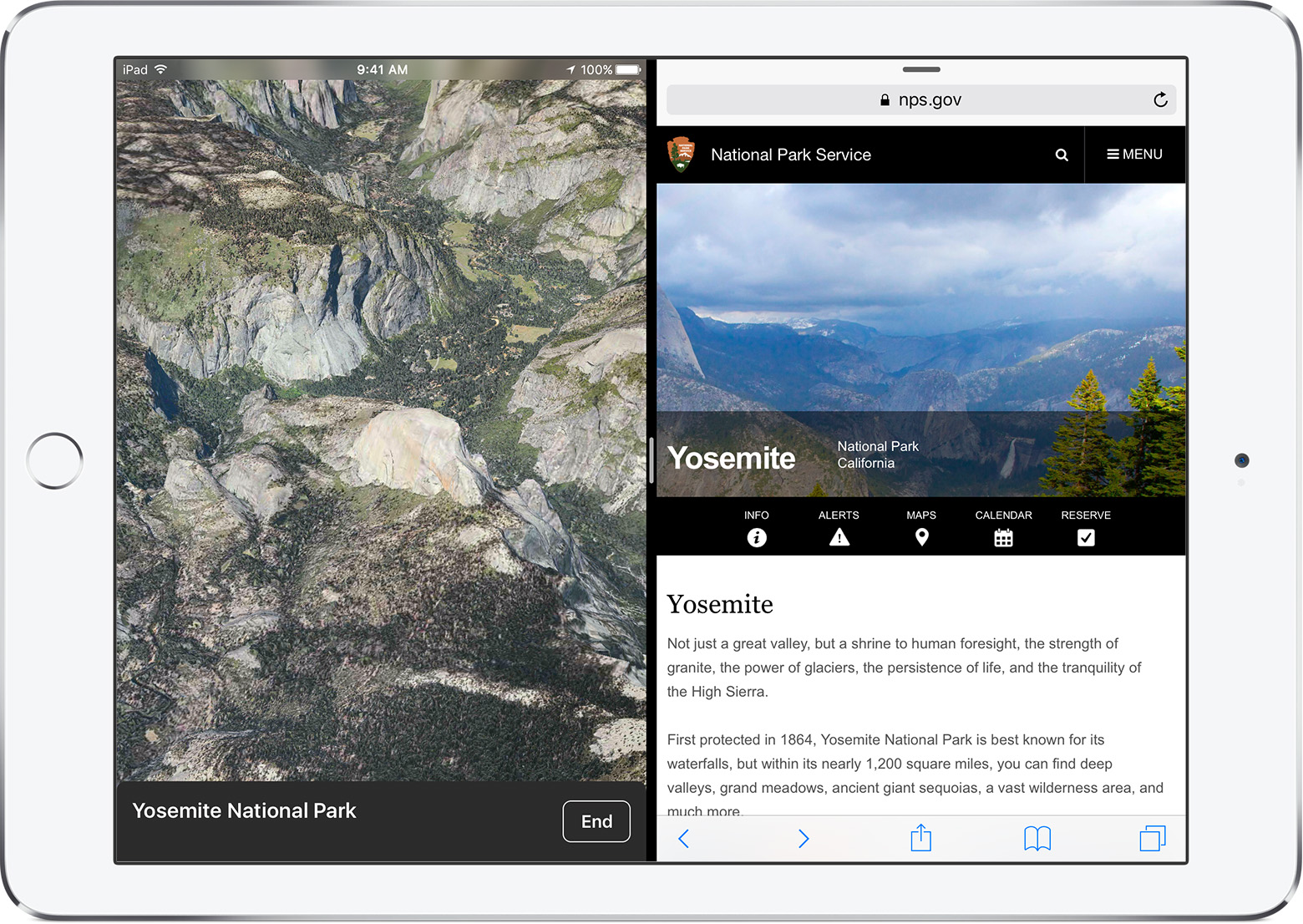
With Split View, you can open and use two apps at the same time. Open an app, then tap or drag the app divider to start using both apps. Slide down from the top of the screen to change the app on the right. If you want to close one of the apps, slide the divider over the app that you want to close.

With iOS 10, you can use Split View in Safari to see two tabs at the same time when your iPad is in landscape mode. Just touch and hold User uploaded file and tap Open Split View. If you have an external keyboard connected, press Command-N to open Split View.

Tap the search bar and search or enter a website name. If you already have a tab open, you can drag the tab left or right in the Split View.

To leave Split View, touch and hold User uploaded file and tap Merge All Tabs. You can also tap User uploaded file to close tabs individually and leave Split View.

You can use Split View with multiple apps, like Safari, Notes, Photos, Calendar, and more. Split View isn't available with all apps.

You can use Split View with iPad Pro, iPad Air 2, or iPad mini 4.


That article mentions using the black bar in the middle to adjust the size. Slide that bar to make your notes larger and you should have more space to work with.

Thanks for using the Apple Support Communities. Cheers!

This thread has been closed by the system or the community team. You may vote for any posts you find helpful, or search the Community for additional answers.

Split-Screen Ratios Frustration

Welcome to Apple Support Community
A forum where Apple customers help each other with their products. Get started with your Apple Account.