my iphone 5s spray gray is very very hot my friend what i am do? help me plz
my i phone 5s spray gray is very and very hot ,what am i do ? help me ?
iPhone 5s, iOS 10
my i phone 5s spray gray is very and very hot ,what am i do ? help me ?
iPhone 5s, iOS 10
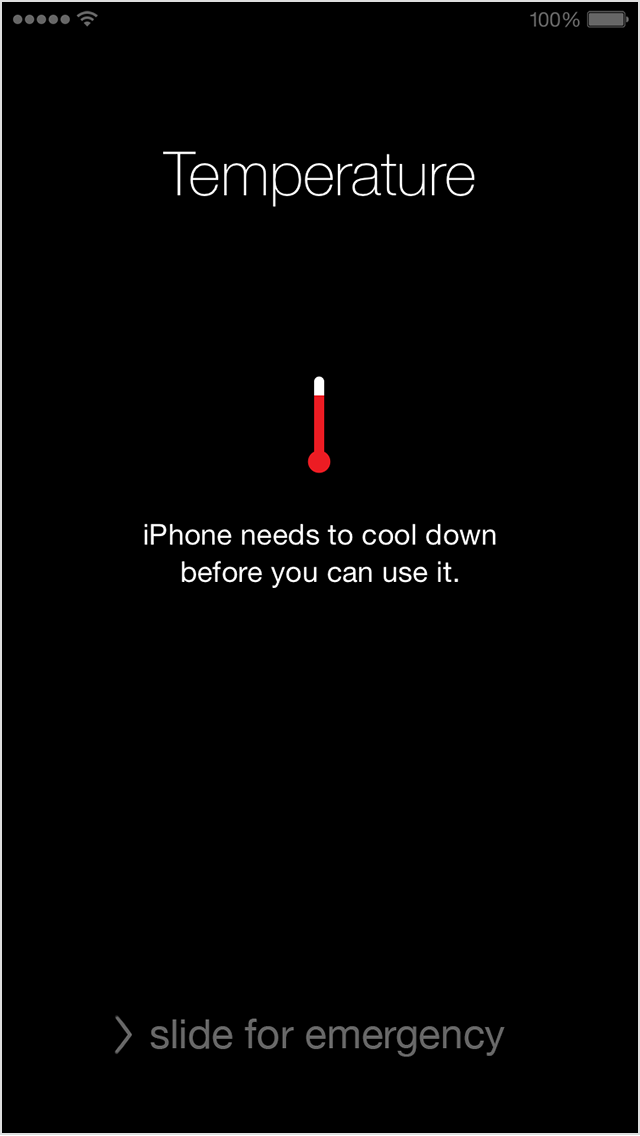
hermogenel, if you see this warning more than once, you may want to have the iPhone physically inspected by an Apple Genius or an Apple Authorized Service Provider.If the device exceeds a certain temperature threshold, it will present a temperature warning screen similar to this:
- The device stops charging.
- The display dims or goes black.
- In navigation:
The device will present this alert and turn off the display: "Temperature: iPhone needs to cool down."
- Navigation will continue to provide audible turn-by-turn directions. When approaching a turn, the display will illuminate to guide you through the turn.
- To return the device to normal operation, press the Home Button and slide to unlock. If the device has cooled down enough, you can continue normal usage.
- Cellular radios will enter a low-power state. The signal may weaken during this time.
- The camera flash is temporarily disabled.
To resume use of your device as quickly as possible, turn it off, move it to a cooler environment, and allow it to cool down.
Make an appointment at an Apple Retail Store Genius Bar
Find an Apple Authorized Service Provider
Take care.Has the battery or screen of the phone been replaced recently?
If no, did you try to force restart the phone by holding the sleep and home button for about 10sec, until the Apple logo comes back again? You will not lose data by doing this, but some ongoing background processes will be stopped.
my iphone 5s spray gray is very very hot my friend what i am do? help me plz