Greetings johntheeditor,
Thanks for posting here on the Apple Support Communities. I see that after a repair your Mac is listed twice on the Apple ID account page. I’ll be more than happy to help.
You can safely remove both of those Macs listed there and the correct one will reappear the next time it connects to your Apple ID. You can confirm this information here:
Check your Apple ID device list to see where you're signed in - Apple Support
In particular, take a look at the information at the very end of "Remove a device from the list"
If your device is missing, you can use Find My iPhone to find your device and take additional actions that can help you recover it and keep your data safe.
If you aren't using your device anymore, or if you don't recognize it, you might want to remove it from the list:
- Click the device to see its details, then click Remove.
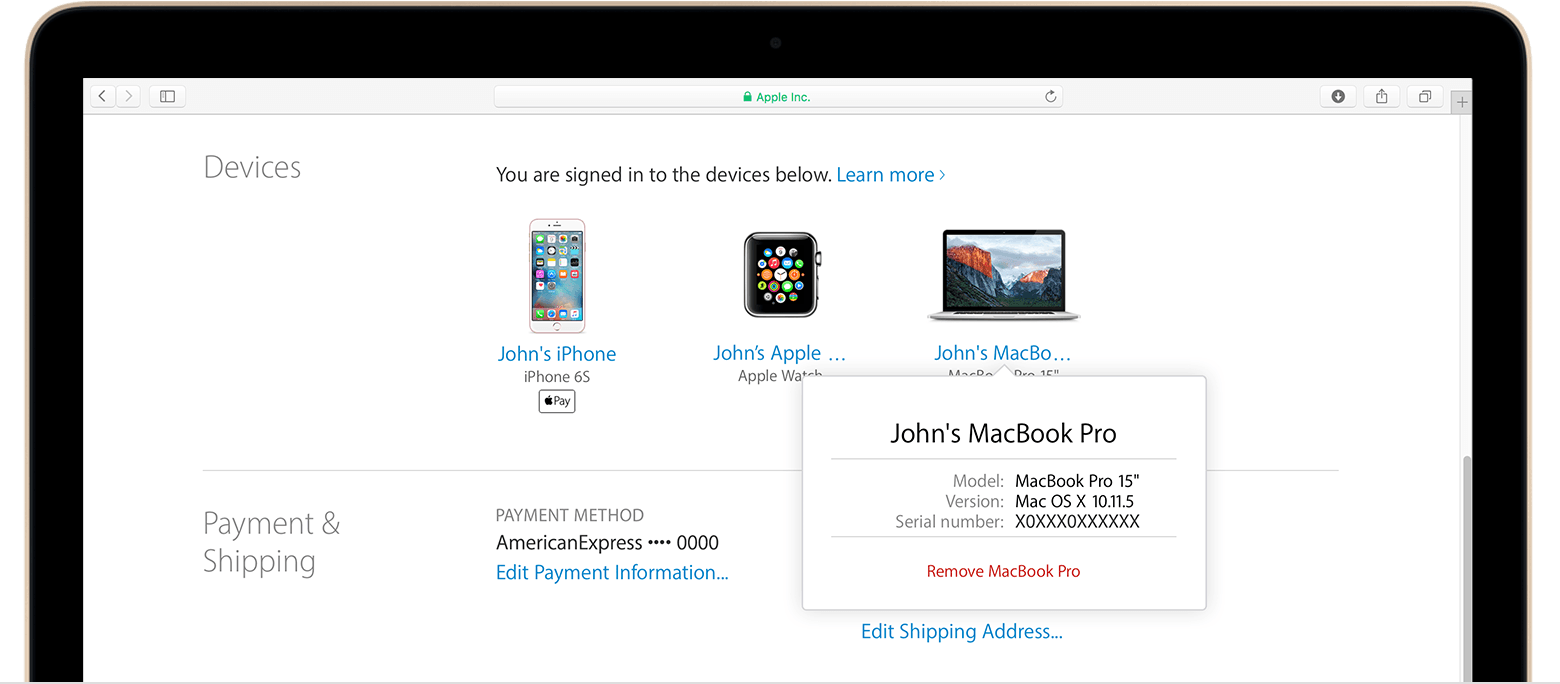
- Review the message that appears, then click again to confirm that you want to remove the device.
- If you're still signed in with your Apple ID on the device, it might reappear on your account page the next time your device connects to the Internet. To permanently remove the device from your account page, sign out of iCloud, iTunes, iMessage, FaceTime, and Game Center, or erase the device.
Take care!





