jiiimmy

Q: Freeze  iOS 10 iPhone 6s

Not just me, have friends with the same problem. My cheep samsung workphone works better the this ****!

its only the original app that freeze then crash. its mostly messenger and phone app. really enoying!

and yes i have tried...

closed the apps, reboot the phone, hard reboot the phone and unistalled and installed everything again. Nothing works!

if this is the life off and iPhone it will be My last.

i really looking forward too a respond from the support.

the phone has worked fine before. 6 months old

iPhone 6s, iOS 10.0.2, Iphone

Posted on Oct 5, 2016 2:15 PM

Close

Q: Freeze  iOS 10 iPhone 6s

  • All replies
  • Helpful answers

  • by norm123,

    norm123 norm123 Oct 6, 2016 12:05 PM in response to jiiimmy
    Community Specialists
    Oct 6, 2016 12:05 PM in response to jiiimmy
    Hey jiiimmy,

    Thanks for being a part of Apple Support Communities.

    If I understand your post correctly, the Messages app on your iPhone is becoming unresponsive and then unexpectedly closing on its own.  I also see that you've forced multiple apps to close, and have restarted the iPhone, but I'm not sure what you mean by uninstalling and installing everything again.  With that said, and the previous troubleshooting you've done, I'd like you to please start with reinstalling iOS on your iPhone.  To do this, please follow the steps outlined below.  Even though the support article isn't for the issue your iPhone is experiencing, the steps are still relevant.
    1. Connect your device to a computer and open iTunes. If you don't have a computer, you can borrow one, or go to an Apple Retail Store or Apple Authorized Service Provider for help. 
    2. While your device is connected, force it to restart.  
         
      • On an iPhone 7 or iPhone 7 Plus: Press and hold the Sleep/Wake and Volume Down buttons at the same time. 
      •  
      • On an iPhone 6s and earlier, iPad, or iPod touch: Press and hold the Sleep/Wake and Home buttons at the same time.
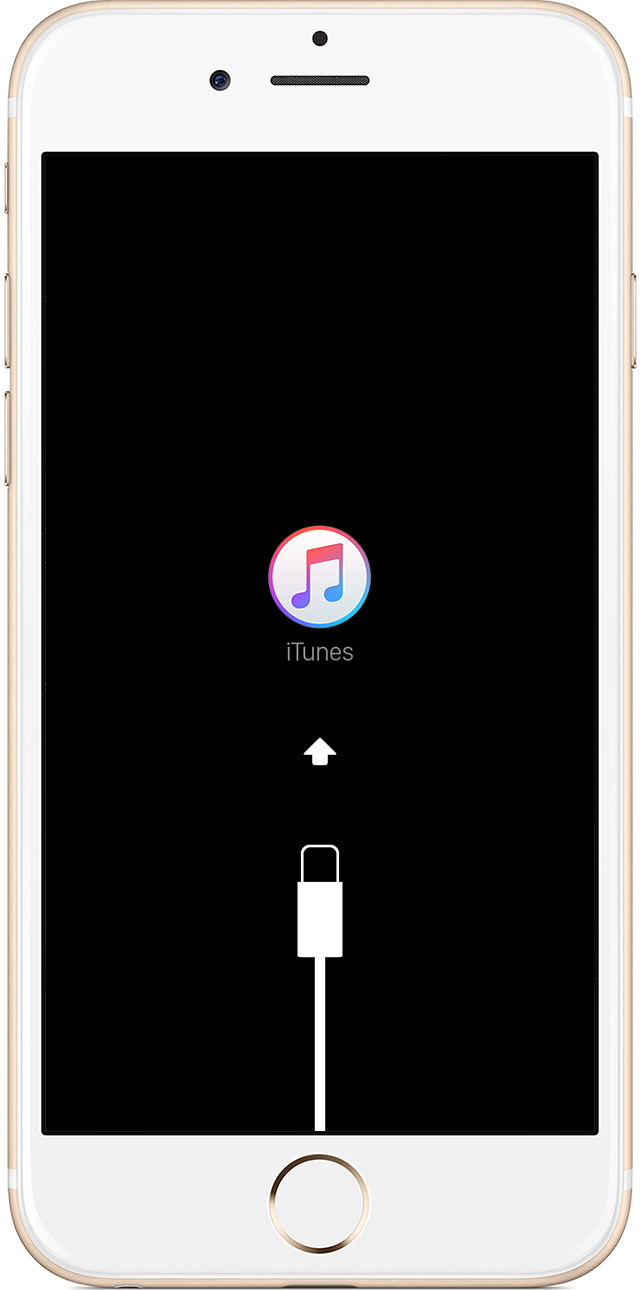
    3. Don't release when you see the Apple logo. Keep holding until you see the recovery mode screen.
    4. When you get the option to restore or update, choose Update. iTunes will try to reinstall iOS without erasing your data.

    iTunes will download the software for your device. If it takes more than 15 minutes, your device will exit recovery mode and you'll need to repeat steps 2 and 3.

    If your iPhone, iPad, or iPod touch won‘t turn on

    Take care.
  • by jiiimmy,

    jiiimmy jiiimmy Oct 6, 2016 10:58 PM in response to norm123
    Level 1 (4 points)
    Windows Software
    Oct 6, 2016 10:58 PM in response to norm123

    Thnx for replying. But that was what i mean with unstalling everything. I have done this link u sent. And still the same problem. the original apple apps keeps crashing. its not just the phone and sms app anymore

  • by sterling r,

    sterling r sterling r Oct 7, 2016 10:11 AM in response to jiiimmy
    Community Specialists
    Oct 7, 2016 10:11 AM in response to jiiimmy
    Hi Jimmy,

    Thanks for the additional information.  Since you've already reinstalled iOS and it's still happening, we'd next like you to back up your iPhone, and then restore to factory settings.  If the issue doesn't come back after restoring to factory settings, then try to restore from the latest backup.  Once the latest backup has been restored, check if the issue persists.  If it does, then we know there's an issue with the content in the backup, and you'll need to restore back to the factory settings.

    How to back up your iPhone, iPad, and iPod touch

    Use iTunes on your Mac or PC to restore your iPhone, iPad, or iPod to factory settings

    Take care.