
where is home on iPhone screen
i just downloaded iOS 10 on my iPhone 5 and screen says hello and press "home" to continue. Where is "home"?
iPhone 5, iOS 10
i just downloaded iOS 10 on my iPhone 5 and screen says hello and press "home" to continue. Where is "home"?
iPhone 5, iOS 10
You can skip setting up Touch ID, and not set a passcode if required.
For Touch ID tap on the "Set Up Touch ID Later" option in blue.
For the Passcode, tap on "Passcode Options" and select "No Passcode".
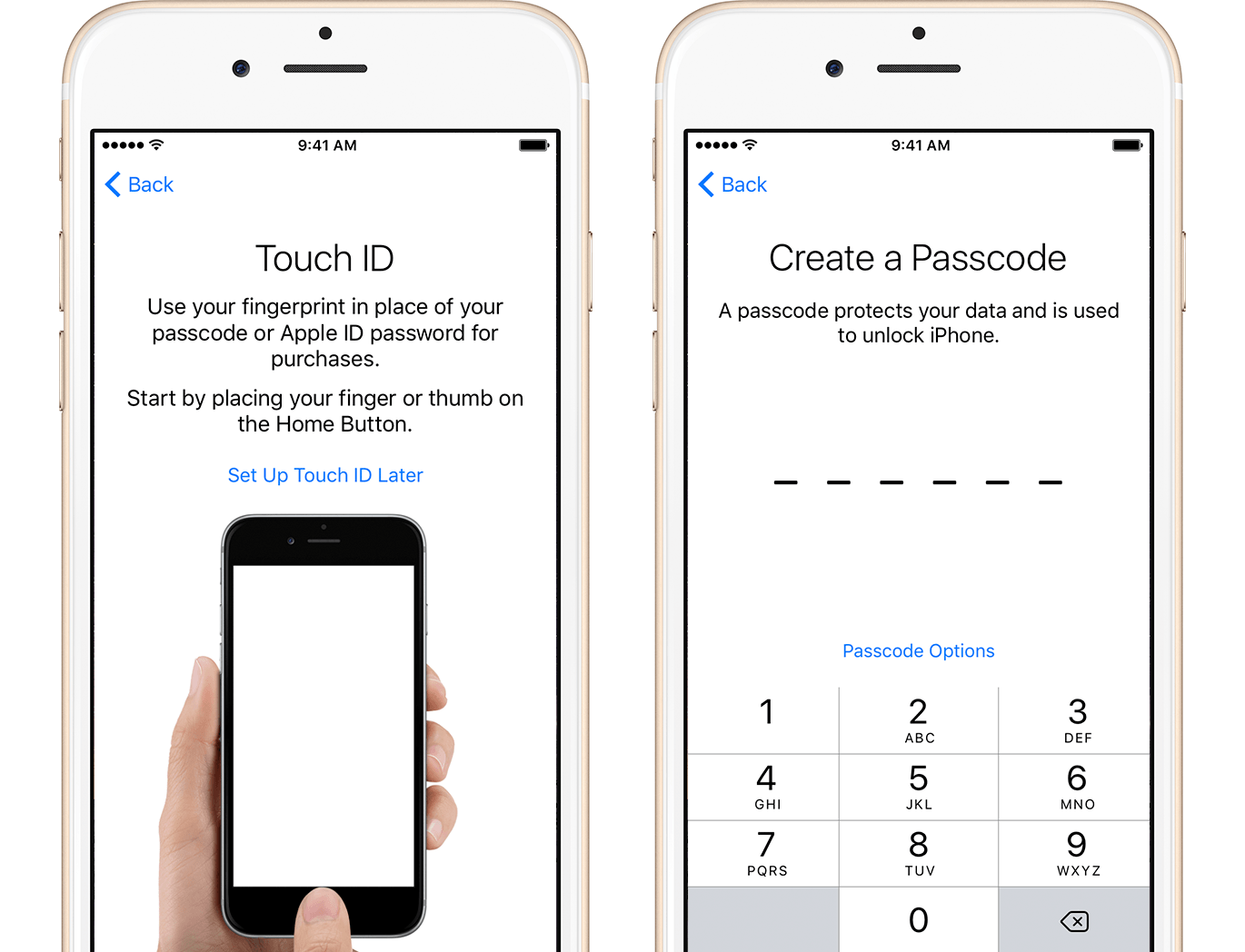
Get started with iPhone, iPad, and iPod touch - Apple Support
With that said it is strongly suggested to at least have a passcode set to prevent unauthorized entry to the iPhone if you ever lose it or it is stolen.
Thank you but not quite finished yet. after it says 'update completed' i can only press continue, it will not go to home but requires that i set up touch id and/or a #code. i do not want either so i can't get out of the screen to just use my phone.
thanks that fixed it, i would rather buy a new phone if it is lost/stolen than mess with security, but thanks anyway. however i don't use iCloud, is there any way i can drop iCloud without constantly having to deny it?
You can turn off icloud in Settings, by signing out. It should not bother you again unless you attempt to do something that requires iCloud.
With that said, its not about being able to buy a new iPhone, but about not letting just anyone who finds your iPhone have access to your files and content. Or are you okay with letting just anyone be able to buy stuff form the itunes or app stores and charge it to you, or look at your e-mail or messages and be able to message anybody in your contact list?
Home is the home button at the bottom of the phone.
That would be the round button / touch id sensor also know as the "Home" button.
i'm an old guy and only use my phone as a phone but didn't realize people could buy stuff so maybe i will try the left thumbprint, thanks again
where is home on iPhone screen

