Can't reply messages from lock screen
Can't reply messages from lock screen
iPhone 6s, iOS 10.1
Can't reply messages from lock screen
iPhone 6s, iOS 10.1
I figured it out. Press and hold like you would for 3D Touch. I noticed when you slide over you only have the option to clear and not view but the 3D Touch works.
Notifications on your Lock screen
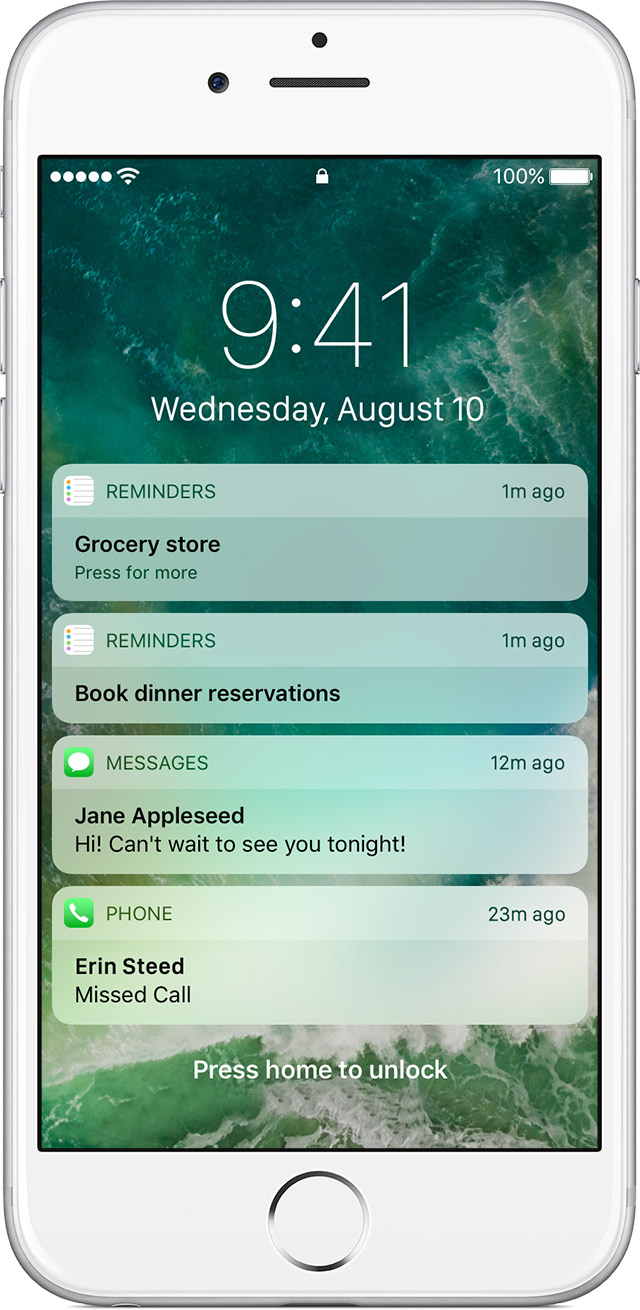
In iOS 10, you can interact with notifications on the Lock screen to catch up on news, respond to messages, and more without unlocking your device.
Here are some ways you can view and interact with notifications from the Lock screen:
- To view your lock screen, press the Home button or Sleep/Wake button. If you have an iPhone 6s or later, lift your device to see the Lock screen.
- To respond to a notification, swipe left over it, then tap respond. If you have an iPhone 6s or later, use can use 3D Touch. Just press deeply on the notification, then respond.
- To open the app to respond, swipe right over the notification.
Jesse80808,
Try this:
I am having the issue, but the settings already had it set for allow.
It quit working when I updated to 10.3.3 - I had tried everything but rebooting, and once I realized that and rebooted, it is working again!
I have the same problem. I cannot interact with notifications on the Lock screen. You solution did not work.
Jesse80808 wrote:
I have the same problem. I cannot interact with notifications on the Lock screen. You solution did not work.
What happens when you try? Which iPhone do you have?
Can't reply messages from lock screen