Photo booth and Time Machine
I have a Time Machine Backup from my broken MacBook pro, now i need the videos in the photo booth but i can't find them in the Time Machine copy. Somebody can help me?
I have a Time Machine Backup from my broken MacBook pro, now i need the videos in the photo booth but i can't find them in the Time Machine copy. Somebody can help me?
 ):
):
[computername]/Macintosh HD/Users/[username]/Pictures/Photo Booth Library
For additional information please click on the following link:
Use Time Machine to back up or restore your Mac
Restore from a Time Machine backup
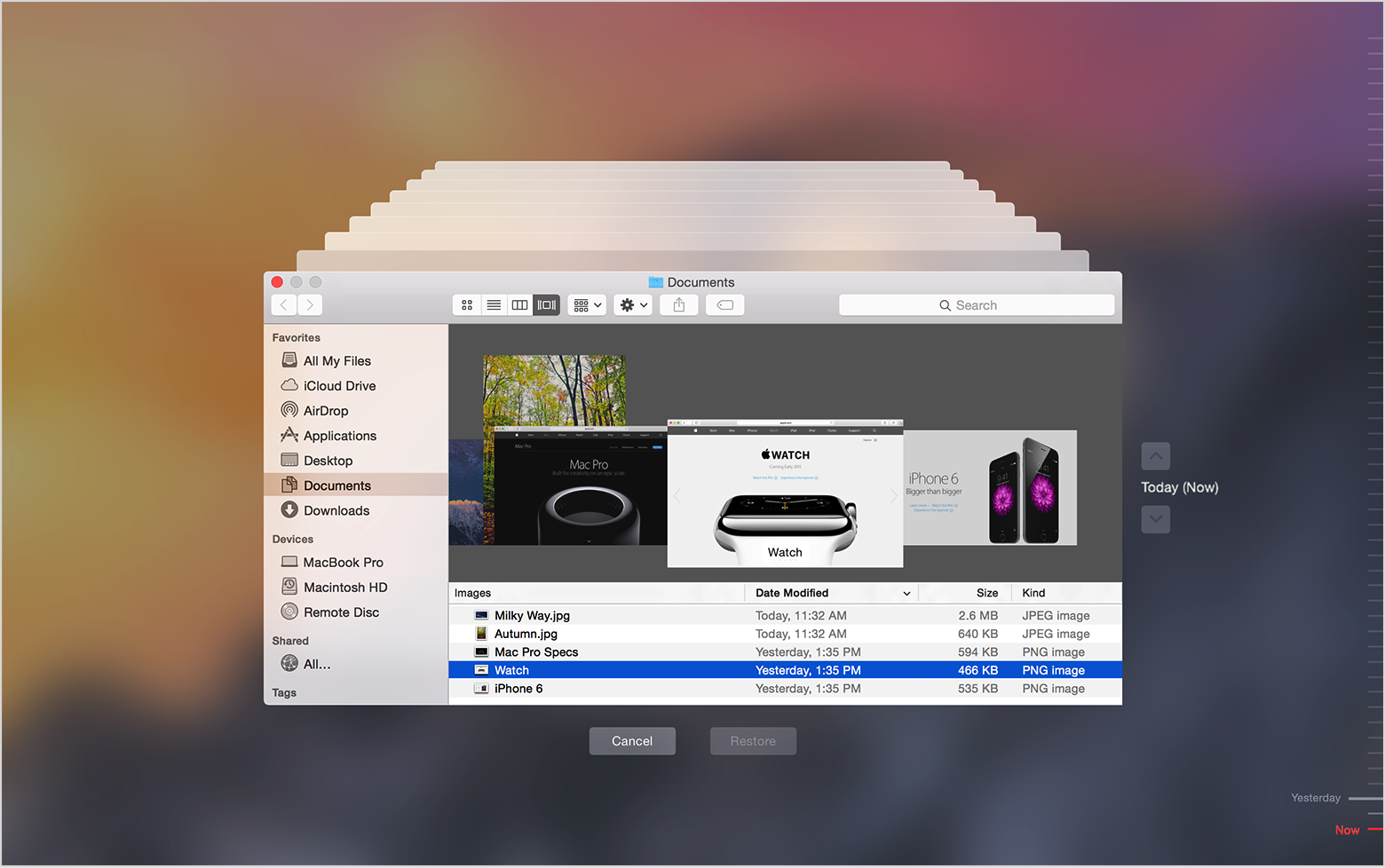
Restore specific files:
- Choose Enter Time Machine from the Time Machine menu
, or click Time Machine in the Dock.
- Find the files to restore:
- Use the timeline on the edge of the screen to see the files in your Time Machine backup as they were at that date and time. The timeline may also include local snapshots.
- Use the onscreen up and down arrows to jump to the last time the contents of the window changed. You can also use the search field in a window to find a file, then move through time while focused on changes to that file.
- Select a file and press Space Bar to preview the file and make sure it's the one you want.
- Click Restore to restore the selected file, or Control-click the file for other options.
Restore everything:
- To restore everything in your Time Machine backup, use macOS Recovery.
- To copy the files, settings, and user accounts in your backup to another Mac, use Migration Assistant.
Please feel free to let us know if this helps or if you have any further questions.
Cheers!
Photo booth and Time Machine