
How do I sync my iPad to receive the same texts as my iPhone?
How do I sync my iPad to receive the same texts as my iPhone?
How do I sync my iPad to receive the same texts as my iPhone?
Make sure they are logged into the same Apple ID. That takes care of iMessages. Then, on the iPhone, go to Settings>Messages>Text Forwarding and select your iPad. That will take care of SMS.
Further info on Continuity.
Use Continuity to connect your Mac, iPhone, iPad, iPod touch, and Apple Watch - Apple Support
Set up SMS and MMS messaging
Use this feature with any Mac, iPhone, iPad, or iPod touch that meets the Continuity system requirements. Make sure that your devices are set up as follows:
Use SMS and MMS messaging
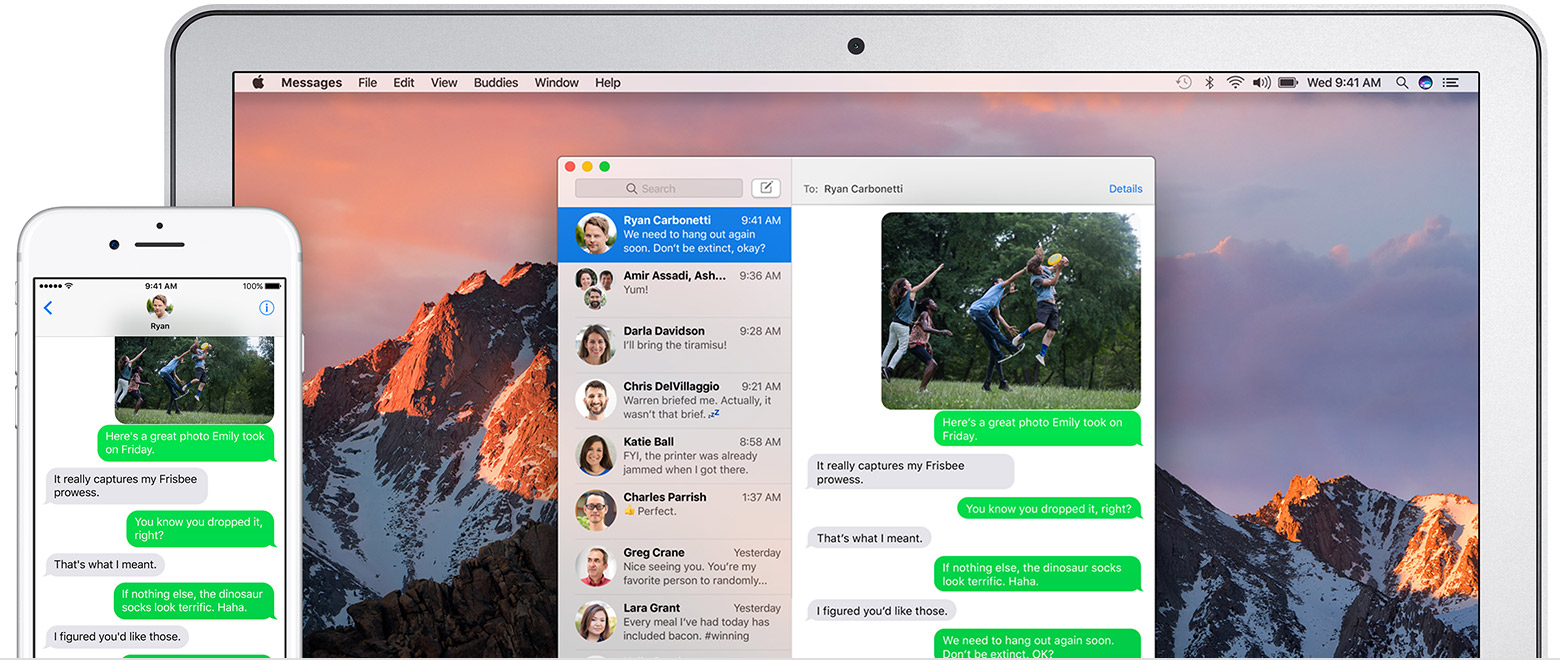
To use this feature, just start conversations as normal in the Messages app on any of your devices. You can also start a conversation by clicking a phone number in Safari, Contacts, Calendar, or other apps that detect phone numbers. All of your incoming and outgoing messages appear on all of your devices.

How do I sync my iPad to receive the same texts as my iPhone?

