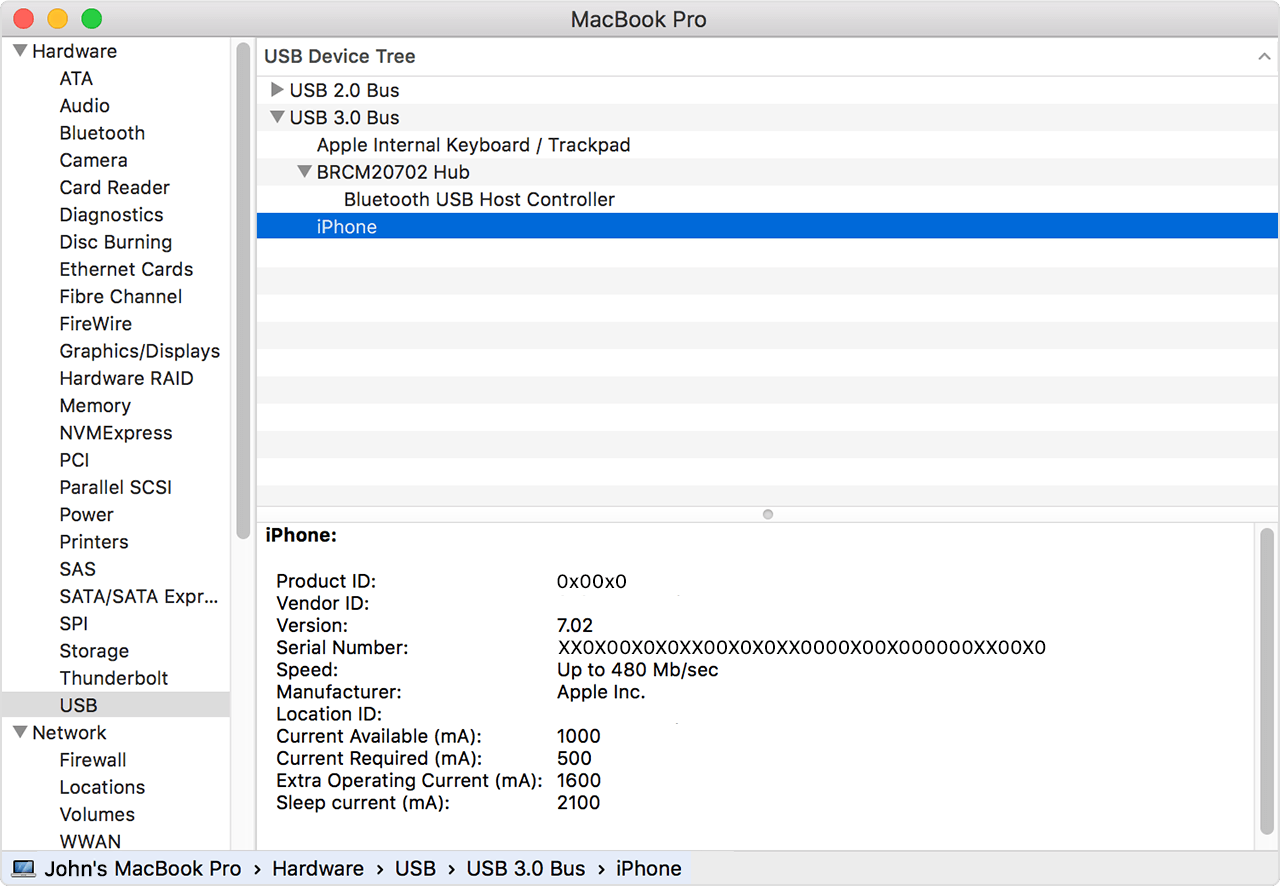
iPhone won't connect to MacBook Air. Please help!
Hi all, first-time poster here. Here are my computer specs:
I have updated my Macbook Air and iPhone 6s+ with the latest software, but my iPhone won't connect to the Macbook via either of the USB ports.
I have no trouble with other devices being recognised (except for my GoPro on occasion) but whenever I try to connect the iPhone, it just continuously chimes like it's trying to connect, but won't STAY connected for syncing or updating.
I've tried the troubleshooting steps to reset the ports by holding down certain keys while rebooting the Mac, I've cleaned out the ports as best I could, but these never fix the issue. I somehow managed to connect and sync my phone the other day, but it hasn't worked since. I've tried new Apple sync cables, both USB ports, and I just can't figure out why this is happening. Any help would be much appreciated as this is really starting to annoy me and I don't think purchasing a new Mac is the answer.
Thank you in advance for any help you can provide.
<Image Edited for Personal Information>MacBook Air (13-inch, Early 2014), macOS Sierra (10.12.1), iPhone 6s+