I cannot make outgoing calls on my iphone 4, it says "check phone settings"
I cannot make outgoing calls on my iPhone 4, it says "check phone settings". Can you please help?
iPhone 4, iOS 7.1.1
I cannot make outgoing calls on my iPhone 4, it says "check phone settings". Can you please help?
iPhone 4, iOS 7.1.1
Please try the steps below from the article If you can‘t make or receive calls on your iPhone
Check your iPhone settings
- Turn airplane mode on and off. Go to Settings and turn on Airplane Mode, wait five seconds, then turn airplane mode off.
- Check your Do Not Disturb settings. Go to Settings > Do Not Disturb.
- Check for any blocked phone numbers. Go to Settings > Phone > Call Blocking & Identification.
- See if Call Forwarding is turned on. Go to Settings > Phone > Call Forwarding.
Update your software
- Check for a carrier settings update.
- Check for an iOS software update. Some updates might require a Wi-Fi connection.
Remove and reinsert your SIM card
If your iPhone has a SIM card, remove the SIM card, then reinsert it.
Contact your carrier
When you contact your carrier, check the following:
- Your account is set up to use your iPhone.
- There aren't any localized service outages.
- Your account doesn't have a billing-related block.
- Your calls don't have errors on the carrier system.
Check your network settings
- Reset your network settings. Go to Settings > General > Reset > Reset Network Settings. This will erase all current saved settings, including Wi-Fi passwords, preferred networks, and VPN settings.
- Try to make or receive calls in another location.
- Switch to a different network band. Go to Settings > Cellular > Cellular Data Options > Enable LTE and turn off Enable LTE, 4G, or 3G (this option will depend on your carrier and device model).
Still can't make or receive calls?
If you still can't make or receive calls, restore your iPhone as new.
If restoring doesn't fix the issue, contact Apple Support or take your iPhone to an Apple Retail Store or Authorized Service Provider.
Cheers.
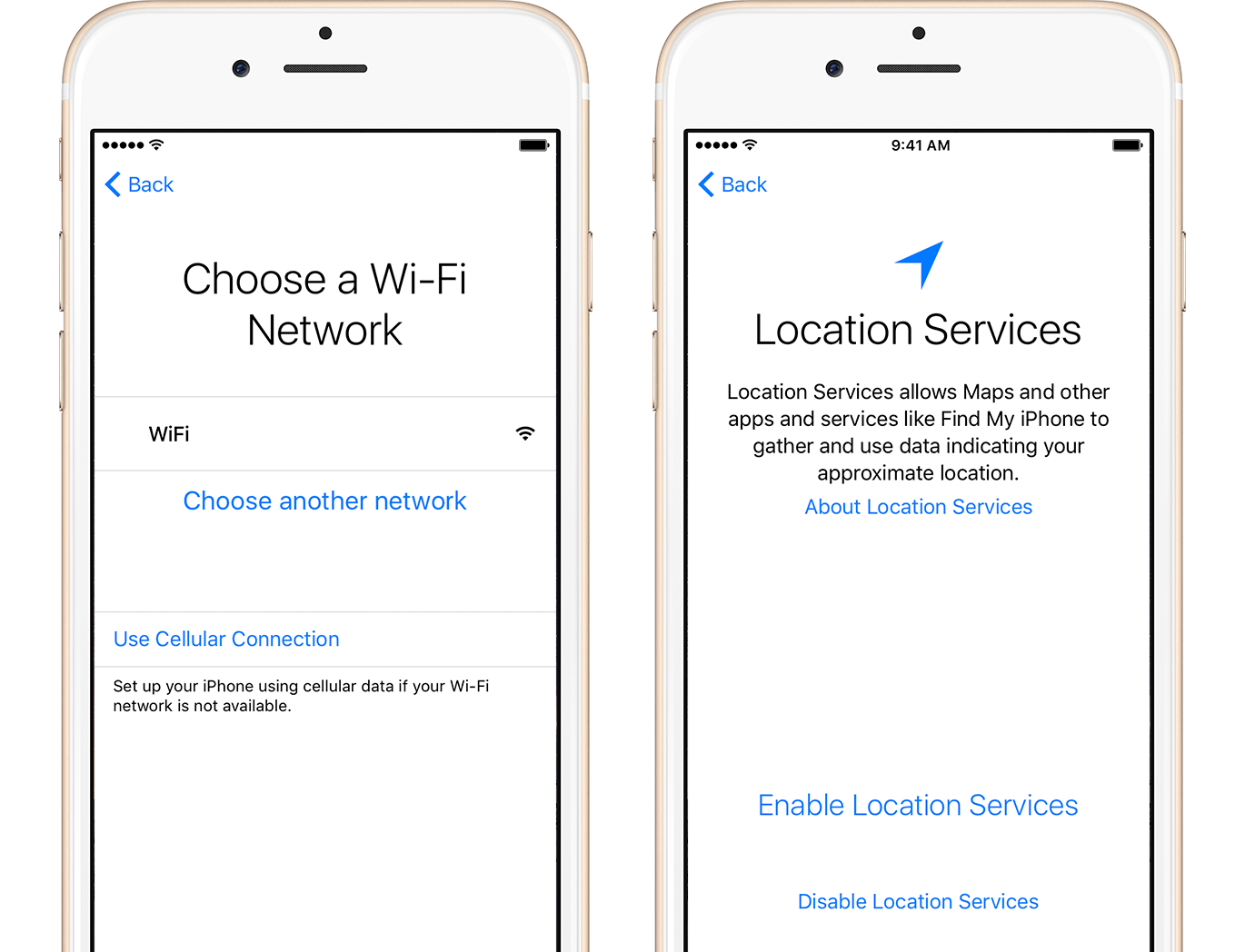
Activate your device
You need to connect to a Wi-Fi network, cellular network, or iTunes to activate and continue setting up your device.
Tap the Wi-Fi network that you want to use or select a different option. If you're setting up an iPhone or iPad (Wi-Fi + Celluar), you might need to insert your SIM card first.
Then decide on Location Services, a feature you need for apps like Maps and Find My Friends.
Get help if you can't connect to Wi-Fi or if you can't activate your iPhone.
Thanks.
I'll do that and will let you know if it works.
If ever I'm going to restore the iPhone as new, will I be needing to have an internet connection?
Thanks.
I cannot make outgoing calls on my iphone 4, it says "check phone settings"