Popping Sound, MBP 2016

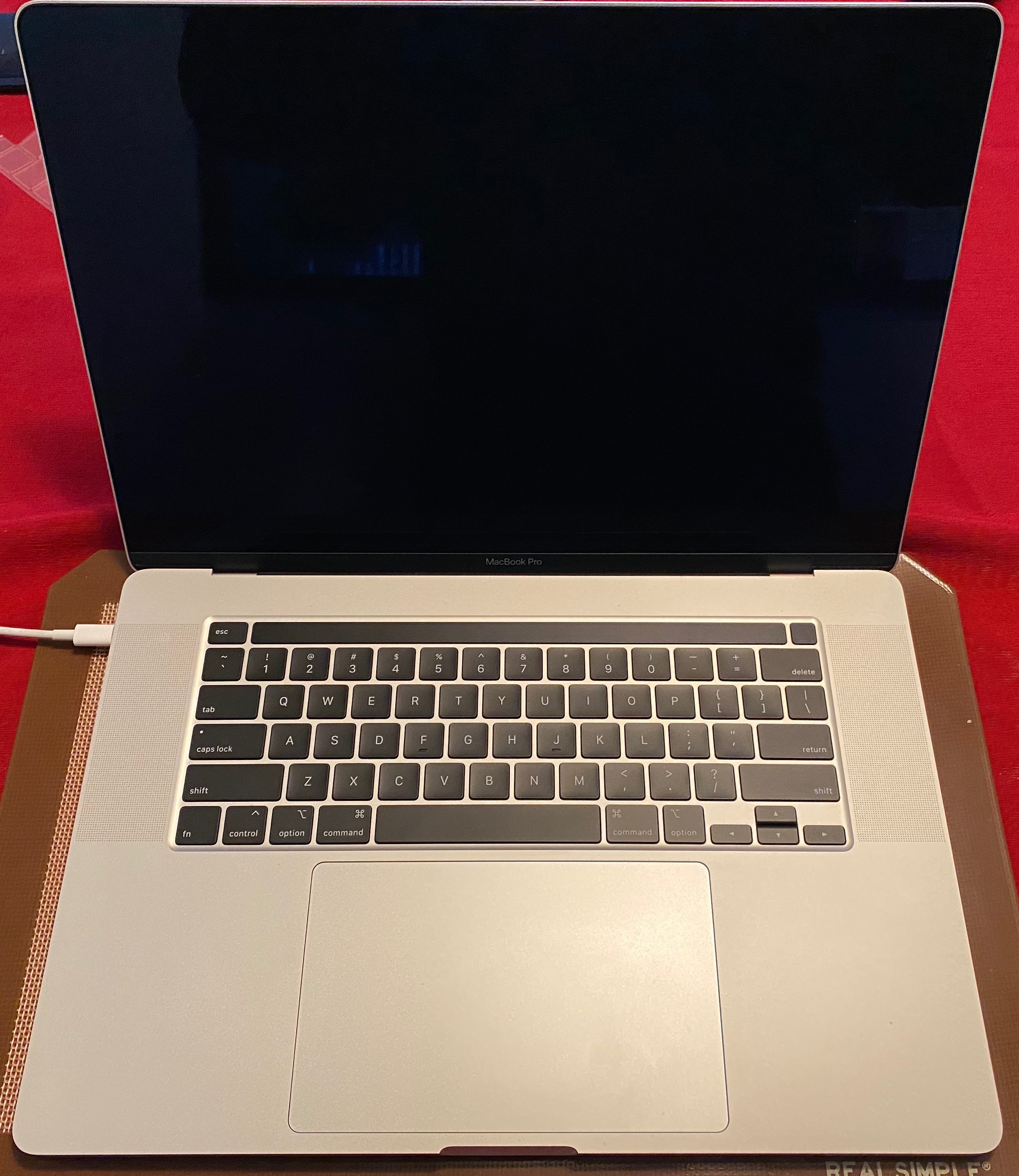
I have heard a strange noice from my MBP, and am not sure if this is expected or not. Model is MacBook Pro 2016 with Touchbar, 15 inch, Radeon Pro 460, 2.9GhZ i7, 2TB SSD.


The sound occurs rarely, there may be several days or more straight that I don't hear it, though when it occurs, it may happen 2-3 times in a half hour period. There is no association I can make with what I'm doing at the time, so I'm unable to recreate it. The sound is a single hollow "popping" noise, similar to if you slowly squeeze a plastic bottle until it crinkles. The sound is not very loud, but clearly audible, and sounds as if it is coming from approximately behind the trackpad. I've had no other notable problems with this computer to date, have made no modifications to any hardware, or used it in any abnormal way.


I'm not terribly bothered by the sound itself, but I'm aware that the battery is located roughly behind the trackpad, and I worry that an expanding battery might sound like this. The case is not flexed or distorted in any way, there is no abnormal heat being generated, and no smoke, smells, or fumes. I think this is unlikely to be the cause, but is serious enough that I would like an alternative explanation before I disregard it. Alternate explanations might be abnormal activation of haptic feedback, or flexing of internal components as adhesives or seals continue to cure since manufacturing (laptop manufacture date 12-19-2016). The OS X battery status is "Good", "No errors", Simplo model bq20z451, battery manufacture date 12-2-2016.


Thanks for any help!

MacBook Pro with Retina display, macOS Sierra (10.12.2), 15 Inch, Radeon Pro 460, 2.9GHZ i7

Posted on Jan 12, 2017 11:04 AM

Reply
Question marked as Top-ranking reply

Posted on Sep 13, 2017 9:01 AM

After numerous visits to the apple Service Centre I was able to convince them to replace my display. Got my laptop back today with a brand new display.

My initial tests confirm that replacing the display has fixed the popping sound issue.

I have also noticed that the new display does not make any noises when pressed against at the bottom of the screen. The new display feels more sturdy. Hopefully the issue won't reoccur again after extended usage. Fingers crossed!!


I urge everyone having this issue to be persistent and get the display replaced.


A big thanks to everyone who updated this thread, It was very helpful in getting the problem fixed!

874 replies

Mar 8, 2019 10:42 PM in response to PanchoMac

PanchoMac


You are right - they should admit the issue. I think, perhaps, part of their hesistence to do so would be the large influx of people wanting new parts for their MBPs from some that do not have a genuine issue with their computers.


Even the weeding out of false claims could be costly as this may involve a great deal of manpower to perform necessary diagnostical tasks.


That said, this shouldn’t be barrier to their admission of liability, as clearly, there’re design flaws in these iterations of MBPs.


I’d like to invite someone here in this thread with some IT or engineering background to sum up the problem concisely and with some technical detail.


I could thereafter follow-up with some action.


Thanks peeps.


Mar 12, 2019 9:37 AM in response to techny.noob

I'm not sure how yours is working but the popping sound requires the MacBook to be turned on and running for a bit. For example most people I read about experienced the same thing as I did said it takes the computer at least 20 minutes to fully warm up and every hour or so the popping sound would happen. The factory doesn't turn the computers so this isn't something that can be tested before shipping. I realize people think Apple should have 100% perfect QC but that's virtually impossible. Apple, like Dell, HP and Lenovo are not mom & pop companies and they sell millions of computers every month. Defects in workmanship and design can happen and will easily get past the factory as they cannot test that many computers individually. Also the displays are not made by Apple. It's either Samsung or LG. That's where the faulty displays came from.

Aug 28, 2019 1:08 AM in response to bricolages

"I'd really like an official response from apple in regards to a fix"


Why do you need an official response? That issue affected the 2016 MBP's. It's now discontinued and the 2017-2019 don't exhibit this issue. If you have AppleCare just take it to Apple and have them fix it for free. Without AppleCare you'll have to foot the bill. In terms of this response you expect from Apple, I'm assuming you mean a free repair? This issue didn't affect many people so if you're expecting a repair program to avoid paying for a repair, that may not happen.

Nov 27, 2019 3:12 PM in response to Michael DN

Having the same issue as well. But I have a Macbook Pro 13" from 2015. Diagnostic test came back clean, did a SMC and MV-ram reset as well, no change. Noise seems to be coming from the top right of keyboard. I guess directly above where one of the fans would be, not hearing it from the screen as some posters were describing. Frequency of this weird, plastic clicking/popping sound has only increased with time. Worried about my Macbook suddenly crashing due to this faulty hardware issue. Has anyone had there computer looked at by the genius bar to fix the part out of place/or whatever else is going on? What were you charged?

This thread has been closed by the system or the community team. You may vote for any posts you find helpful, or search the Community for additional answers.

Popping Sound, MBP 2016

Welcome to Apple Support Community
A forum where Apple customers help each other with their products. Get started with your Apple Account.