
How to send a handwritten message?
I have an IPhone 6 and I am on iOS 10.2. I have already sent a handwritten message in the past but today I tried it again and it's not working. I have already tried turning my screen and it's still not working.
Hello,
Try these steps:
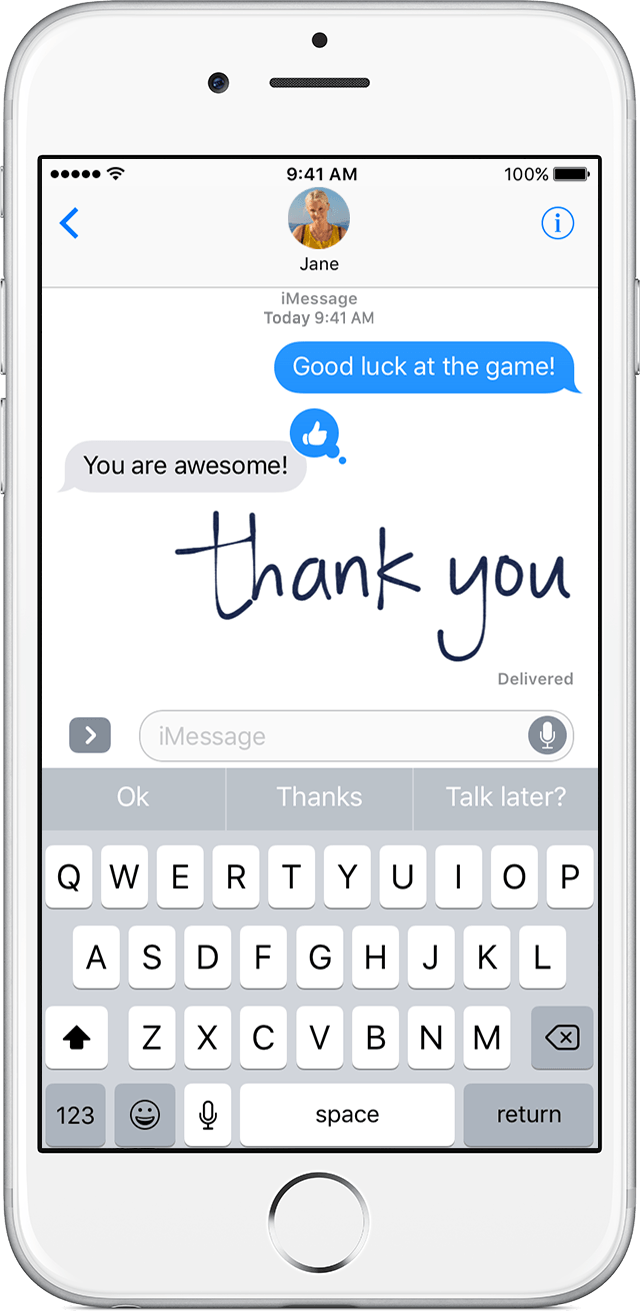
Send a handwritten message
You can personalize your messages by adding a note in your own handwriting. Your friends and family will see the message animate, as if it were being written in front of them. To send a handwritten note, follow these steps:
 and enter a contact or go to an existing conversation.
 on the keyboard.
 to send.
You need iOS 10 to send and receive an animated handwritten message. If you have iOS 9 or earlier, you'll receive a still image.
More info here:
Use message effects with iMessage on your iPhone, iPad, and iPod touch - Apple Support
How to send a handwritten message?
