
i deleted me email account on iphone 6s. how do i restore it?
How do I restore my deleted email account?
Hello,
Choose your account
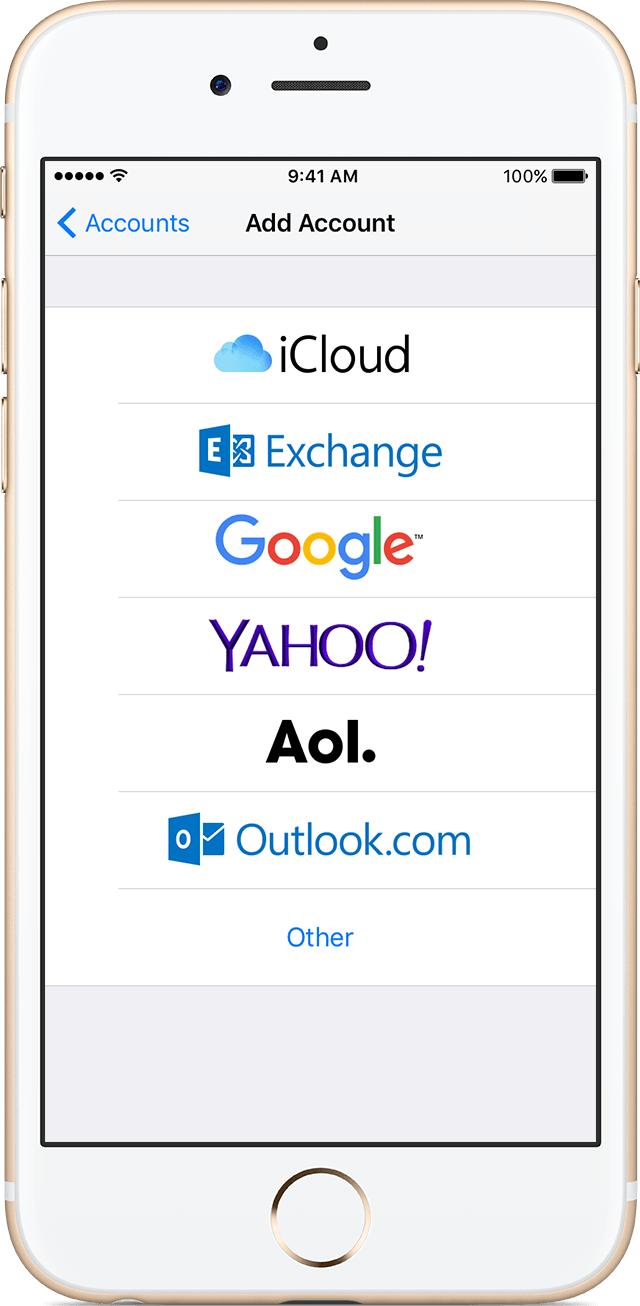
More info here:
Set up an email account on your iPhone, iPad, or iPod touch - Apple Support
Ok you said an email account. There is no way to delete Mail from Settings as shown in my picture. Do you mean the Mail app if so follow the steps:
Restore a built-in app that you removed
 to restore the app.
Remove built-in Apple apps from the Home screen on your iOS device with iOS 10 - Apple Support
Ok is your device up to date? It should look like this:
Yes exactly what deggie has said.
So you are talking about the App correct?
Here's the link again:
Remove built-in Apple apps from the Home screen on your iOS device with iOS 10 - Apple Support
NO - "MAIL" is NOT present
OK, so you did not delete an 'email account'. You completely deleted the mail app. You should be able to re-download it from the app store.
The correct name of the app is Mail, not apple email app, as it showed in the link Gus provided.
Okay which iOS are you on?
Settings > General > About > Version, include the numbers in parentheses.
Can you provide us more information. Can you post some pictures. Please blur out any personal data.
Do you have any profiles installed?
Settings > General > Profiles(under VPN)
You said you deleted your email account. The steps I have provided is the way to add emails.
Great, except I don't even have MAIL in SETTINGS. How do I get MAIL back?
No, Gus. MAIL is not present
Then restore iOS using iTunes.
I clicked on the app button and typed in "apple email app". I got many email apps but not "the" apple email app.
i deleted me email account on iphone 6s. how do i restore it?

