Apple Watch 2 Freezing
My Apple Watch Series 2 keeps freezing and re-booting several times a day. Any fixes I can do to prevent this from happening?
Apple Watch Series 2, watchOS 3.1.3
My Apple Watch Series 2 keeps freezing and re-booting several times a day. Any fixes I can do to prevent this from happening?
Apple Watch Series 2, watchOS 3.1.3
Hi!
Try to do this.
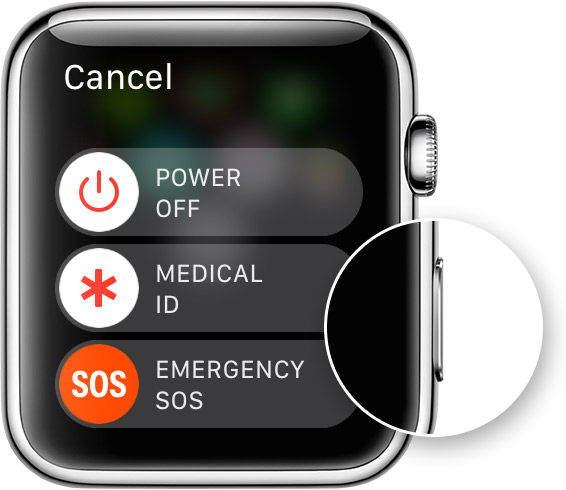
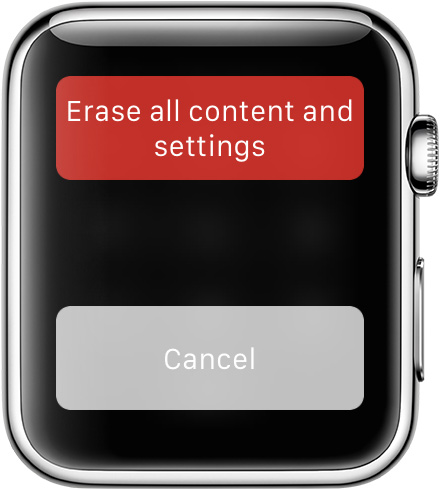
Erase your Apple Watch
If you have your iPhone, you can use the Apple Watch app to erase your Apple Watch. Make sure you keep your Apple Watch and iPhone close together while completing these steps:
If you don't have your paired iPhone, you can still erase your Apple Watch:

Set up your Apple Watch again
Use these steps to pair your Apple Watch again. When asked, restore from a backup.
Bye
Samuele
Apple Watch 2 Freezing