I know my passcode very well and when I tried to connect to iTune of my mac I am getting this below message as well.
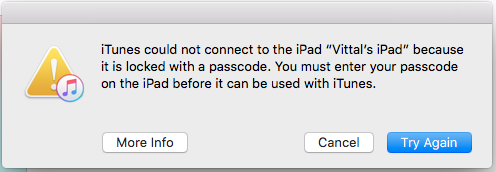
I have followed the below steps to recover but no use.
f you've never synced your iPad with iTunes, you should still be able to use iTunes to unlock it. This procedure also works to restore an iPad if iTunes requests you to enter its passcode. Start by leaving your iPad's sync cable plugged in to your computer but unplugged from your iPad's dock or Lightning connector. Hold down the "Sleep/Wake" button on your iPad for a few seconds until a red slider appears. Slide it to shut down the iPad. Hold down the iPad's "Home" button and connect the sync cable to it while you are still holding the button. Don't release the "Home" button until you see a screen that says "Connect to iTunes." At this point, your computer will let you know that it is connected to an iPad in Recovery Mode. Click the "OK" button on your computer and then click the "Restore" button to restore the device and eliminate the passcode.

