How to change my email address to phone number in i message?
Please help me changing my email address to phone number in i message.
iPhone 6, iOS 10.3.1
Please help me changing my email address to phone number in i message.
iPhone 6, iOS 10.3.1
Set up your phone number
These steps work only with the phone number that belongs to your iPhone, not the phone number of a landline or other device. On your iPhone:
- Go to Settings > Messages and make sure that iMessage is on. You might need to wait a moment for it to activate.
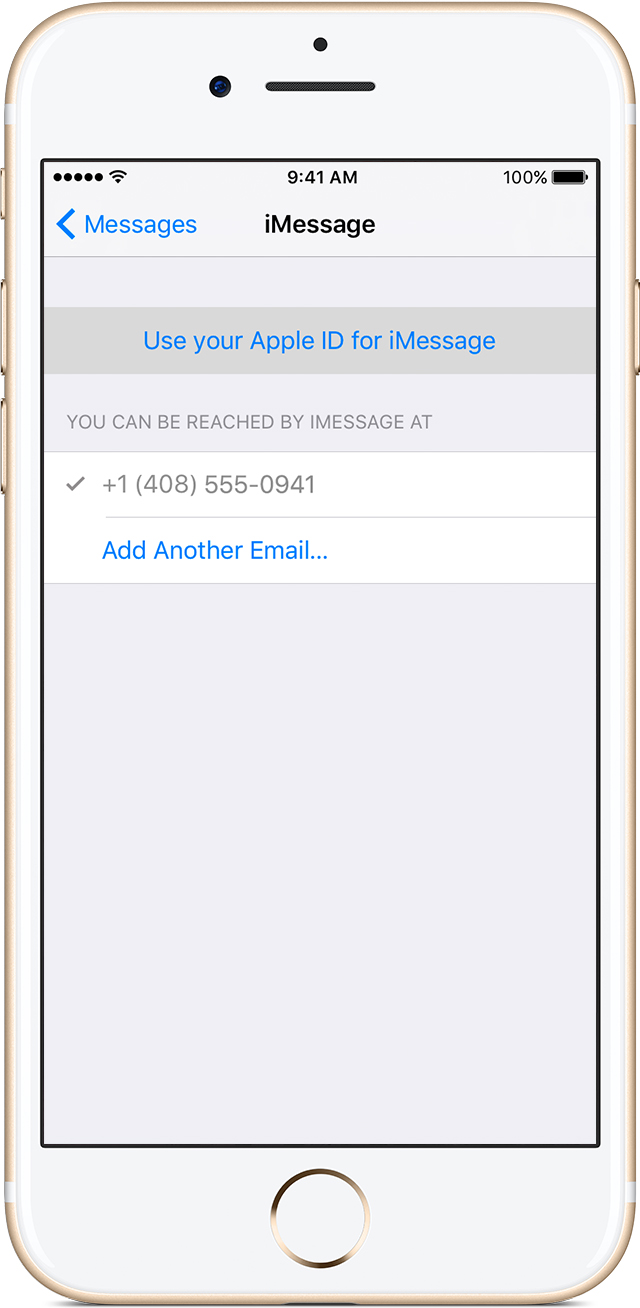
- Tap Send & Receive. If you see “Use your Apple ID for iMessage,” tap it and sign in with the same Apple ID that you use on your Mac, iPad, and iPod touch.
- In the “You can be reached” section, make sure that there are checkmarks beside your phone number and Apple ID.
- Go to Settings > FaceTime and follow the same steps.
How to change my email address to phone number in i message?