unable to verify update

I'm trying to update to iOS10 but this is the error I get:-

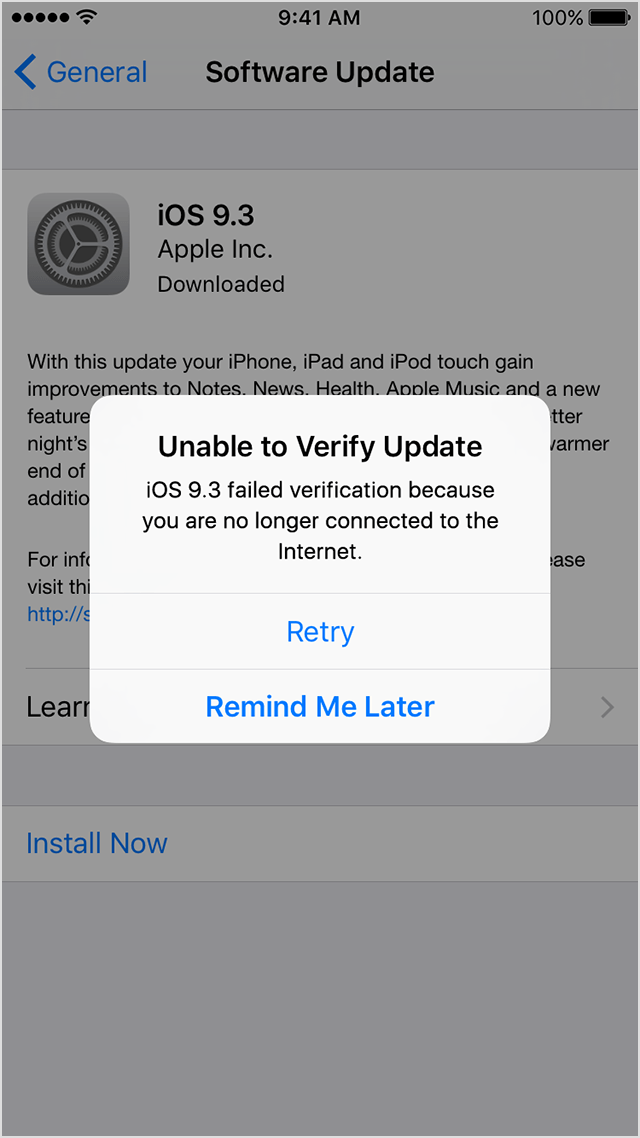
iOS 10.2.1 failed verification because you are no longer connected to the internet 😕


I tried using my phone data as well as via wifi but unable.


Kindly advise. Tx

iOS 7.0.2

Posted on Apr 27, 2017 8:49 AM

Reply
28 replies

Oct 7, 2017 7:58 AM in response to Terrence70

I get this all the time. I can download the update via HughesNet but can NEVER get it to verify. So once it fails to verify I switch to the Verizon LTE net (or personal hotspot if it is an iPad) and it verifies instantly. Same deal on Watch updates too. I figured that since this happens so consistently, I should share this with others who are probably as frustrated with this as I was before I figured out how to get around it.

Dec 11, 2017 8:52 PM in response to Terrence70

I just spent 10 hours working on this. Was at the ATT store who couldn't fix it. What finally worked was switching to another network (took trying a few).


Apple, are you reading this?! WHAT is going on over there? Don't you guys test this stuff? There are so many people having this same problem ("won't connect to internet" when trying to update software) My cell phone service was off for days due to the update not being able to be installed. That's just dangerous and irresponsible and TERRIBLE business. Hugely ****** and will never use another apple product again.

Jul 25, 2017 12:31 PM in response to NolaCherie

Hello,


If the steps above didn't help, I would recommend removing the update and trying again.


Here's the steps:

Remove and download the iOS update again

If you still can't install the latest version of iOS, try downloading the update again:

  1. Go to Settings > General > Storage & iCloud Usage. Under Storage tap Manage Storage.
  2. Find the iOS update in the list of apps.
  3. Tap the iOS update, then tap Delete Update.
  4. Go to Settings > General > Software Update and download the latest iOS update.

If you don’t see the update in the list of apps or if the issue happens again, you need to update your device with iTunes.

Jul 27, 2017 12:06 PM in response to Gus

I have tried EVERYTHING...soft reset,hard reset,network reset, clearing ram, stood on my head😂. I am housebound taking care of my mother. I have no one I can call that has a computer that I could hook up my IPAD to and try to do the update through Itunes. I called Best Buy and the Geek Squad will come to the house for 100-+. CRAZY! I am just so frustrated and upset. I have been trying for a week trying to get this update.

Apr 28, 2017 10:55 AM in response to Terrence70

Hello,

If you can’t reach the update server or can’t verify the update

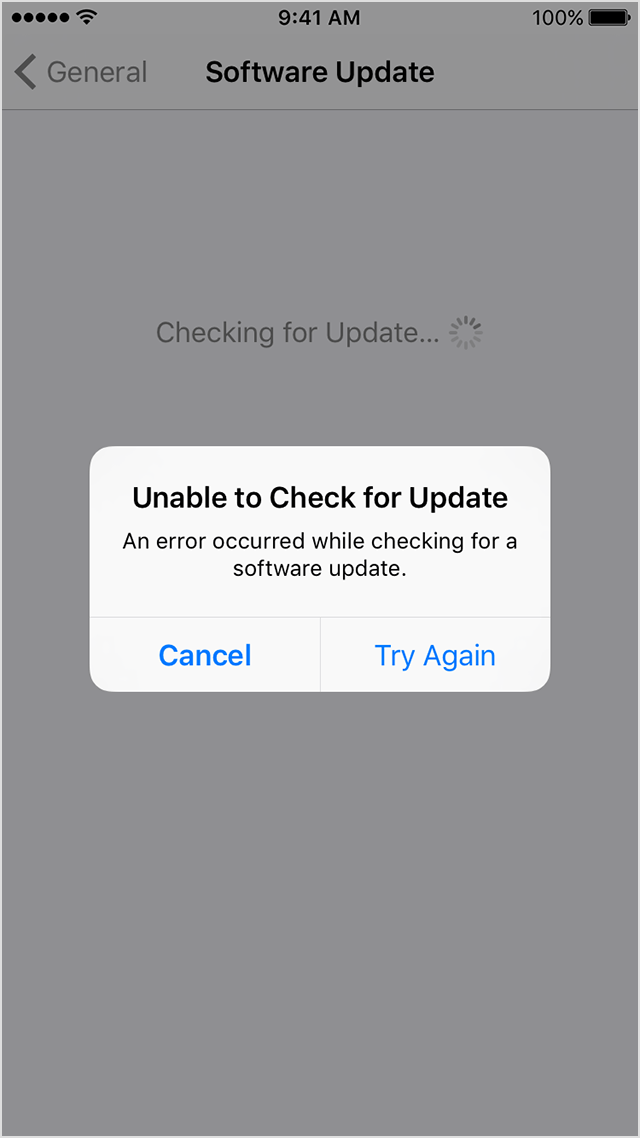
If you try to update the iOS on your device, you might see one of these messages:
User uploaded file
"Unable to Check for Update. An error occurred checking for a software update."
User uploaded file
"Unable to Verify Update. iOS failed verification because you are no longer connected to the Internet."

Try updating your device again using the same network. If you still see one of these messages, try updating your device using another network. If the issue happens again after trying to update with multiple networks, remove the update.

Learn more about iOS updates.


From:

Get help with over-the-air iOS updates - Apple Support

This thread has been closed by the system or the community team. You may vote for any posts you find helpful, or search the Community for additional answers.

unable to verify update

Welcome to Apple Support Community
A forum where Apple customers help each other with their products. Get started with your Apple Account.

