
I don't want to restore from a backup OR set up as a new phone

I'm trying to back up my phone before updating iOS, however when I plug in my phone, a message comes up asking whether I would like to set it up as a new phone or restore from a previous back up - I want to do neither, as my previous back up (stupidly) was in December 2015! (Message is similar to the picture).


There is no option to back it up as its current state and I do not want to risk losing any photos, because... they haven't been backed up!
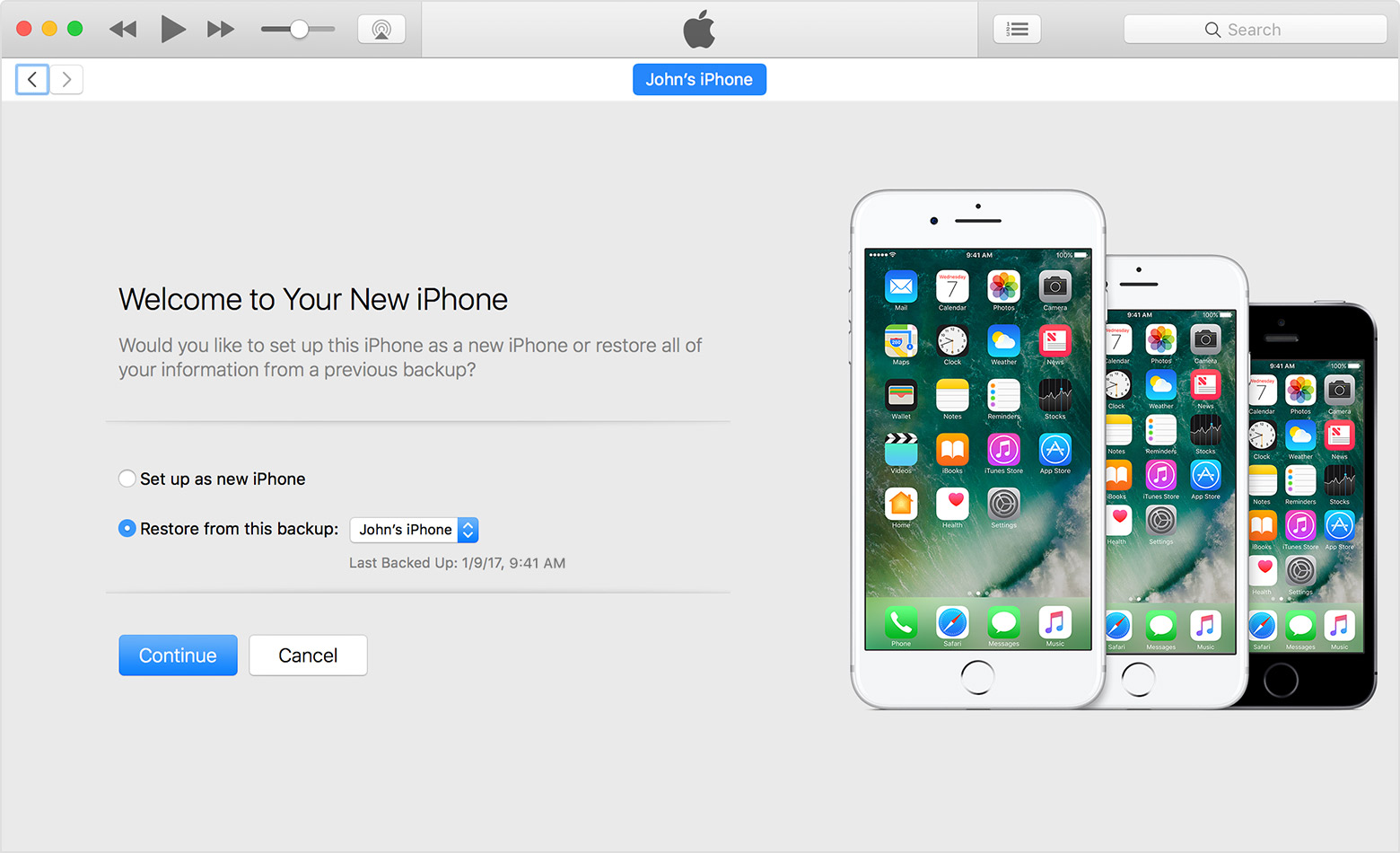

User uploaded file


No idea how to tackle this issue, any suggestions would be gratefully received.

Thanks 🙂

iPhone 6, iOS 9.3.5, Want to update to iOS 10.2

Posted on May 8, 2017 10:10 AM

Reply
6 replies

May 8, 2017 12:23 PM in response to KatkinsG

Choosing to set it up as a new phone here is only as far as iTunes it concerned. Choosing that option will allow you to backup your phone as it is now and you will not lose any of your data. However, if you've synced with a different computer already, you may want to stop the sync as soon as it starts as it may replace some of your media with what's on your computer if they don't"match".

May 8, 2017 11:03 AM in response to KatkinsG

Did you turn off auto sync? Do this without connecting the phone.


Launch iTunes and go to Edit>Preferences>Devices. Check the box at the bottom of the window that says Prevent iPods, iPhones and iPads from syncing automatically. Click OK. Quit iTunes, and launch again. Connect your phone and then try clicking on the devices icon in the upper left portion of the screen in order to select your phone. If you can select the phone, try a manual backup again.

This thread has been closed by the system or the community team. You may vote for any posts you find helpful, or search the Community for additional answers.

I don't want to restore from a backup OR set up as a new phone

Welcome to Apple Support Community
A forum where Apple customers help each other with their products. Get started with your Apple Account.

