This answer really does work. After deleting the iOS Update from the device and checking for recent updates, you will notice there will be a newer update available.
Welcome to Apple Support Communities.
I understand you're unable to update your iPhone 6 and you're receiving an error, "Not connected to the Internet". I may be able to help with this. Check out this link here: Get help with over-the-air iOS updates
Let me know if this helps.If you can’t reach the update server or can’t verify the update
If you try to update the iOS on your device, you might see one of these messages:
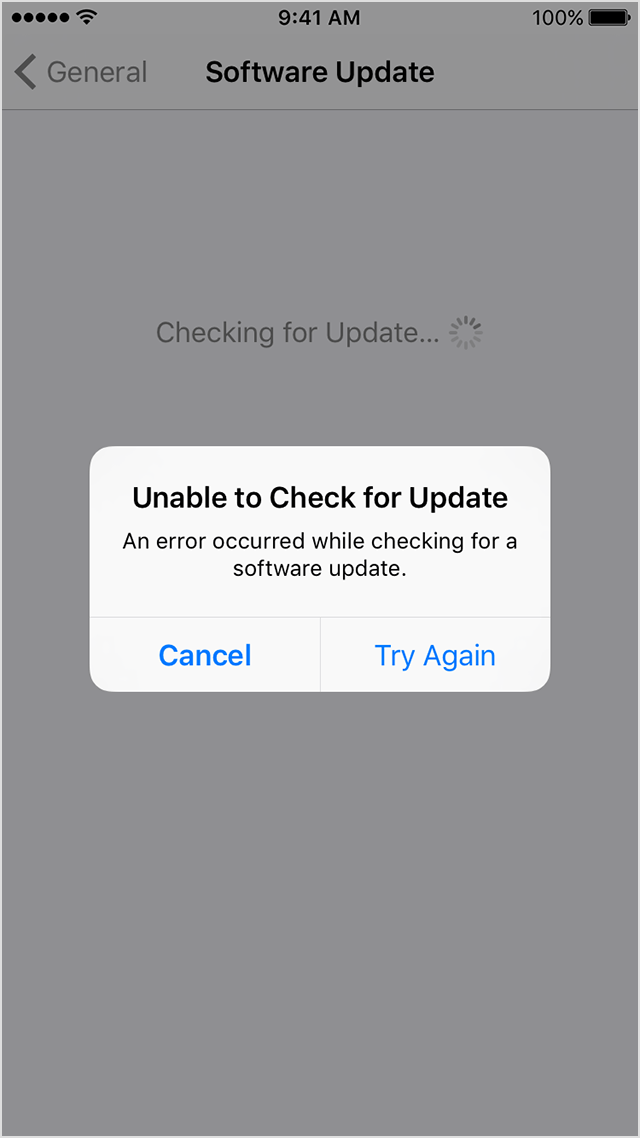
"Unable to Check for Update. An error occurred checking for a software update."
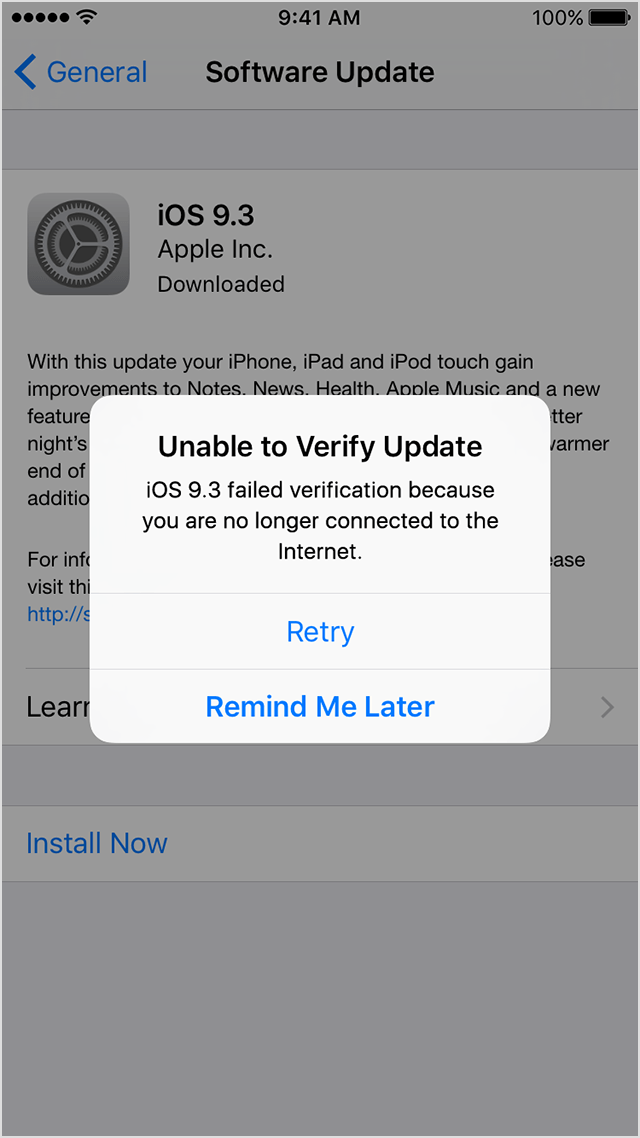
"Unable to Verify Update. iOS failed verification because you are no longer connected to the Internet."
Try updating your device again using the same network. If you still see one of these messages, try updating your device using another network. If the issue happens again after trying to update with multiple networks, remove the update.
Remove and download the iOS update again
If you still can't install the latest version of iOS, try downloading the update again:
- Go to Settings > General > Storage & iCloud Usage. Under Storage tap Manage Storage.
- Find the iOS update in the list of apps.
- Tap the iOS update, then tap Delete Update.
- Go to Settings > General > Software Update and download the latest iOS update.
If you don’t see the update in the list of apps or if the issue happens again, you need to update your device with iTunes.
Thank you for using Apple Support Communities.
Cheers!

You would not be able to install iOS 10.2.1, since that is not the latest iOS available for the iPhone 6. Delete that copy of iOS 10.2.1 and update the device either OTA by going to Settings>General>Software update, or connecting the device to the latest version of iTunes, 12.6.1, and updating in that fashion. You could not be able to verify iOS 10.2.1 since it is no longer being signed by Apple.
Hi, I'm having the same problem with my iPhone (I'm from Denmark). I've tried deleting the update but now u can't download it again. I'm currently on the 9.3.1 version, but I want the 10.2.1, and I do not know what to do? Can you or anybody else help me? :)
What version of the iPhone are you using? You cannot update to iOS 10.2.1 if your device will run a software newer than iOS 9.3.1. If you have an iPhone that will run the latest version of iOS, which is 10.3.2, then that is the only iOS you can download and install.
Can I ask, how do you get the latest? When I go to settings in iPhone to get the latest it is 10.2.1 but then won't do update (like other user says no connection but there is an I understand it is because it isn't latest). Ta
My IPhone 6 won't download IOS 10.2.1

