Hi
lousiphre
,
I understand that when using Outlook Web Access with Safari, you're unable to load some messages. I'm happy to provide some help for this issue.
The following article offers some troubleshooting for this sort of issue. Since this problem started after renewing your certificate, it may
help especially
to reset the data stored
for
that site:
If Safari doesn't load a page or webpage items are missing - Apple Support
Some Safari extensions that block ads or other website content can prevent some page elements from displaying. You can temporarily turn off extensions, then re-load the page to see if this is the issue.
- Choose Safari > Preferences.
- Click Extensions.
- Select an extension, then deselect the checkbox "Enable… extension." Repeat this step for every extension that's currently installed.
Reload the page by choosing Choose View > Reload in Safari. If the
webpage
loads correctly, one or more extensions was blocking the content from loading. Re-enable an extension, then reload the page again to determine which extension is blocking the content you want to view.
If the website still doesn't load with all of your extensions disabled, try the next steps in this article.
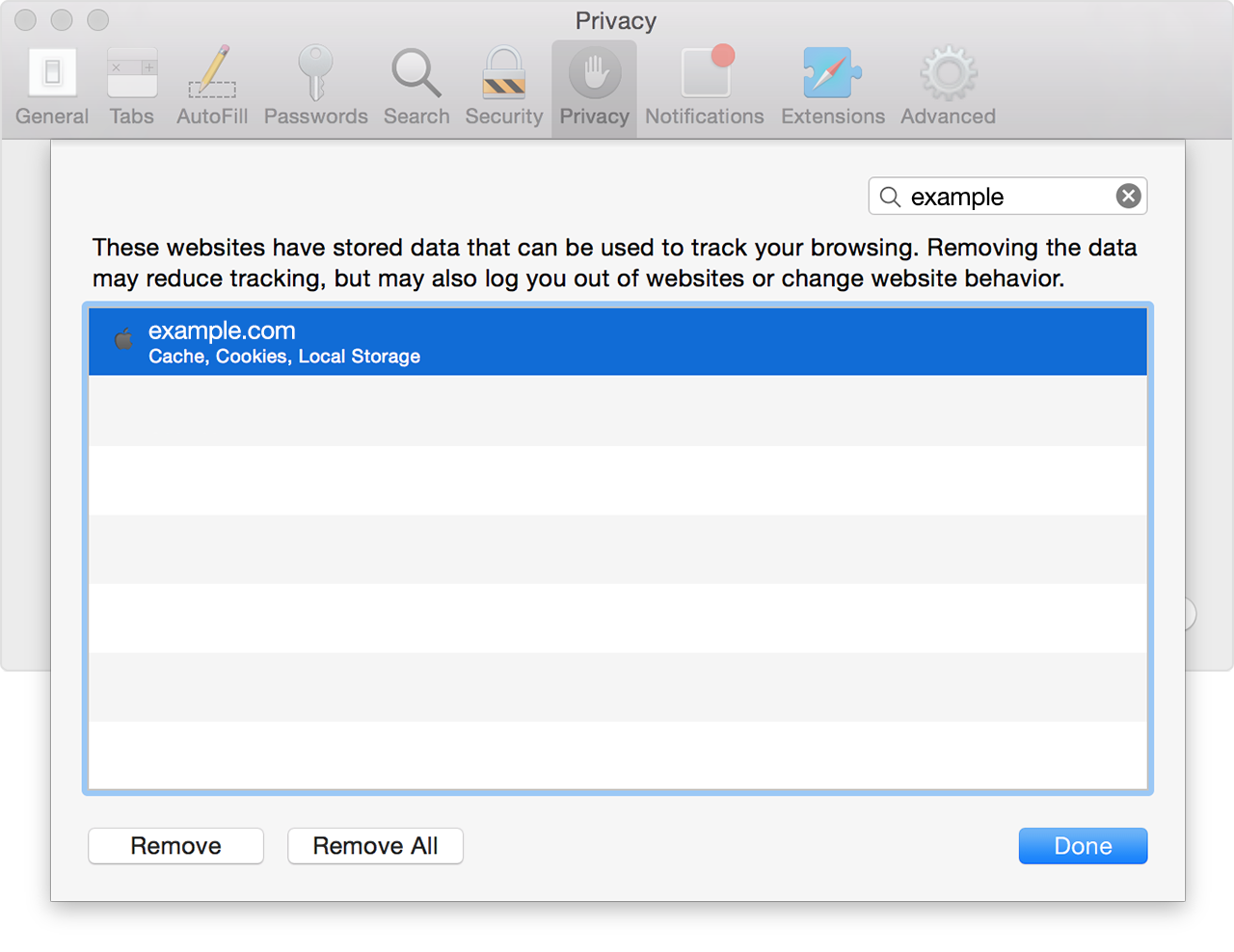
If only one webpage or website isn't working, you can remove data related to that site to see if it fixes the issue. Use these steps to remove cookies, cache, and other data stored by Safari for a specific site:
- Choose Safari > Preferences.
- Click the Privacy icon.
- Click the Details button.
- Search for the name or domain of the website whose data you want to remove.
-
In
the results list, click the domain (like example.com) that has
data
you want to remove.
- Click Remove.
- When you're finished, click Done and close the preferences window.
If you used the Private Browsing feature of Safari when visiting a website, you might not see the site listed here.
Thanks for using the Apple Support Communities. Cheers!



