Thank you for reporting back with that information, Eric.l11. We're glad to see that half of the issue has resolved. We have more for you to try as well.
Restart your iPhone, iPad, or iPod touch -- If you didn't have a chance to see if restarting your iPhone would help, restart your phone. Once it's returned to the Home screen, test the issue again.
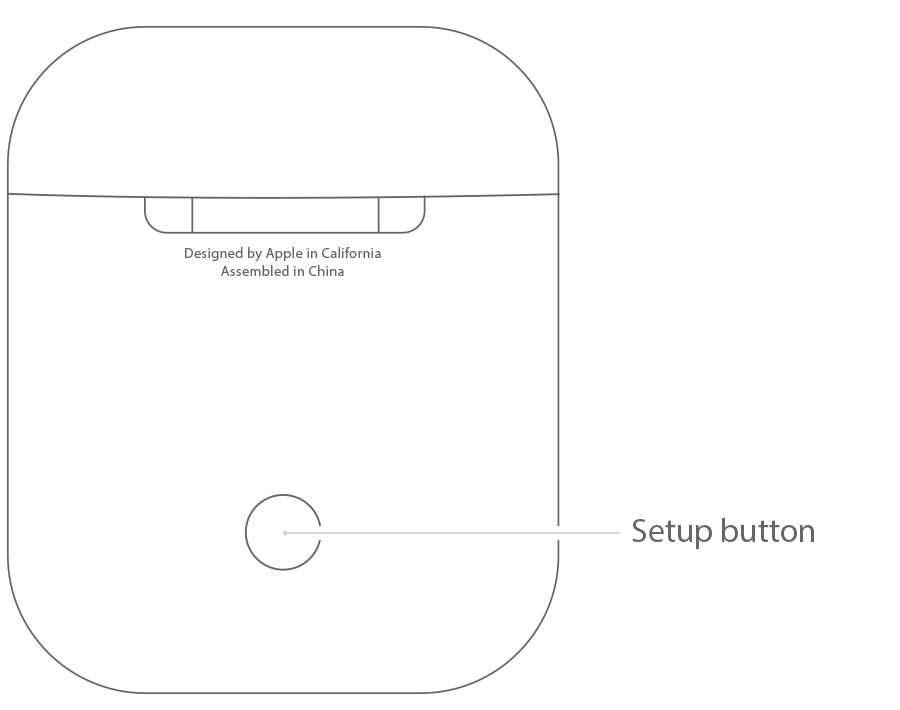
Set up and use third-party Bluetooth accessories -- Unpair your AirPods, restart your iPhone again, then pair the AirPods once you're able.
To unpair a Bluetooth accessory, tap Settings > Bluetooth, find the device you want to unpair, and tap  , then Forget this Device.
When you Forget this Device on your iPhone, iPad, or iPod touch, that accessory is removed from the list of available Bluetooth devices. To add the Bluetooth accessory to your device again, place it back in discovery mode and repeat the steps above to pair it again.
Again, thanks and let us know if that's helped when you're able.