I can't update my AppleTv (3rd generation). When I try to update, on the screen appears: impossible to update.

It's like an error and I'm not able to overcome the problem. What can I do?

Posted on Jul 2, 2017 2:13 PM

Reply
1 reply

Jul 3, 2017 10:26 AM in response to Pietrocapo95

Good afternoon Pietrocapo95,

Welcome to the Apple Support Communities!

I understand you are trying to update your Apple TV (3rd generation) and are seeing an error message.
The resource below explains how to update your Apple TV or change preferences to automatically update.

Identify your Apple TV model​

Check Settings

From the Apple TV Home screen, choose Settings > General > About and check the Model.


User uploaded file

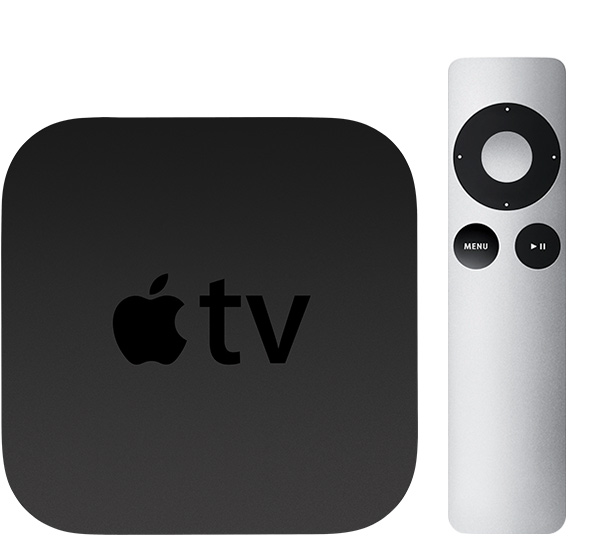
Apple TV (3rd generation)
Year introduced: 2012
Color: Black
Model number: A1427 or A1469 for Rev A
Apple Remote (aluminum)
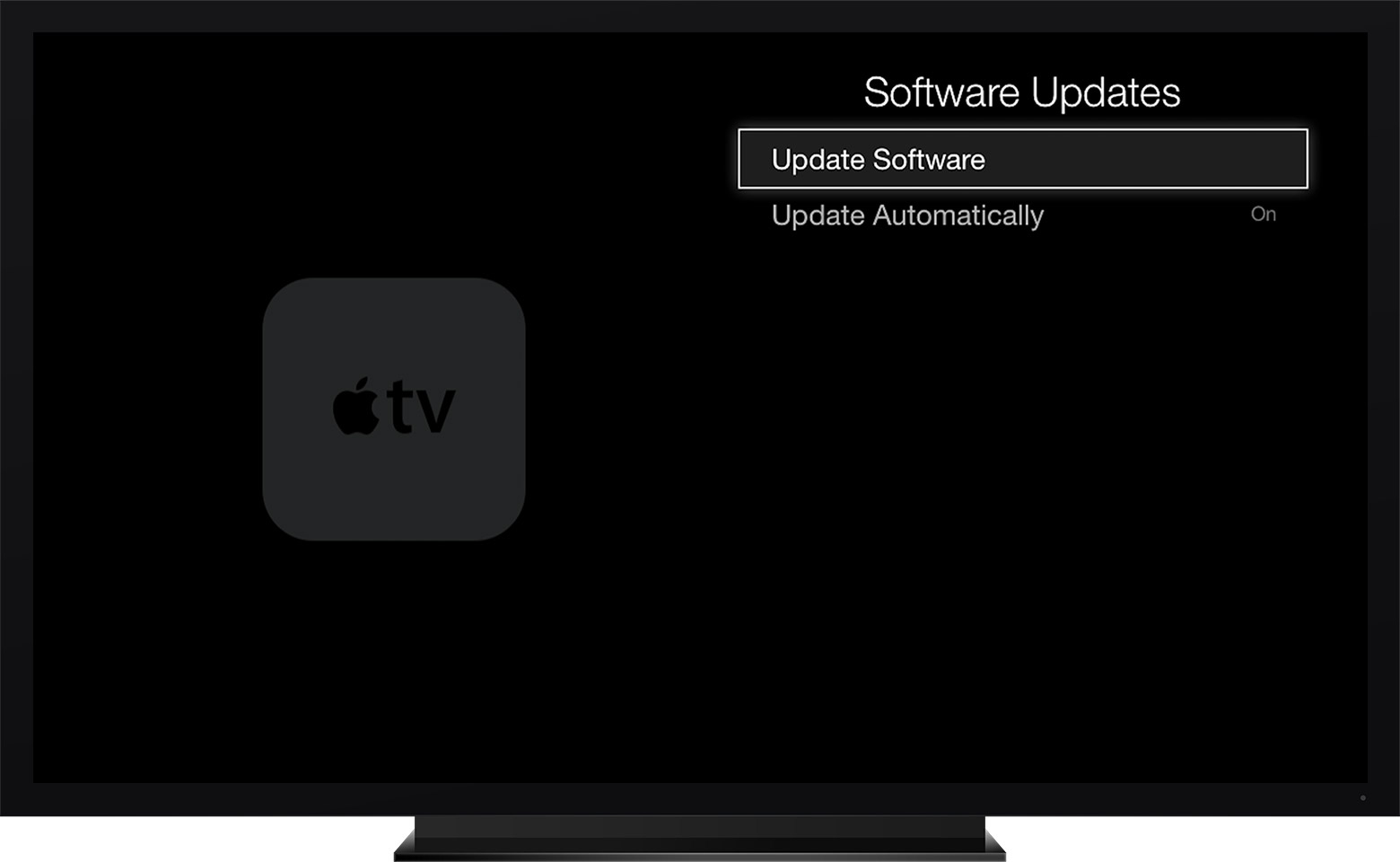


Update the software on your Apple TV

On Apple TV (2nd or 3rd generation), go to Settings > General > Update Software. If there's an update, download and install it.

During the update, the status light might flash slowly. Don't disconnect or unplug your Apple TV until the update completes.

Update Software Automatically
On Apple TV (2nd or 3rd generation), go to Settings > General > Update Software and turn on Update Automatically.

User uploaded file


If you are still getting error messages when you try to update the Apple TV software, you can restore it back to factory settings.

Restore your Apple TV to its factory settings​

Restore your Apple TV (3rd generation or earlier)

  1. Select Settings > General > Reset.
  2. Choose one of these options:
    • Reset: This option is the fastest way to return your Apple TV to factory settings and doesn't require Internet.
    • Reset and Update: This option returns your Apple TV to its factory settings and installs software updates. This option requires Internet.
  3. Keep your Apple TV plugged into power until the Reset process finishes. Then you can set up your Apple TV again.

Can't restore your Apple TV with these steps? Then restore your Apple TV through iTunes instead.


Take care.

This thread has been closed by the system or the community team. You may vote for any posts you find helpful, or search the Community for additional answers.

I can't update my AppleTv (3rd generation). When I try to update, on the screen appears: impossible to update.

Welcome to Apple Support Community
A forum where Apple customers help each other with their products. Get started with your Apple Account.