gmail app not clearing badge in iOS 11

Since updating to iOS 11 and using the gmail app, when I get a new email it has the badge number but when I go in and look at those emails, the badge doesn't go away unless I restart the phone. It always looks like I have new email when I don't. Very annoying. Does anyone know of a fix or do I have to wait until gmail fixes it. Also, I cannot seem to find support for the gmail app anywhere.

iPhone 7, iOS 11

Posted on Sep 22, 2017 8:41 AM

Reply
Question marked as Top-ranking reply

Posted on Oct 7, 2017 10:16 PM

While we wait for the app to be updated by Google I have found the below actions will reset the badge.


1. In the upper left slide out menu you will see your email address listed. Select the down arrow.

2. In the set of options select “manage accounts”

3. Your email will be listed with a slider for off and on.

4. Slide the account off. Do not worry you will not be signed out.

5. Slide the account back on.

6. Your email badge count will be reset as the app will be forced to reread your email count.


It is a long list of steps but it takes only about 2 or three seconds to complete after you know where to look.

28 replies
Question marked as Top-ranking reply

Oct 7, 2017 10:16 PM in response to Scott Raymond

While we wait for the app to be updated by Google I have found the below actions will reset the badge.


1. In the upper left slide out menu you will see your email address listed. Select the down arrow.

2. In the set of options select “manage accounts”

3. Your email will be listed with a slider for off and on.

4. Slide the account off. Do not worry you will not be signed out.

5. Slide the account back on.

6. Your email badge count will be reset as the app will be forced to reread your email count.


It is a long list of steps but it takes only about 2 or three seconds to complete after you know where to look.

Sep 23, 2017 2:00 PM in response to Scott Raymond

Hello Scott Raymond,

Thank you for using Apple Support Communities. It's my understanding that after updating your iPhone, the badge notification for Gmail doesn't update unless the iPhone is restarted. You've done a great job trying to get this resolved. I'm happy to help.

First, use the steps below to delete and reinstall the Gmail app:
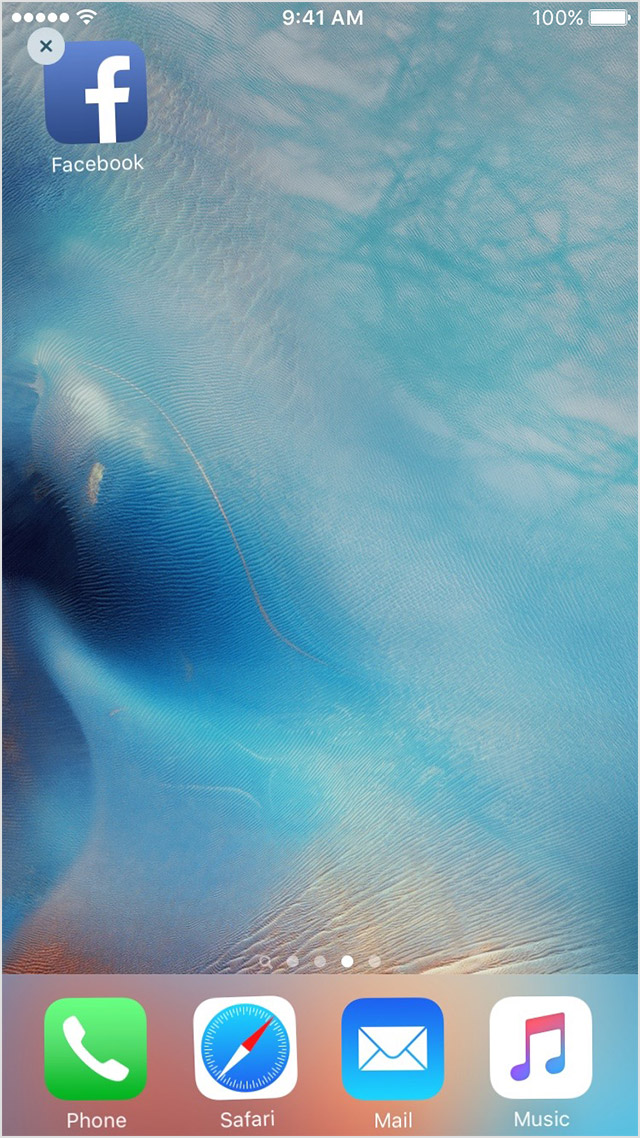
  1. Tap and hold the app until it jiggles.
  2. Tap the User uploaded file on the app.
    User uploaded file
  3. Press the Home button.
  4. Go to the App Store and download the app again.
  5. Wait for the app to download, then open it from the Home screen.
If the app you installed unexpectedly quits, stops responding, or won't open

If the issue persists, access Gmail support using the link below:
Gmail Help

Have a great day!

Oct 12, 2017 5:51 AM in response to omeara777

Since Apple has changed how app badge icons are updated, the only thing that will fix the issue is an update from Google. Judging by how many people are having this issue, google seems to be rather slow to release a fix. They had to know this was a problem with the developer release of iOS 11. So, either Apple really screwed the developers on this update, or Google is just plain lazy.

This thread has been closed by the system or the community team. You may vote for any posts you find helpful, or search the Community for additional answers.

gmail app not clearing badge in iOS 11

Welcome to Apple Support Community
A forum where Apple customers help each other with their products. Get started with your Apple Account.