Thanks for trying to help. I have this problem and have tried all the above already.
But this doesn’t address the main issue here:
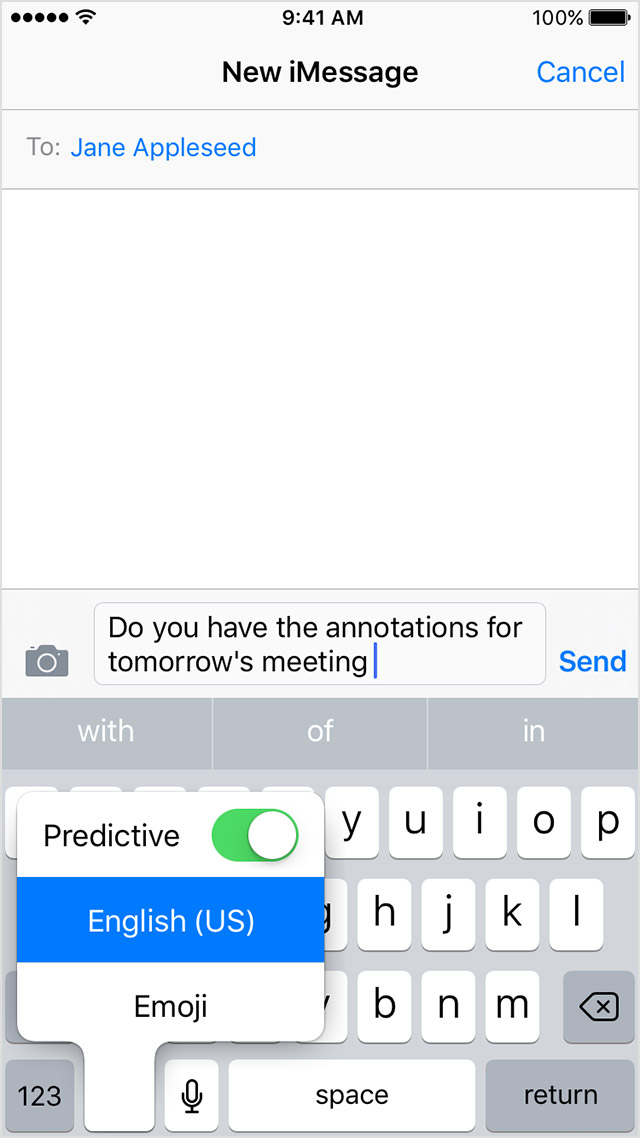
Both dictation and predictive text are getting WORSE not better with each update.
There is another thread about this which seems to be in the wrong place, so the “me too”s here are not alone!
https://discussions.apple.com/thread/7445742
There are also mentions of this issue outside Apple’s forums too.
It’s important to understand that this issue is NOT a simple “it’s not working now” problem. It’s a more gradual but significant worsening of something that wasn’t broken before. For me iOS 11 (on my SE) has produced a significant jump in predictive errors (random Capital letters appearing in the Middle of sentences) and dictation occasionally turning English into idiotic nonsense (repeated words, an apostrophe messing up eg we’ll done). To the extent that I don’t use dictation at all now.
Is this Apple’s AI that thinks it has a better grasp of what we’re trying to say than we do? Because if so, Houston, we have a problem....