iPhone 8 camera and photos look pink?
I just got my new phone and when I go to take a photo the camera looks pink, as well as the photo I take. Is there a way to fix this? Or is my phone camera messed up already?
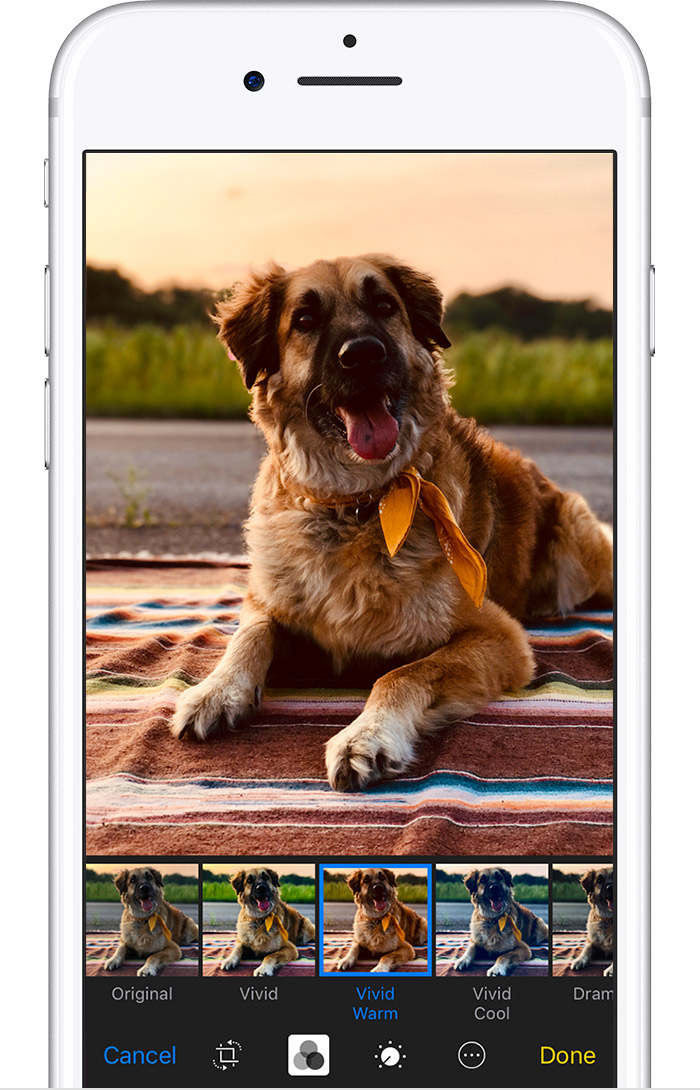
Apply filters
Tap to experiment with your device's built-in photo filters. Give your photo a different color effect, such as Vivid or Drama. Or
try classic black and white looks like Mono and Silvertone.
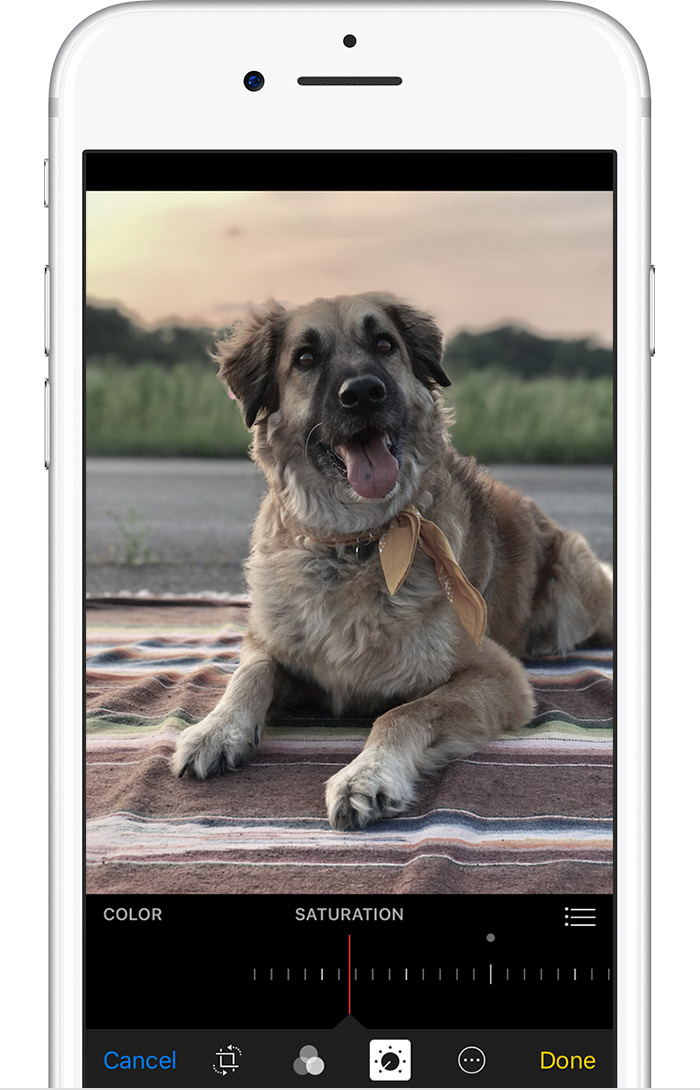
Adjust
light and color
Use the smart slider to find just the right lighting and color. Or tap

, then tapand a menu of individual tools lets you make precise adjustments.
The same is happening to me!!
I also have the iphone rose gold 8plus and my camera is pink with stripes (like an old tv with problems).
Funny thing is, the portrair mode works fine, but all the videos and other photo functions look pink.
Please help! My iphone is so new! This is so sad!
Did anyone get a fix for this? I have all settings to original and still get really pink photos with the rose gold iphone 8plus
iPhone 8 camera and photos look pink?