iphone 7+ Camera short cut not working sometimes
I’m having iPhone 7 plus model & software is 11.0.2. My phone sometimes camera short cut not functioning
Greetings, OORS.
It appears that you're having an issue using the camera on your iPhone 7 Plus on iOS 11.0.2. One of the shortcuts isn't working as expected. The following articles can help.
Take and edit photos with your iPhone, iPad, and iPod touch
Open your Camera app
The perfect moment can happen at any moment, so it's important to know how to access your Camera, and fast. There are a few ways to open your Camera app.
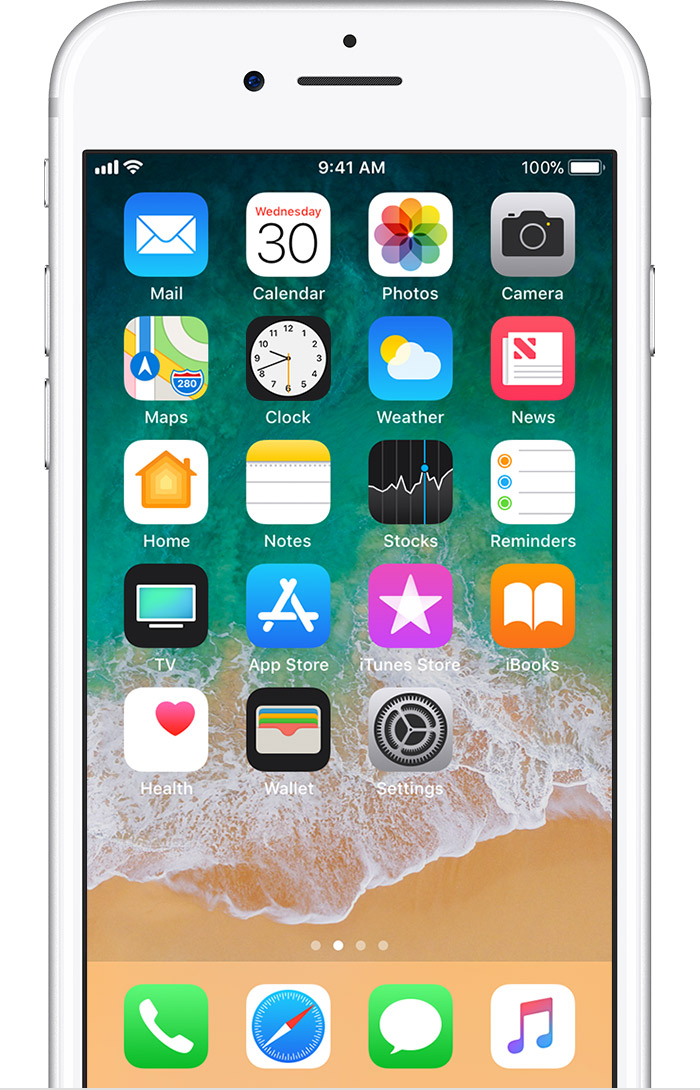
Home screen
From your Home screen, tap the Camera app. With iPhone 6s or later,1 you can use 3D touch.
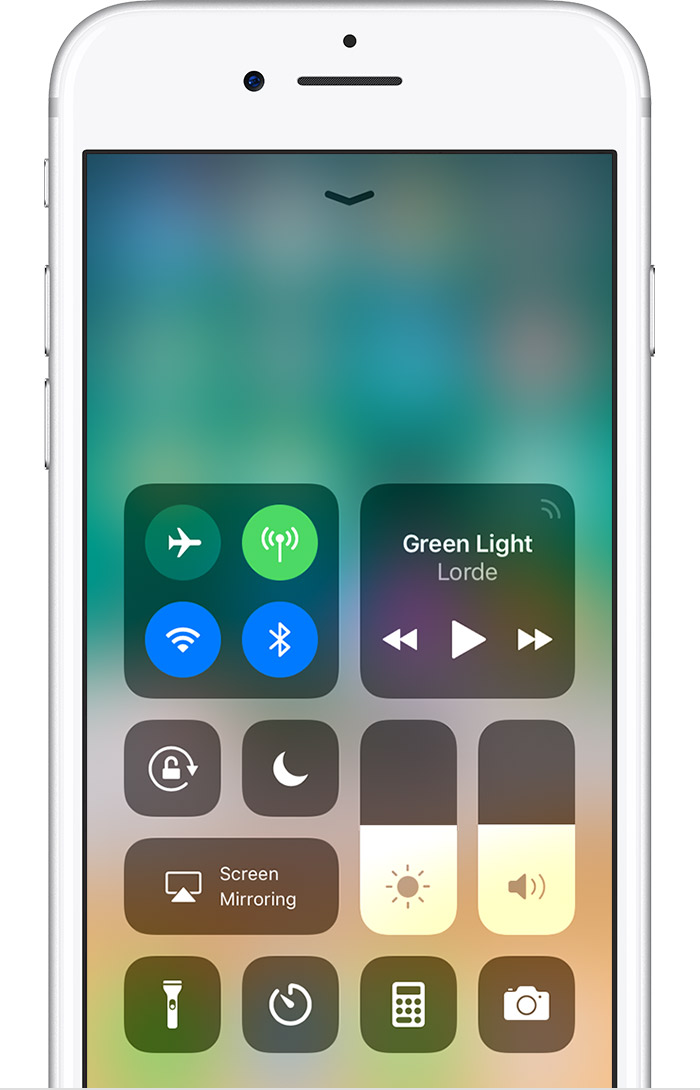
Control Center
Swipe up from the bottom edge of the screen to open Control Center, then tap
.
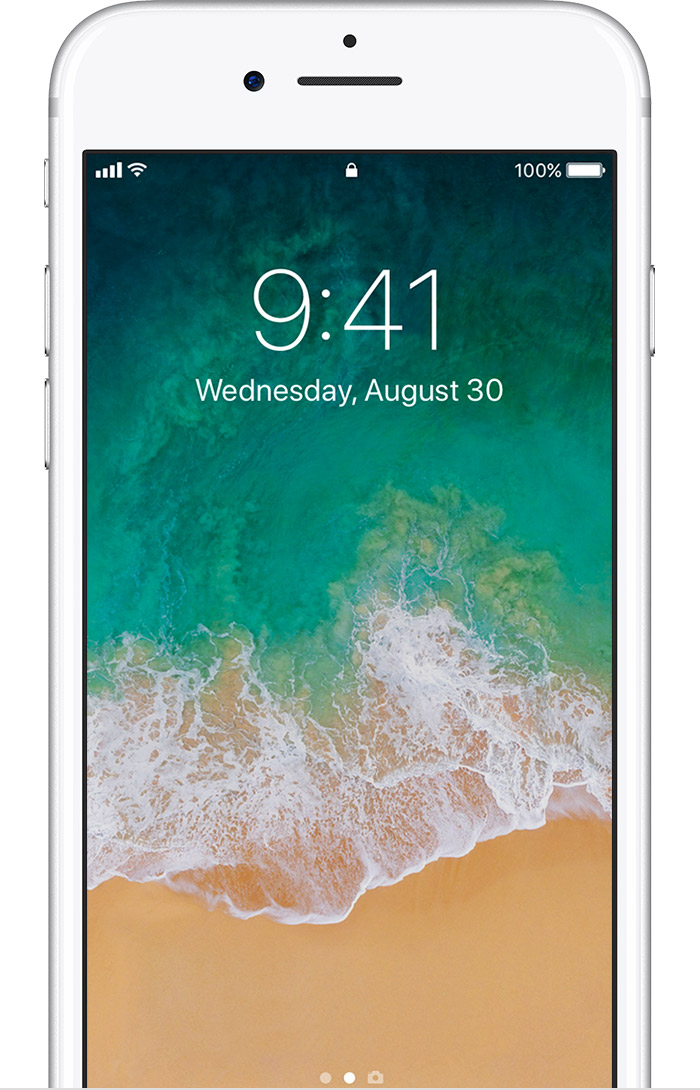
Lock screen
On your Lock screen, swipe to the left.
Get help with the camera on your iPhone, iPad, or iPod touch -- Review this article to see if any of your issues are covered here.
If this is not the direction that you are going, feel free to get back to us with more detail about the issue you're having.
Take care!
iphone 7+ Camera short cut not working sometimes