Using face id requires passcode immediately, or does it?

Using face id requires passcode immediately, but that's a problem in the dark! Will there be a time when we can choose a delayed passcode required, when using face id? I would be nice to be able to read in the dark without needing to enter my code manually, as obviously I am slower reading a page than the phone locking out. Thx!

iPhone X, iOS 11.1

Posted on Nov 23, 2017 1:35 PM

Reply
10 replies

Apr 8, 2018 3:46 AM in response to Permanink

The issue is that we need there to be an option to extend the amount of time that the IOS requires Face ID to be needed to unlock the phone.

Previous to Face ID, Touch ID was also required to be set at "immediately" when using Apple Pay. No other delays were possible when Apple Pay is enabled.


Do you have Apple Pay enabled?


Feedback for Apple goes here >>> http://apple.com/feedback

Dec 24, 2017 7:49 PM in response to jeremy_v

Thank you for your detailed response, Jeremy. I have a similar question to the OP that was not answered.

How can we delay requirement of FaceID when the phone is locked?

There is a setting to do this, but it seems to be disabled for some reason, perhaps a weakness of FaceID.

If you go to: Settings -> Face ID & Passcode -> Require Passcode...you're options are:...."Immediately", if you don't like that option, you are out of luck because it is the only option. It is unclear why they even retained the button to see you have no options.


It would be nice if you just Face-ID'd your phone to authenticate you are the user, to not require authentication again for a few minutes, but I can't find this option or a clear answer in the forums.


Thanks in advance,

Brandon


Oh yeah, I'm using an IphoneX with iOS 11.2.1, currently the most up-to-date distributed version as of 12.24.2017.


Feb 13, 2018 4:47 AM in response to DrBizzle

I upgraded from my iPhone 5 which required reauthentication after 4 hours to an iPhone X when it first came out. It worked perfectly ever since then, waking up without authentication but allowing Face ID authentication after 4 hours.

I then made the tragic mistake of switching off iPhone Unlock for Face ID and when I switched it back on, I had lost the 4 hour setting and only had Immediate as an option. I have no way of returning to my original setting.

If the reauthentication time options were broken from the start I wouldn't have missed it so much, but having had it working perfectly over the last months, I now find it immensely frustrating.

Jan 16, 2018 11:05 PM in response to zgiddy

Yeah, I've run into a bunch of situations where I don't want to have to keep re-authenticating so frequently (like wearing Ski-goggles/helmet, for example).


If Face ID really is as secure as it say it is (or even if it isn't) there should be an option to extend re-authentication time so you don't have to leave your screen on for hours to keep from having to keep unlocking it.


Any input is appreciated.

Apr 8, 2018 3:04 AM in response to jeremy_v

It doesn’t look like this issue has really been replied to. The answer posted here almost seems like it was generated by an automated system as it responded to some keywords but not the issue. If you are an actual person, Jeremy, can you Re-read the issue and respond to it? The issue is that we need there to be an option to extend the amount of time that the IOS requires Face ID to be needed to unlock the phone. It’s a problem for me when driving. As soon as my screen goes dark, I’m required to use Face ID to unlock my phone, which means I have to take it off my car mount and hold it up to my face or lean over to get my face in view of the camera. I drive 6 hours/day on average and have to respond to over 200 messages/day for my work which is field tech support. My only option is to turn off Face ID to unlock my phone which is disappointing to not be able to take advantage of that feature. It was the same issue with the fingerprint option. This should be up to the customer to choose how much time between locks, not Apple.

Nov 24, 2017 10:50 AM in response to Knadster

Hi, Knadster.

Congratulations on your new iPhone X! It appears, however, that you're being required to enter your passcode to unlock your iPhone instead of using Face ID to do so. I'm happy to help.

Use Face ID on iPhone X

Unlock your iPhone X with Face ID

User uploaded file
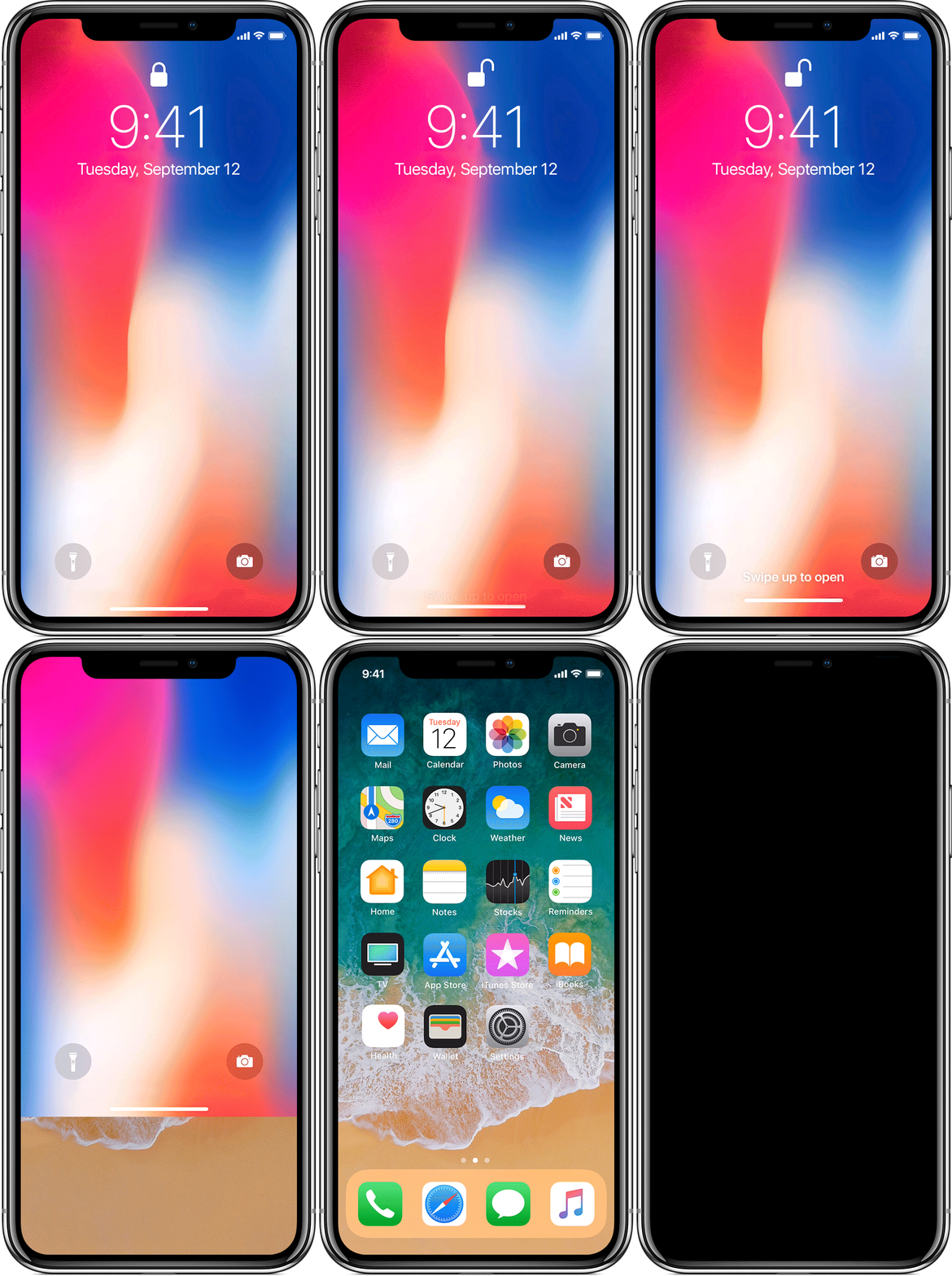
After you set up Face ID, you can use it to unlock your iPhone. Here's how:

  1. Raise to wake or tap to wake your iPhone X.
  2. Glance at your iPhone X.
  3. When the lock icon on your screen animates from closed to open, swipe up from the bottom of the screen to unlock.

To turn this feature on or off, go to Settings > Face ID & Passcode > iPhone Unlock.

Get help with Face ID on your iPhone X -- There are certain situations where your passcode will be required.

If you need to enter your passcode

You might need to enter your passcode or Apple ID instead of using Face ID in these situations:

  • The device has just been turned on or restarted.
  • The device hasn’t been unlocked for more than 48 hours.
  • The passcode hasn’t been used to unlock the device in the last six and a half days and Face ID hasn't unlocked the device in the last 4 hours.
  • The device has received a remote lock command.
  • After five unsuccessful attempts to match a face.
  • After initiating power off/Emergency SOS by pressing and holding either volume button and the side button simultaneously for 2 seconds.
  • If the device's battery is below 10%.

About Face ID advanced technology -- Here is more information about this new technology.
Take care!

This thread has been closed by the system or the community team. You may vote for any posts you find helpful, or search the Community for additional answers.

Using face id requires passcode immediately, or does it?

Welcome to Apple Support Community
A forum where Apple customers help each other with their products. Get started with your Apple Account.