Good morning Shyla27,
Welcome to the Apple Support Communities!
I understand you are having issues with your Smart Cover not putting your iPad Pro to sleep. First, make sure you have chosen the correct Smart Cover for your model:
About the iPad Smart Cover
Choose a Smart Cover that works with your iPad
Some Smart Covers and iPad models won't work together, even if they're the same size. You can check the packaging to see if a Smart Cover works with your iPad. Or find your iPad and the Smart Cover it works with here:
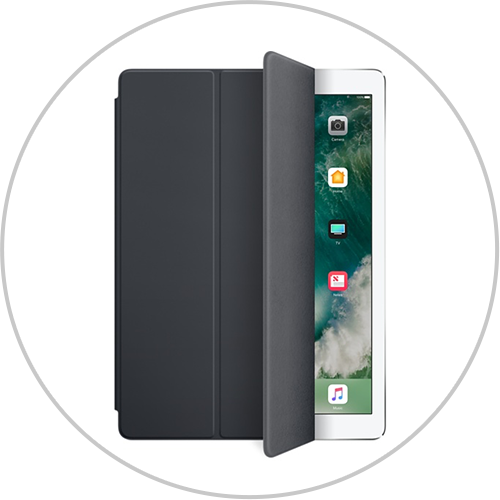
iPad Pro 12.9-inch (2nd generation) and iPad Pro 12.9-inch work with the iPad Pro 12.9-inch Smart Cover and the iPad Pro 12.9-inch Leather Smart Cover.

iPad Pro 10.5-inch works with the iPad Pro 10.5-inch Smart Cover and the iPad Pro 10.5-inch Leather Smart Cover.

If your iPad doesn't wake and sleep when you open and close the Smart Cover, go to Settings > Display & Brightness and turn on Lock/Unlock.
Based on everything you have tried, including the Lock/Unlock setting above, you may need to have an Apple Genius or an Apple Authorized Service Provider try a different Smart Cover to see if there is an issue with the one you have. Click on the link below to find one near you.
Make an Apple Store appointment
Find an Apple Authorized Service Provider
Take care.


