Good morning Goolz,
Welcome to the Apple Support Communities!
I understand you are missing part of the audiobook you purchased when you look for it in the iBooks app on your iPad. You can redownload the audiobook by following the steps below:
Redownload apps, music, movies, TV shows, and books from the iTunes Store, iBooks Store, and App Store
Redownload books or audiobooks
You can redownload books in iBooks on an iPhone, iPad, iPod touch, or Mac. You can redownload audiobooks in iBooks on an iPhone, iPad, or iPod touch; or in iTunes on a Mac or PC.
- Open the iBooks app.
- Tap Purchased at the bottom of the screen, then tap Books or Audiobooks, depending on what you want to redownload.
- Tap "Not on This [device]."
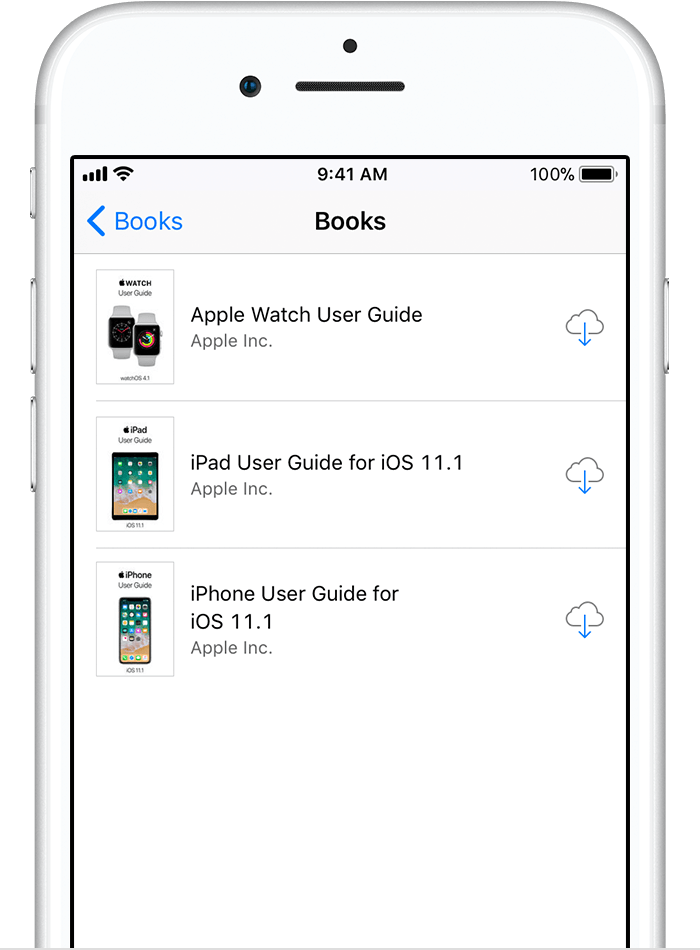
- Find the book or audiobook that you want to download, then tap
 . The item downloads to your device.
If Part 1 doesn't appear when you redownload the audiobook, click on the link below to report the issue to the iTunes Store support team:
iTunes Store - Contact Us
Use this form for assistance with account and billing, code redemption, or purchase questions
All the best to you in 2018!


